Blog · Google Maps · 6 min read
Google Business Profile for clinics: how to set it up right
Your Google Business Profile often decides which clinic a patient calls. Here is every field to set up, how verification works, how to reply to reviews safely and what gets profiles suspended.
By the Kren Agency team ·
A Google Business Profile is the free listing that shows your clinic’s name, phone number, hours, photos and reviews on Google Search and Google Maps. It often decides which clinic a patient calls, because they can ring you or get directions without opening a website. Here is how to set it up properly.
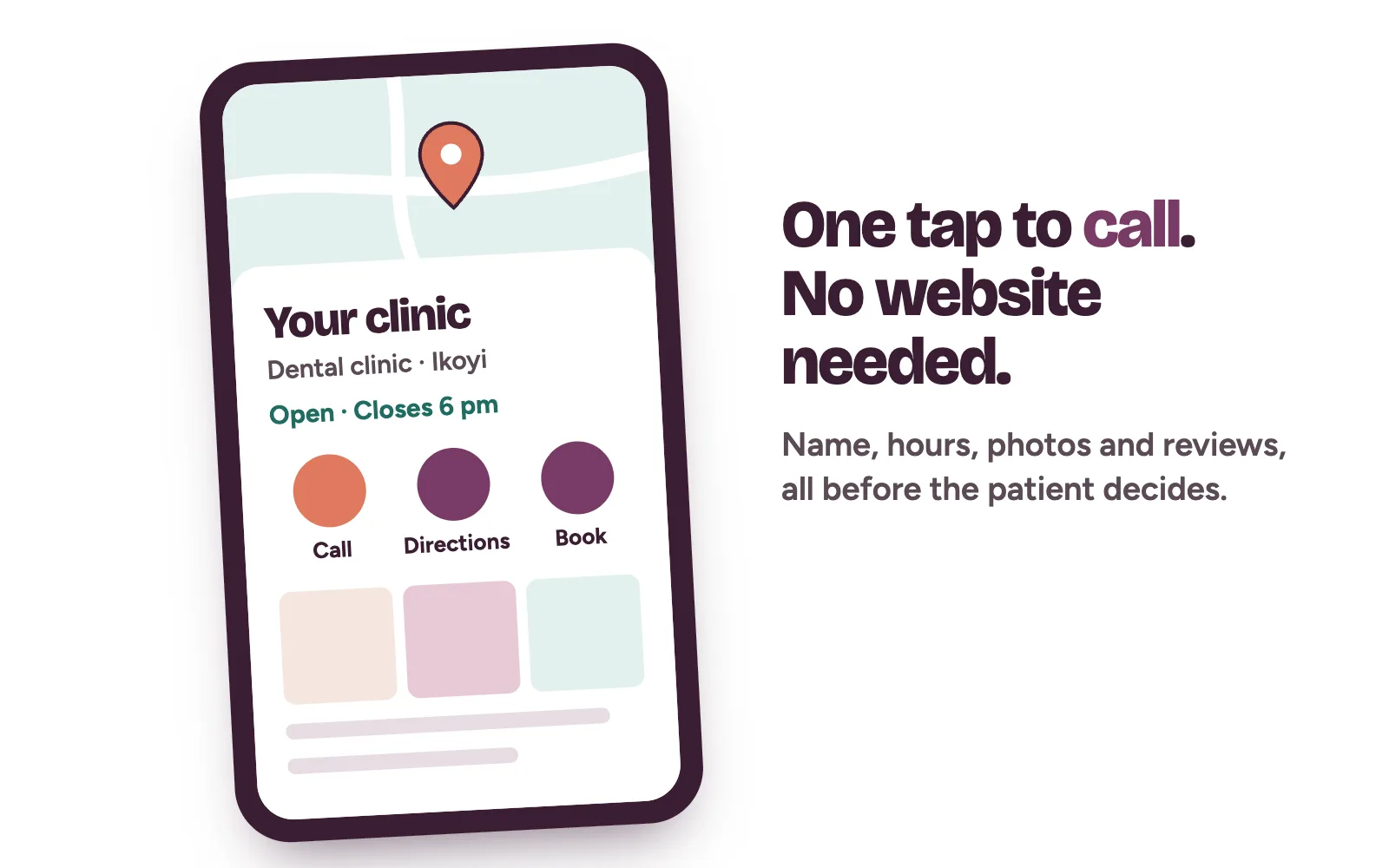
What is a Google Business Profile, and why does it decide who patients call?
Google ranks these listings mainly on relevance, distance and prominence, and nobody can pay for a better position. We covered that in how to get your clinic on Google Maps in Nigeria. This post covers each field of the profile and the rules that keep it live.
How do you create or claim your clinic’s profile?
- Use a Google account the clinic owns. Never a staff member’s personal email.
- Search Google Maps for your clinic’s name and area. If it’s there and unverified, select “Claim this business”, then “Manage now”.
- If someone else already verified it, request ownership from the current owner through Google’s steps.
- If it isn’t listed, go to business.google.com/add and follow the prompts.
Google allows one profile per physical location. Doctors who see patients directly may have their own profile, named only after them. The clinic keeps one profile for the location.
Which category should a clinic choose?
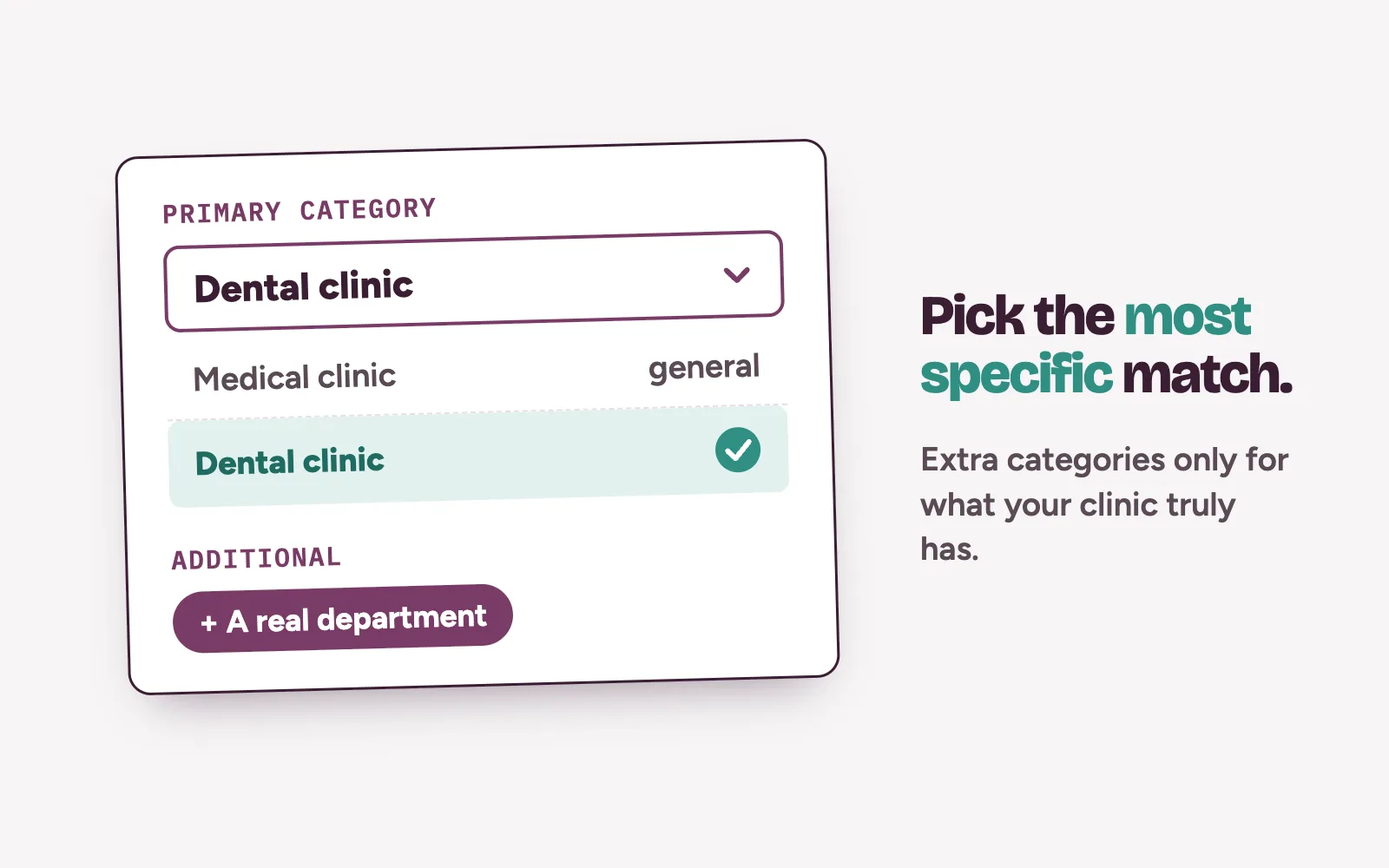
Google says categories affect your local ranking. Choose the most specific primary category on Google’s list that describes what your clinic is. A dental practice should pick a dental category over a general medical one.
Additional categories are for distinct departments or services. Don’t add one for every treatment. Changing categories may mean verifying again.
Address or service area?
If patients come to you, enter your precise street address and place the pin on your building. Google rejects PO boxes and virtual offices.
If you only treat patients at home set a service area and hide your address. Google says a service area shouldn’t stretch beyond about two hours’ drive from your base. If you do both, keep the address visible and add the areas you visit.
Hours, phone and booking links
Hours. List the hours patients can walk in, plus special hours for public holidays. Google’s guidelines say appointment-only businesses shouldn’t list hours, so match this to how your clinic works.
Phone. Use a local number your clinic controls. Google doesn’t allow numbers that redirect elsewhere. Someone must answer it.
Website and booking. Link your clinic’s own website. If your profile shows a Booking option, add the link to the page where patients book. If yours doesn’t show it, make sure your phone line and website lead straight to someone who books.
Services, description and photos
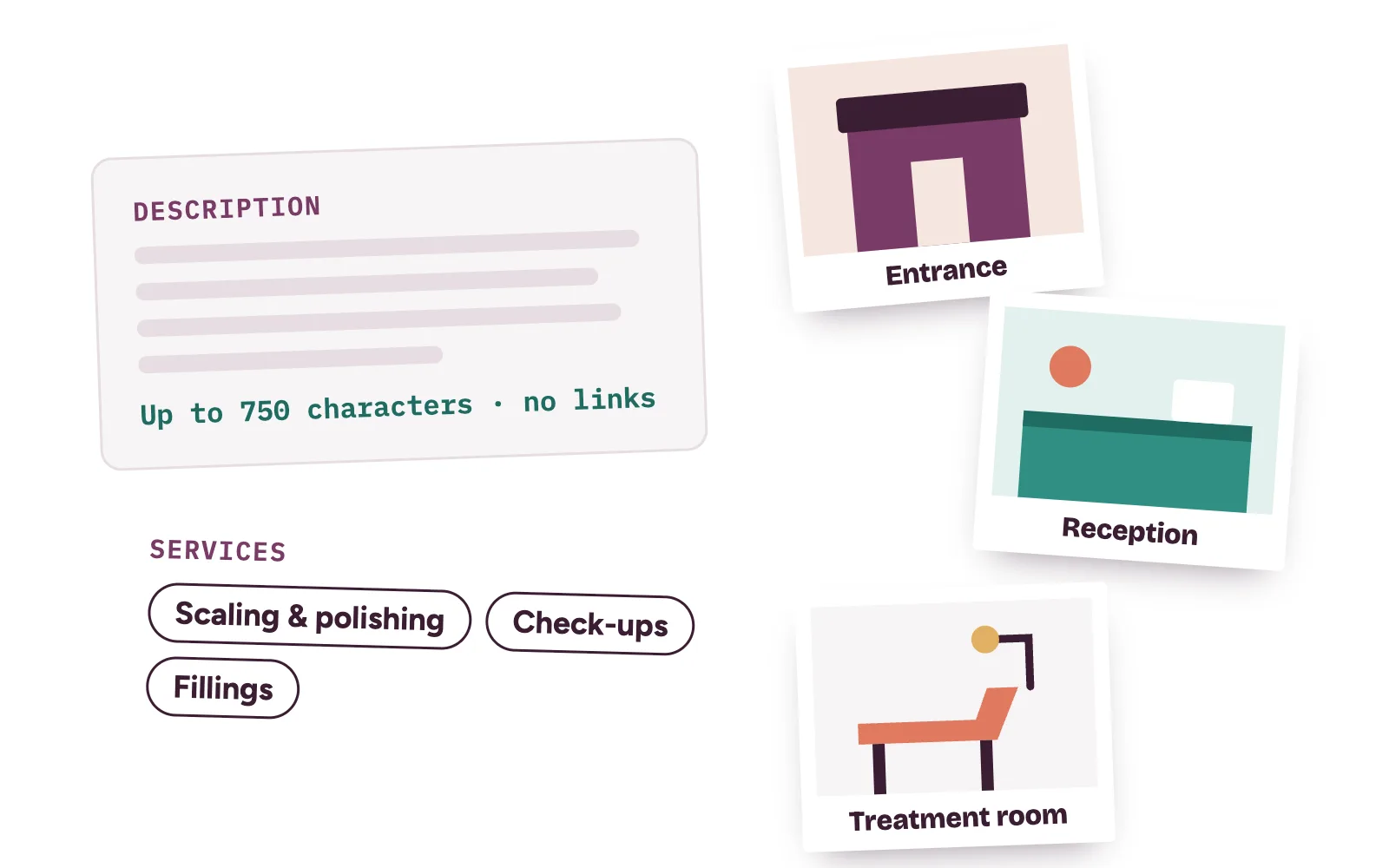
Description. You get up to 750 characters. Google says no links or HTML, and to focus on the business over promotions, prices or sales. Say who you treat, where you are and how to book. Promise no results.
Services. Where Google offers a services list, use the words patients search for, like scaling and polishing.
Photos. Show the entrance, signboard, reception, treatment rooms and equipment. Keep patients, faces and screens with records out of every shot.
How does Google verify a clinic?
Google picks your verification method automatically, and you can’t change it. Options include phone or text, email, video, postcard or instant verification. Google says most postcard codes arrive within 14 days, and reviews can take up to 5 business days (Google Business Profile Help: verify your business).
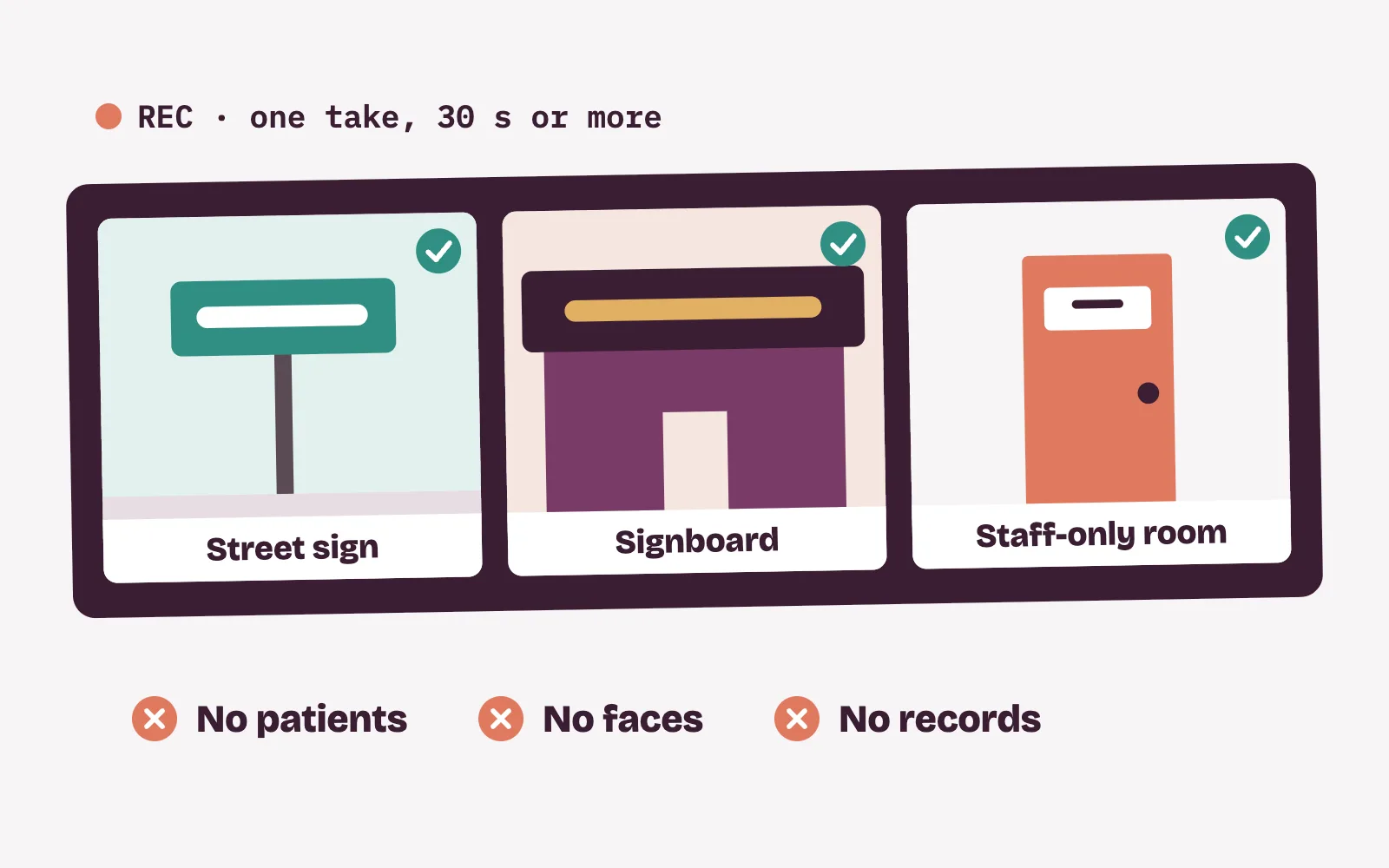
For a video recording, film one unedited clip of at least 30 seconds on your phone. Show a street sign or landmark, your signboard and a staff-only area. Google says it must not show other people’s faces or private information, so record before opening. While a postcard code is pending, don’t change your name, address or category.
Reviews: ask, then reply without breaking patient privacy
Ask after a good visit with your Google review link or a QR code at the front desk. Google strictly prohibits offering discounts or free services in exchange for reviews.
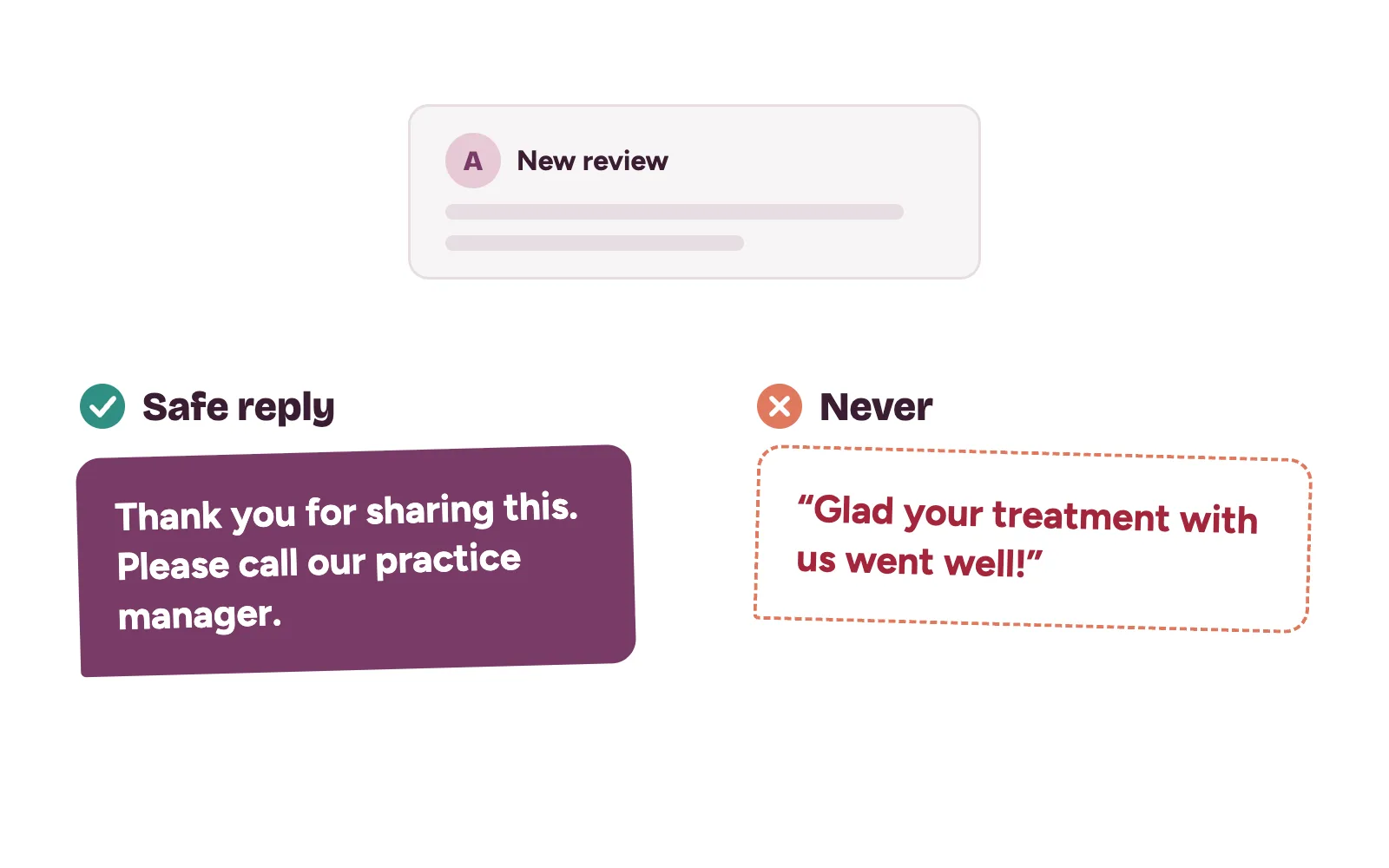
When you reply, Google advises being professional, brief and prompt, and never sharing private information. Clinics need one more rule: never confirm that the reviewer is your patient, and never mention a treatment, even when they did. A safe reply: “Thank you for sharing this. We’d like to hear more, so please call our practice manager on the clinic line.”
Mistakes that get clinic profiles suspended or hidden
Google’s guidelines for representing your business spell these out, and breaking them can get a profile suspended:
- Adding services, areas or taglines to the name, like “[Clinic name] Teeth Whitening Lekki”. Use the name on your signboard.
- A second profile for the same location.
- A virtual office or PO box as the address.
- Rewarding patients for reviews.
- A number that redirects to another business line.
Then keep it current. Set holiday hours early, add photos when rooms change and reply to every review.
How Kren turns profile views into booked patients
A strong profile brings the call. What happens next decides the booking. Missed calls and slow replies lose patients, as we showed in how to stop losing patients in your DMs.
Kren is a done-for-you team for private clinics in Lagos and Abuja. We set up your profile, handle verification and run review requests and replies. We make sure every call, message and form gets a fast answer, and set up reminders and follow-ups. Your front desk does the final booking. See our lead generation for clinics and bookings and no-shows work.
Want to see where your Google Business Profile is losing you patients today? On a 30-minute strategy call, we review it live with you. Show me where my clinic is losing patients →
Questions clinic owners ask about Google Business Profile
Does a Google Business Profile cost anything?
No. Google lets you add or claim your business at no charge. Google also says there is no way to pay for a better local ranking.
Can each doctor in our clinic have a profile?
Yes, if the doctor sees patients directly and can be reached at the clinic during its hours. That profile carries only the doctor’s name, and the clinic keeps one profile for the location.
How long does verification take?
It depends on the method. Google says most postcard codes arrive within 14 days, and reviews usually take up to 5 business days.
What if a former staff member controls our profile?
Sign in with an account the clinic owns, find the profile and follow Google’s request ownership steps. The request goes to the current owner.