Blog · Google Maps · 5 min read
Google My Business is now Google Business Profile: what clinics must update
Google My Business is now Google Business Profile. Here is what the rename means for your clinic, who should control the profile and what to update now.
By the Kren Agency team ·
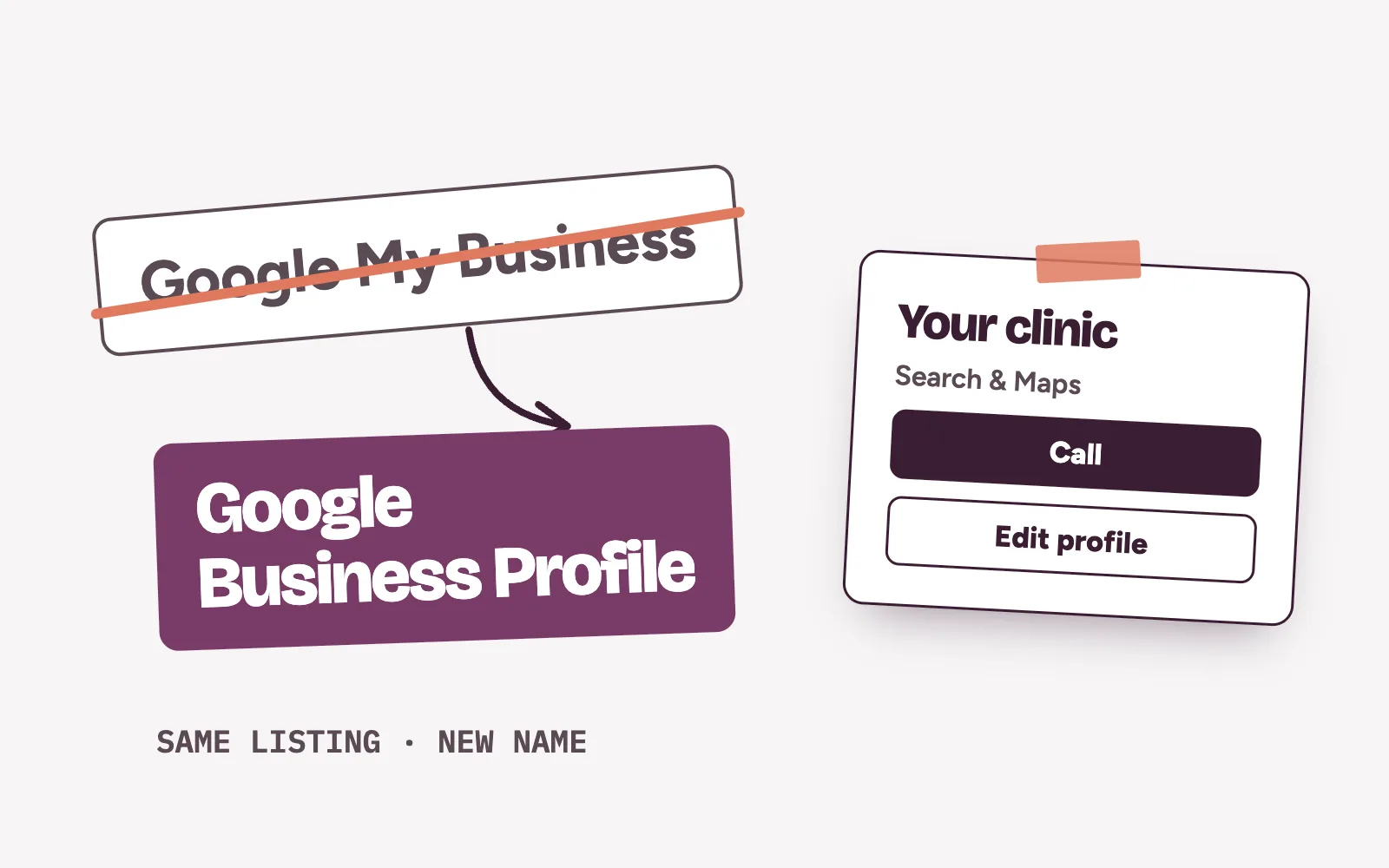
Google My Business is now called Google Business Profile. It is still the listing that shows your clinic’s name, phone number, hours, photos and reviews on Google Search and Google Maps, and you now edit it straight from Search or the Maps app. What matters is whether the details patients see today are still correct.
What changed when Google My Business became Google Business Profile?
Google’s own help pages describe Business Profile as the product “formerly known as Google My Business”. It lets you create and manage your clinic’s listing across Google Search and Google Maps, at no charge.
The biggest practical change is where you manage it. Once the profile is verified, you edit it directly on Google:
- On Google Search: sign in to the Google Account linked to the profile, search for your clinic, select Edit profile, make the change and select Save.
- In the Google Maps app: tap Business at the bottom right, tap Edit profile, change what you need and tap Save.
- Several branches: Google points larger businesses with multiple locations to its Business Profile Manager to manage profiles in bulk.
The steps are in Google’s help page on editing your Business Profile. Starting from scratch? Read setting up a Google Business Profile for clinics first.
Who controls your clinic’s profile today?
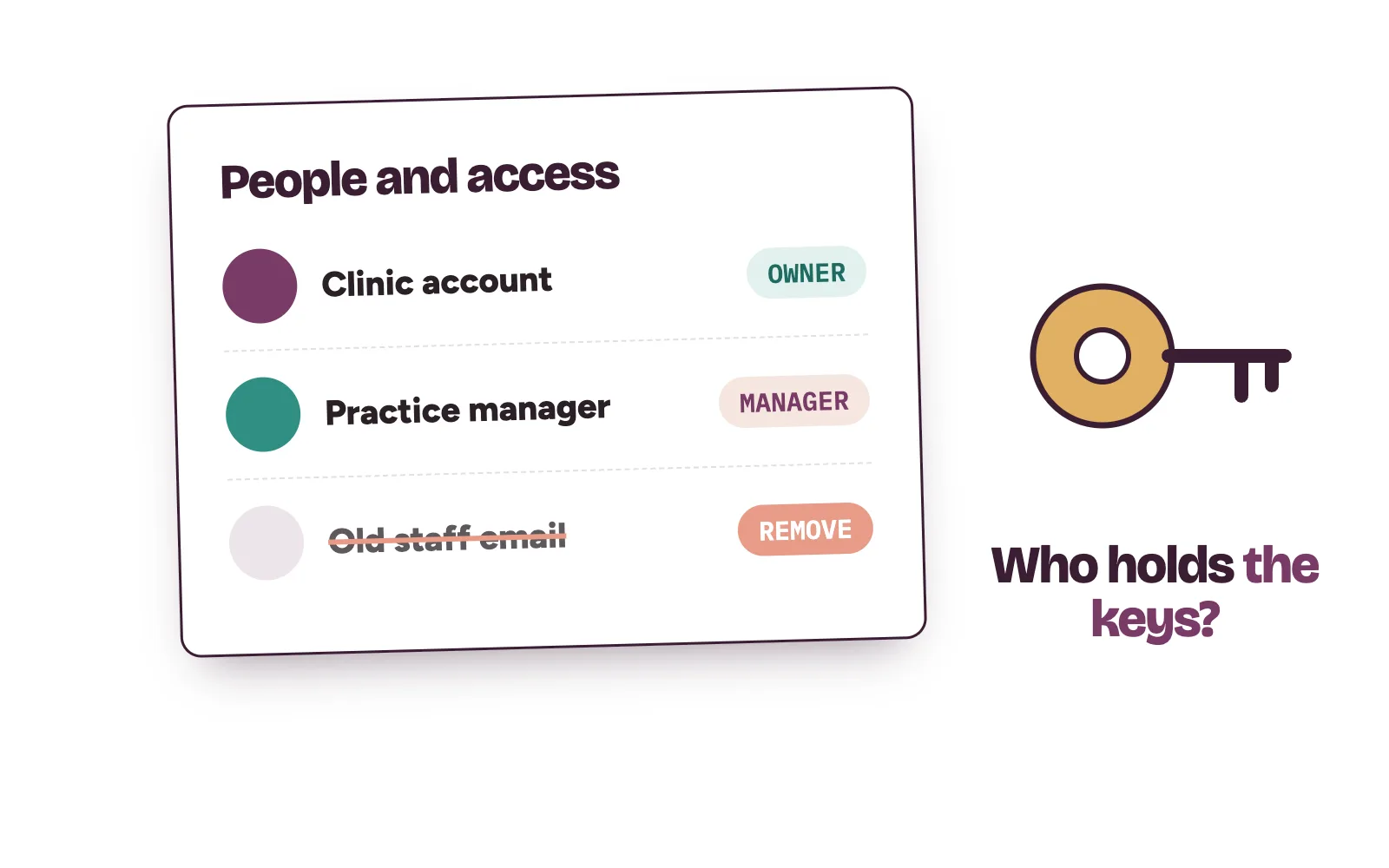
Many clinics set up Google My Business years ago through a staff member or a former agency. That person may still hold the keys.
Google gives two levels of access. Owners have full control, including adding and removing people. Managers can do almost everything an owner can, but they can’t add or remove users or remove the profile. A profile can have several owners and only one primary owner.
To check, go to business.google.com, then More, then Business Profile settings, then People and access. Then:
- Make sure a Google Account the clinic owns is an owner.
- Remove people who have left. Only owners can remove other owners and managers.
- Move primary ownership to the clinic account if it sits with someone else. Google makes new owners and managers wait 7 days before primary ownership can pass to them.
What should a clinic update on the profile now?
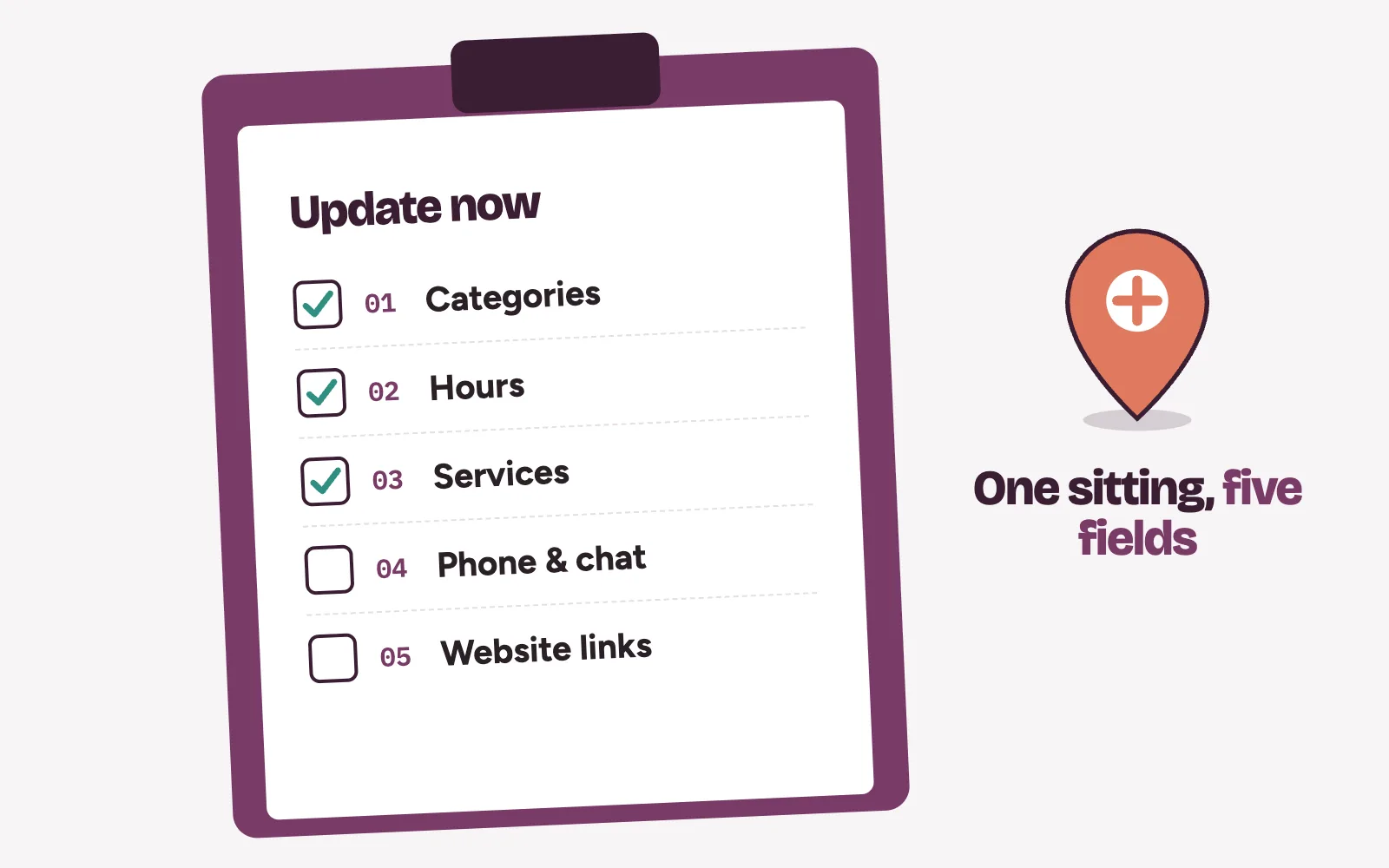
- Categories. Google says the categories you select affect your local ranking. Pick the most specific primary category that fits, and add extra categories only for real departments, not every treatment.
- Hours. Confirm your regular hours match the times patients can actually come in.
- Services. Google lets health and beauty businesses update their service list. Use the words patients search for.
- Phone and chat. The number must reach someone who books. Google also lets you add a chat option such as WhatsApp or text.
- Website and social links. Point them at pages you control.
A warning before you touch the name or category: Google says editing a category may mean verifying again, and a name change after verification may too. Make those changes only when they are needed.
How do holiday and special hours work?
Patients check Google before they travel. Wrong holiday hours mean a wasted trip and a lost patient.
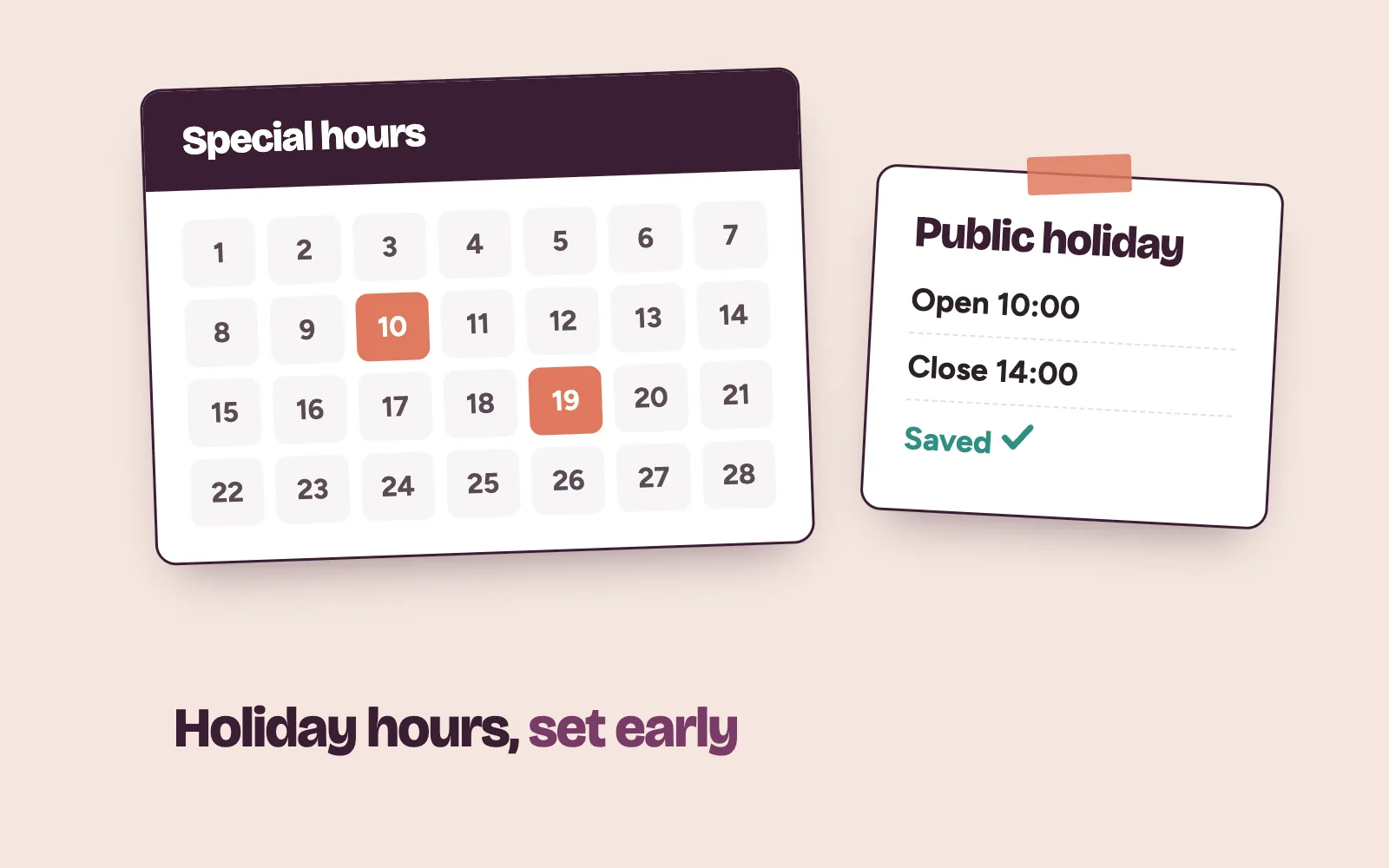
Google’s special hours cover temporary changes or closures of up to six days in a row, without touching your regular hours. Go to Edit profile, then Hours, then Special hours. For a closure of seven days or more, Google asks you to mark the business temporarily closed.
Two details catch clinics out. Special hours only show if your hours are set to “Open with main hours”. And Google suggests confirming public holiday hours even when they are the same as usual, so patients can see they are accurate.
Are the booking links on your profile yours?
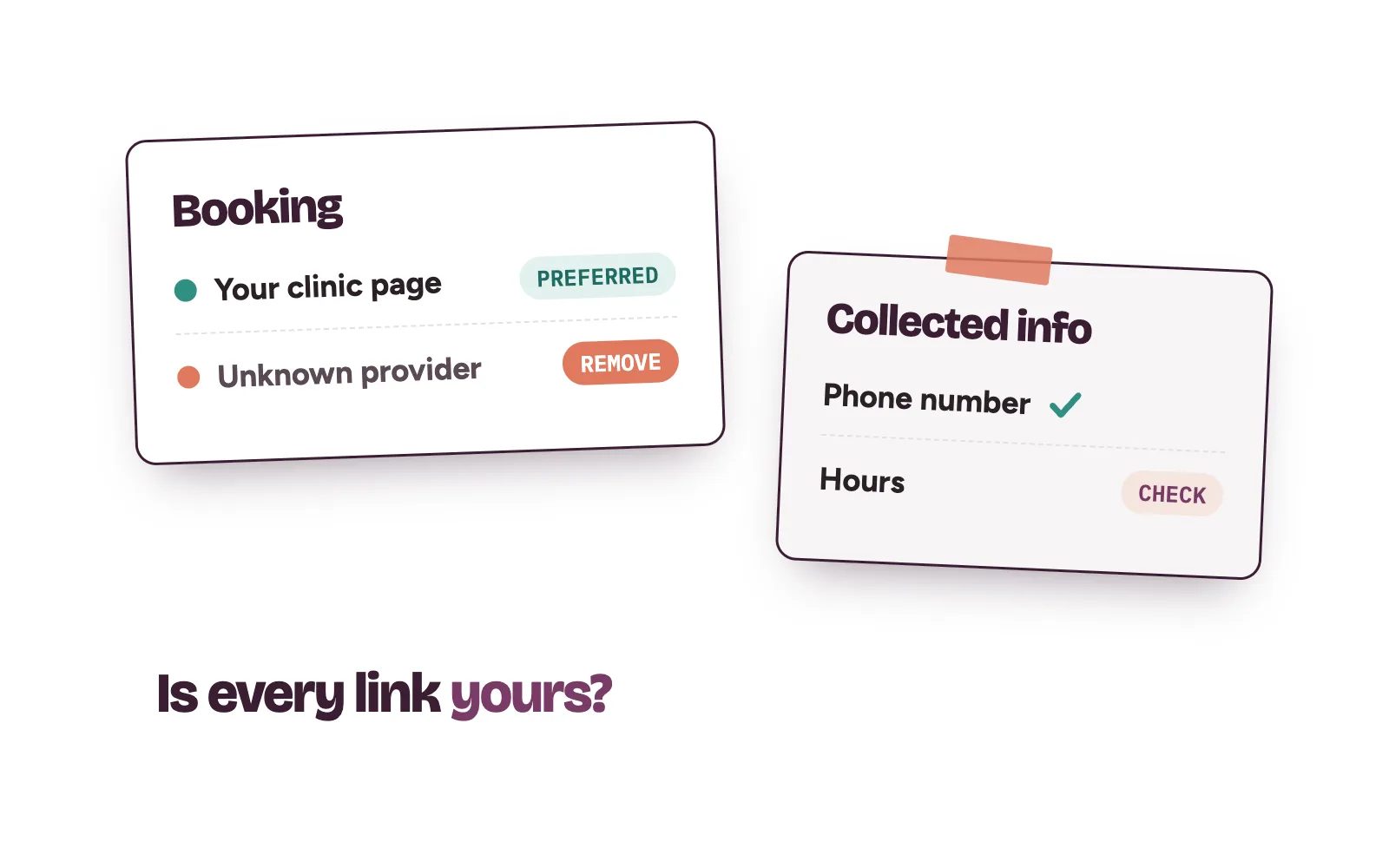
Where your profile shows a Booking option, you can add links where patients book an appointment, up to 10, and set one as preferred. In Google Search, select Booking. In Google Maps, select Edit profile and then the booking option.
Google also works with selected third-party providers, and some of their booking links can appear on Search and Maps automatically. If a link sends patients somewhere you don’t use, select Booking and then Remove Provider.
What can Google change without asking you?
Google may update your profile using information it collects, including by contacting your verified phone number. Members of the public can also suggest edits. Open Edit profile and check Collected info to see what came in, where from and when.
Google says a review of edits usually takes about 10 minutes, but can take up to 30 days.
A correct profile still needs someone to answer
An up-to-date profile brings the call or the chat. Bookings come from what happens next: a fast answer and a reminder before the visit. Reviews matter too, which we cover in getting more Google reviews for your clinic.
Kren is a done-for-you growth team for private clinics in Lagos and Abuja. We set up and look after your Google Business Profile, then make sure every enquiry it brings gets a fast reply and a follow-up. Your front desk does the final booking. See our lead generation for clinics and bookings and no-shows work.
On a 30-minute strategy call, we go through your profile with you and show where enquiries slip away. Show me where my clinic is losing patients →
Questions clinic owners ask about Google My Business
Do we need a new profile after the rename?
No new listing is needed for the rename. Google describes Business Profile as the product formerly known as Google My Business. Keep managing the profile you already have, signed in with the Google Account linked to it.
Does Google Business Profile cost anything?
No. Google says you can manage how your business shows up on Search and Maps at no charge.
Can a manager remove an owner from our profile?
No. Managers can’t add or remove users. Only owners can remove other owners and managers, so keep at least one owner account that the clinic controls.
Why does our profile show a booking link we never added?
Some third-party booking links appear on Search and Maps automatically. Select Booking on your profile and choose Remove Provider to take it off.