Blog · Google Maps · 5 min read
Google Business Profile posts and photos for clinics
What to post, which photos earn a patient's trust, Google's specs, and the privacy lines a clinic must never cross on its profile.
By the Kren Agency team ·
Google Business Profile posts and photos are what a patient sees after your name, rating and hours. Good ones show a real, open, well-run clinic and give the patient a reason to call today. Old, empty or blurry ones make a nearby clinic look like the safer choice.
This post covers what Google allows, what a clinic should actually post, the photos that earn trust, and the privacy lines you must never cross. If your profile isn't set up yet, start with setting up a Google Business Profile for your clinic.
What are Google Business Profile posts?
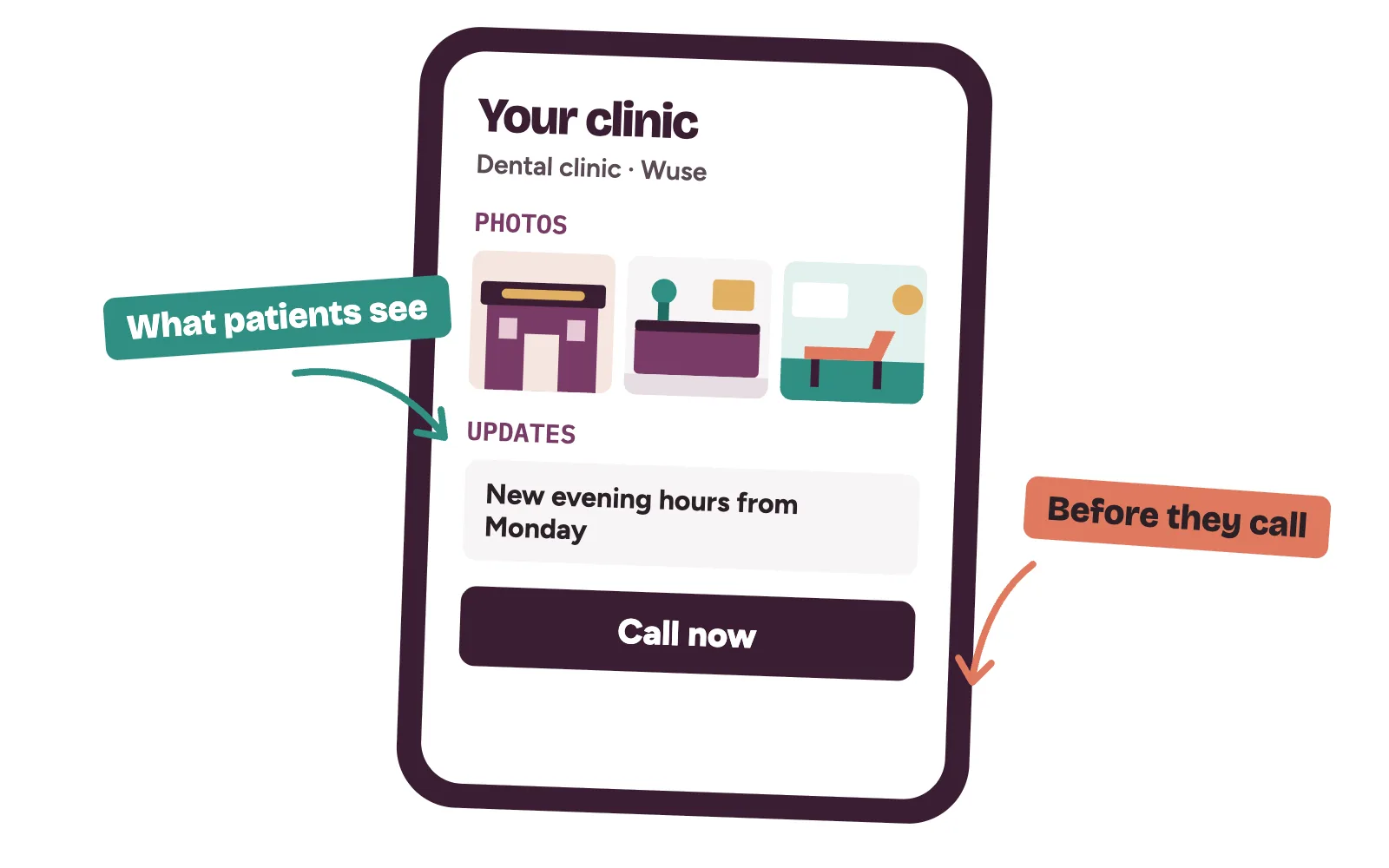
Posts are short updates you publish from your profile. Google says they show on Search and Maps, in the Updates or Overview tab on mobile and in the "From the owner" section on desktop (Google Business Profile Help: create posts).
There are three types:
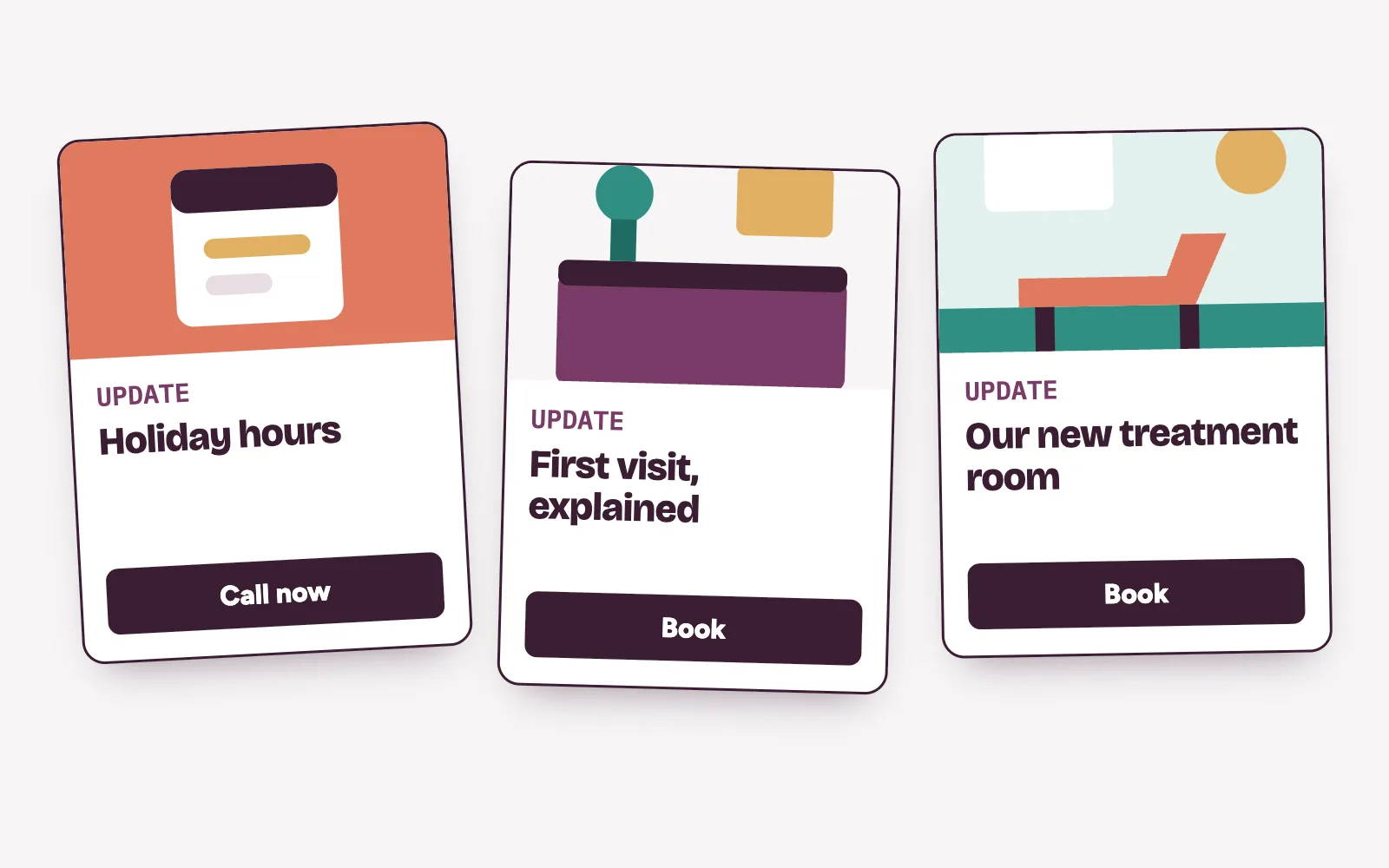
- Update. News about your clinic, with text, a photo or video, and an optional button to your website.
- Offer. Needs a title, dates and times. Google adds a "View offer" button by itself.
- Event. Needs a title plus start and end dates and times. Without times, Google shows it as lasting all day.
Google archives posts older than six months unless you set a date range. A post on an unverified profile stays pending and patients won't see it. If yours isn't verified, read how to verify your Google Business Profile in Nigeria first.
What should a clinic post?
Each post should answer one question a patient has before calling.
- Hours and closures. Public holiday hours, Sunday clinics, extended evenings.
- A service, explained. What happens at a scaling and polishing visit, or a first fertility consultation. Who it's for and how to book.
- Your team. A new consultant joining, with their consent and in a professional setting.
- Your rooms and equipment. A new treatment room or scanner, shown empty and clean.
- Events. A free screening day or health talk, with a clear date and time.
How to write each post
- Lead with the point in the first line: "Open this Saturday, 9 am to 2 pm."
- Add one real photo from your clinic.
- Add one button that leads to booking.
Leave your phone number out of the text. Google says posts with a number it can't link to your business may be rejected. Use the "Call now" button instead, which uses your verified profile number.
What to keep out of posts
Google treats health and medical devices and regulated pharmaceuticals as restricted. Posts must not link to pages that sell them, give contact details for buying them, or advertise deals on them.
Your profession's advertising rules apply too. Don't promise results, don't claim to be the top clinic in town, and never mention a patient or their treatment.
Which photos make patients call?
Patients look at photos to judge whether the place is real and safe. Google says exterior photos help customers recognise your business, and asks for images that are in focus, well lit and "represent reality" (Google Business Profile Help: add photos).
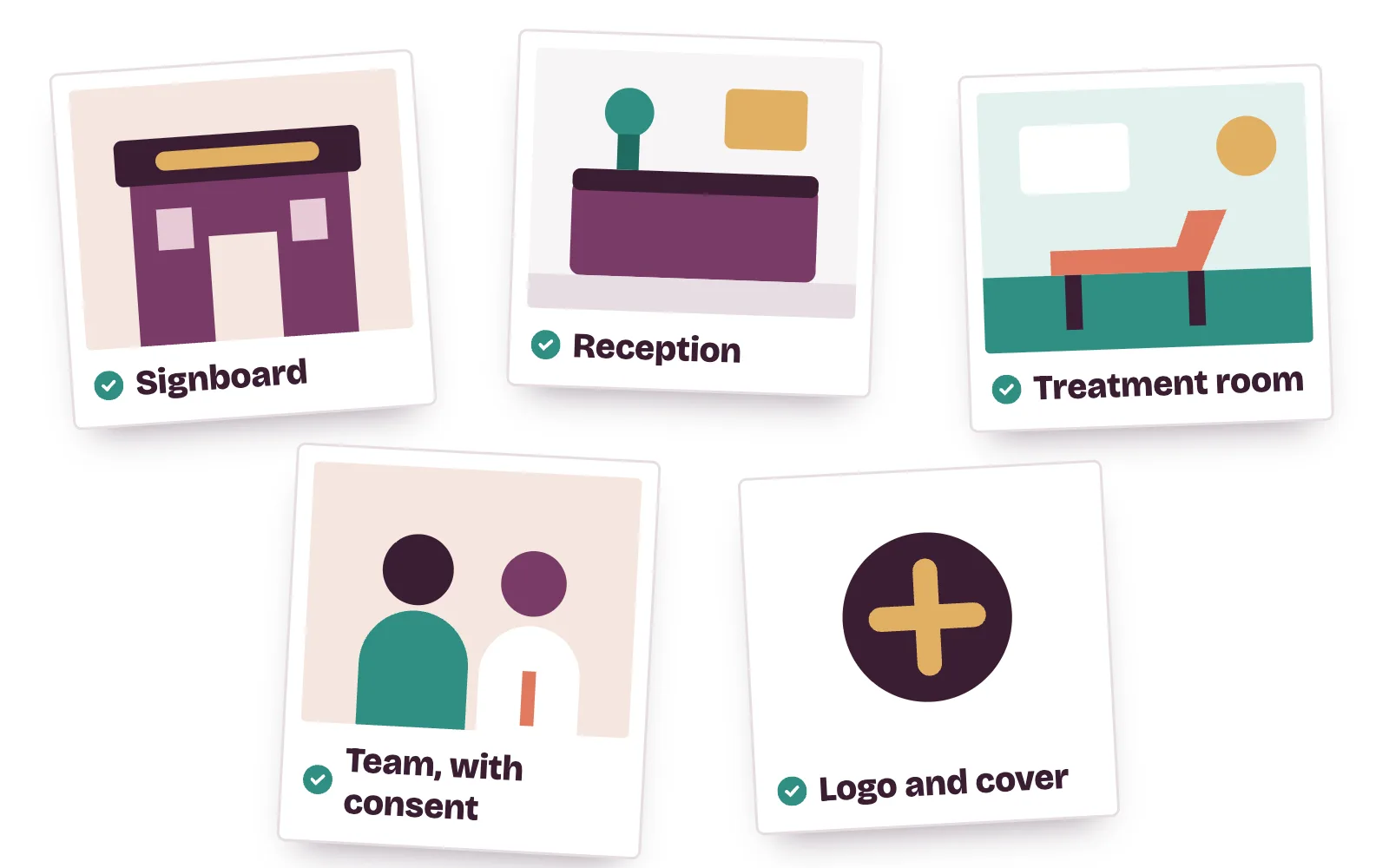
A clinic's photo set:
- Logo and cover photo. Your logo, and a cover that shows the clinic itself.
- Signboard and entrance. Taken from the road, so a patient in traffic knows they've arrived.
- Reception and waiting area. Clean, bright and empty of patients.
- Treatment rooms and equipment. What a patient will see when they walk in.
- Team. Staff in uniform, only with their written consent.
Google's photo and video specs
- Photos: JPG or PNG, between 10 KB and 5 MB.
- Photo size: 720 by 720 pixels recommended, 250 by 250 minimum.
- Videos: up to 30 seconds, up to 75 MB, 720p or higher.
- Review: new media can take 24 to 48 hours to appear.
Google's photo rules also ask for media you took yourself at the place. Avoid stock photos, screenshots, collages, added text or borders, and heavy filters.
Privacy: the line clinics must not cross
Google's content policy says posting someone's face without consent is a personal information violation. Medical information is also listed as personal information that must not be shared.
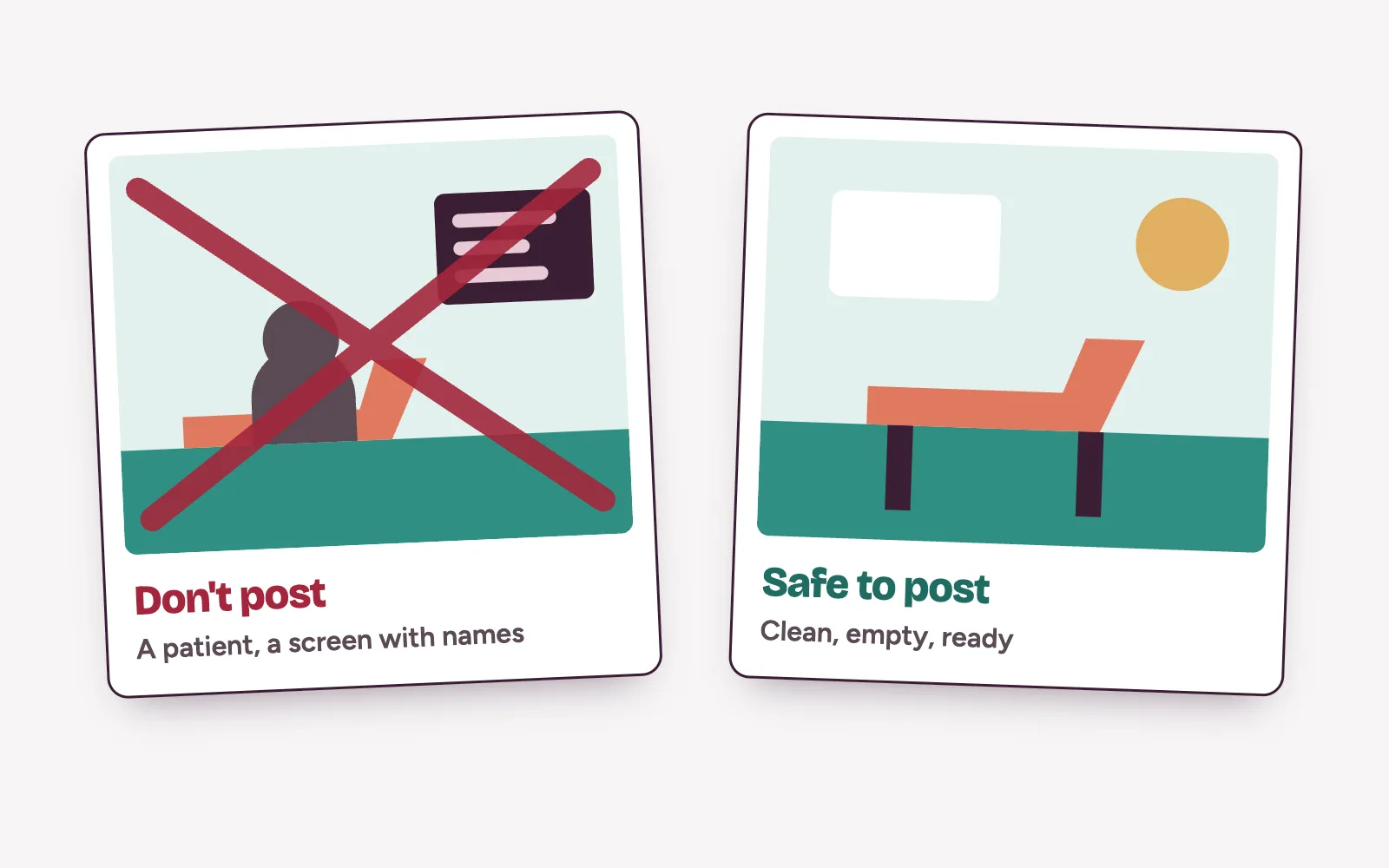
For a clinic, that means no patients in any photo, even in the background. No screens, files or appointment lists in frame. Before-and-after pictures need written patient consent and must follow your professional rules, so most clinics are safer leaving them off Google entirely.
Patients can also add photos to your profile. Check them each week. Google lets you request removal of a customer photo that breaks its rules.
How often should a clinic post?
Google doesn't set a number. A steady rhythm works for most clinics: one post a week and a few new photos a month. Google lets you schedule posts ahead and repeat regular ones, like weekend hours.
If posts go up and calls don't move, look at what happens after the call. Your Google reviews and the speed of your front desk decide the rest.
From profile views to booked patients
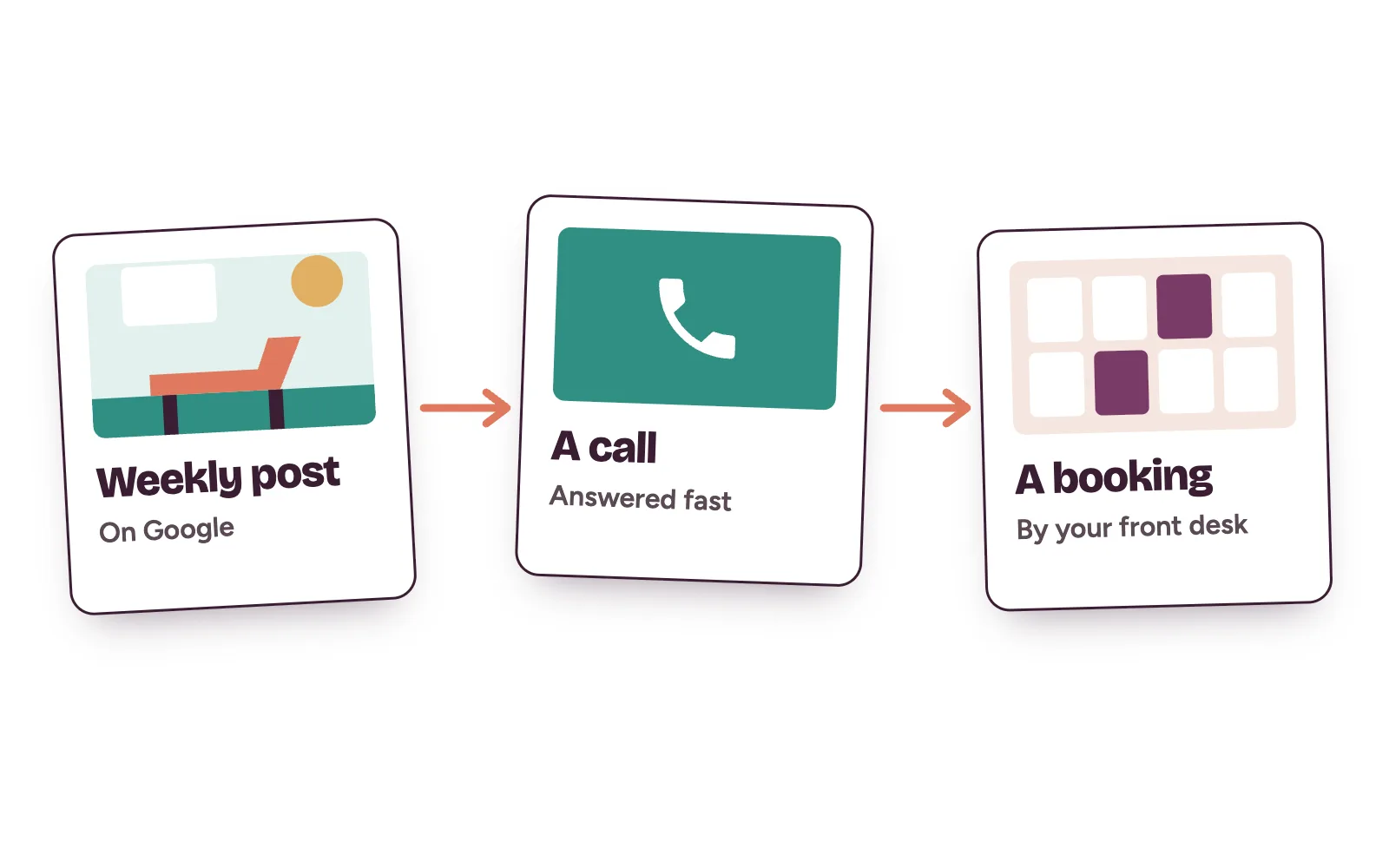
Kren is a done-for-you team for private clinics in Lagos and Abuja. We run your Google profile, keep it current, and make sure every call, message and form gets a fast answer. Your front desk does the final booking. See how we handle lead generation for clinics.
Questions clinic owners ask about profile posts
Do Google Business Profile posts expire?
Google archives posts older than six months unless you set a date range.
Can we put our phone number in a post?
Google may reject posts with a phone number it can't verify as yours. Add the "Call now" button instead. It uses the number on your verified profile.
Can we post before-and-after photos?
Only with written patient consent and within your professional advertising rules. Google counts faces posted without consent and medical details as personal information, so most clinics leave these off their profile.
Why is our post or photo still pending?
Google reviews new media, which can take 24 to 48 hours. Posts on a profile that isn't verified stay pending until verification is complete.
Want to see how your profile looks to a patient? On a 30-minute strategy call, we review your Google profile live and show you where calls slip away. Show me where my clinic is losing patients →