Blog · Google Maps · 5 min read
How to verify your Google Business Profile in Nigeria
Google picks how your clinic gets verified. Here is the video shot list that passes, the postcard mistakes that cost weeks, and what to do when verification fails.
By the Kren Agency team ·
To verify Google Business Profile listings, Google asks you to prove the clinic is real and that you manage it, using a method Google picks for you: a phone or text code, email, a video recording, a live video call, a postcard, or instant verification. For most clinics in Nigeria, it comes down to one clean video and no edits while Google reviews it.
Profile set-up is covered in Google Business Profile for clinics. This post is only about verification.
Why does verification matter for a clinic?
Until the profile is verified, you can't fully control what patients see on Google Maps and Search. Google says verification is what lets you make changes to the profile there. An unverified listing can carry an old phone number or wrong hours, and every patient who calls a dead line is a lost booking.
Which verification method will Google give you?
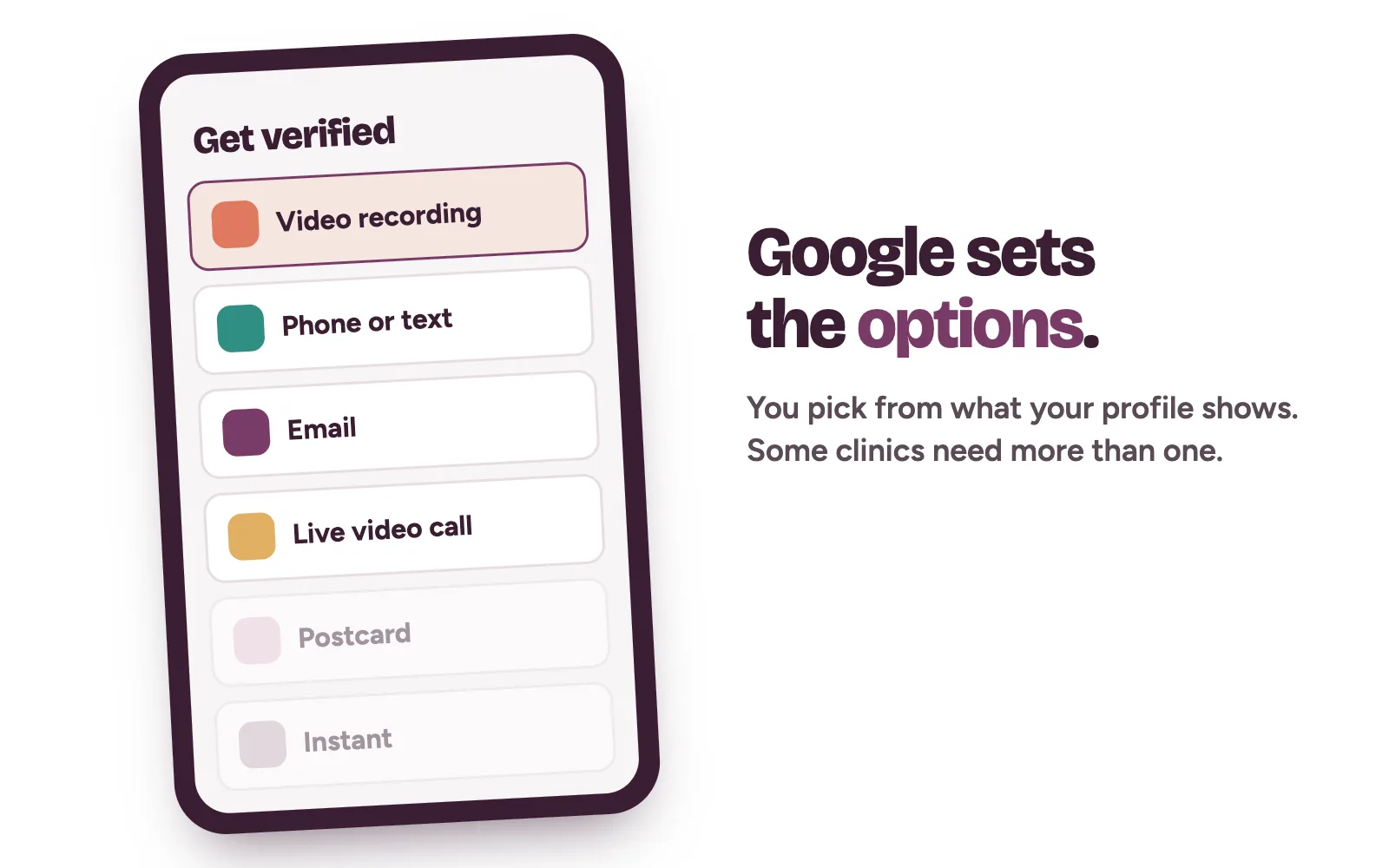
You don't pick. Google says verification methods are set automatically and can't be changed. It depends on your business type, public information, region and hours. You may need more than one.
- Phone or text. A code goes to the clinic's number. Google says automated phone menus (IVR) won't receive it, so the code must reach a person.
- Email. A message goes to an address you can open during verification.
- Video recording. You film the clinic on your phone and upload it.
- Live video call. A Google support representative walks you through it on a call, only during your listed business hours.
- Postcard. A code is mailed to your address. It isn't offered to every business.
- Instant. Some profiles verify at once, for example when the clinic's website is already verified in Google Search Console.
All of this comes from Google's own page on how to verify your business on Google.
How to verify Google Business Profile with a video recording
Video is the method many clinics get. Google's rules are strict: one unedited, complete recording with no breaks, at least 30 seconds long, filmed live from a phone through your Business Profile. You can't record earlier and upload later (Google Business Profile Help: verify with a video recording).
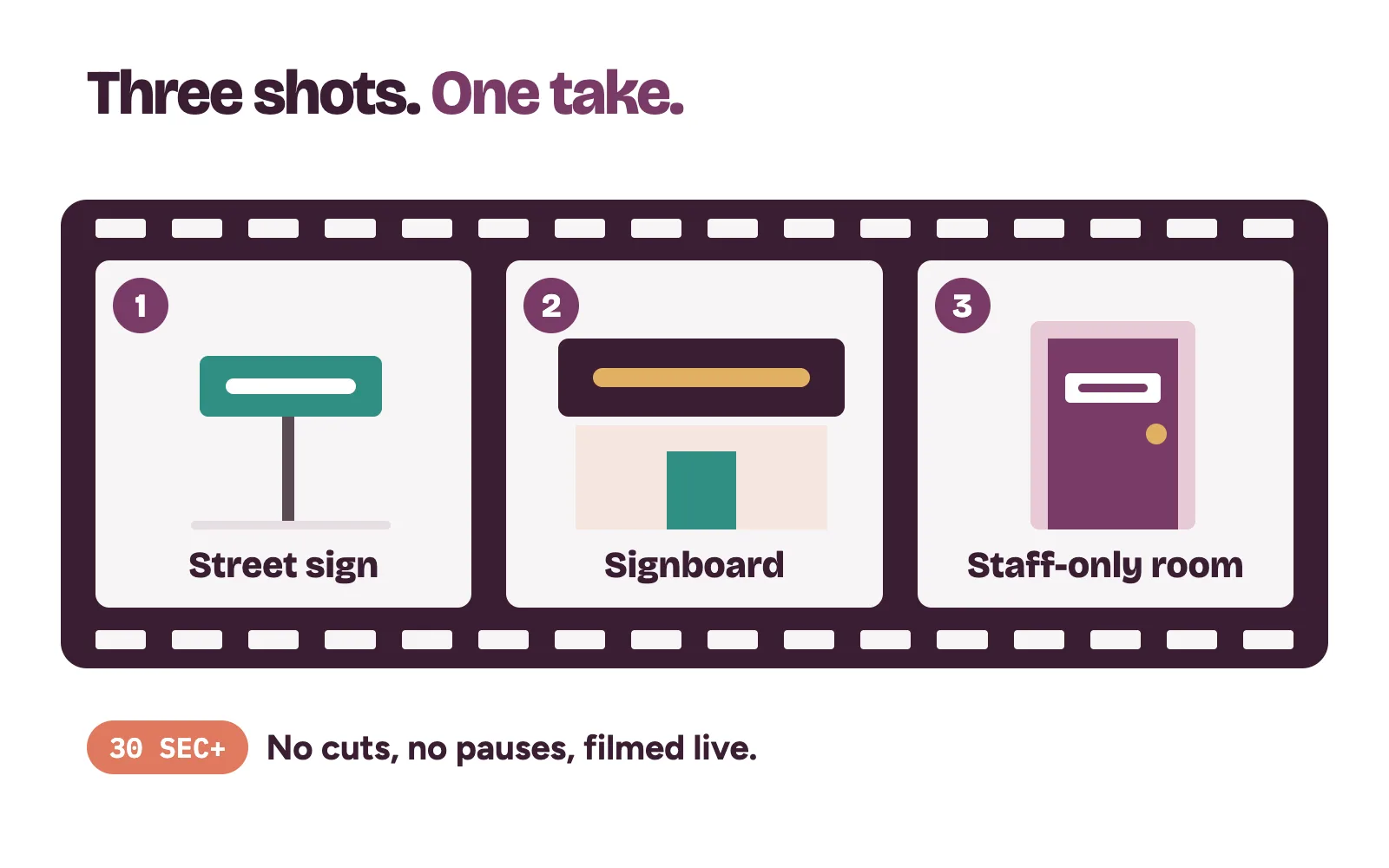
For a clinic with a physical address, the video must show three things in one take.
- Where you are. Start outside. Film a street sign, the building number, nearby businesses or a landmark patients know.
- That the clinic exists. Walk to your signboard. The name must be on a permanent fixture and must match the name on your profile exactly.
- That you manage it. Go inside and open somewhere only staff can reach, such as a store room, the sterilisation area or the till at reception.
What must stay out of the video?
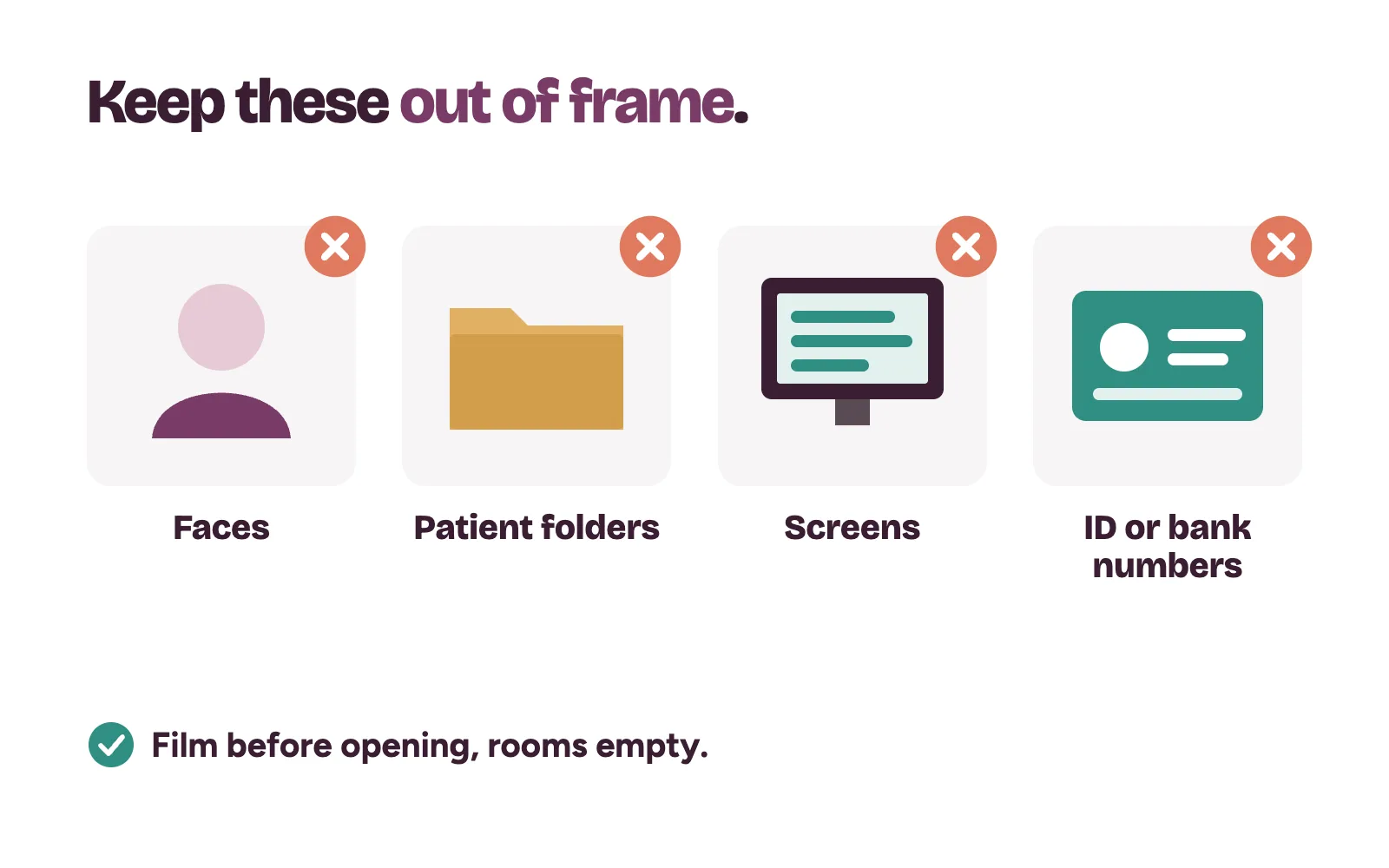
Google says the video must not show other people's faces, private information about anyone, or sensitive numbers like bank, tax or ID details. In a clinic, that means no patients, no staff faces, no folders, no screens and no appointment lists. Record before opening, with the waiting area empty.
Postcard and phone codes: the mistakes that cost weeks
Google says most postcard codes arrive within 14 days and expire after 30 days. While you wait, don't edit the clinic's name, address or category, because edits cancel the code. Don't request a new code either: the one in the post stops working and the process gets longer.
Keep the code private. Google says it never asks for it, so don't share it, even with people who help manage the profile.
What if verification fails or stays pending?
Google says verification reviews take up to 5 business days, and rarely longer. After that, look at what your profile shows.
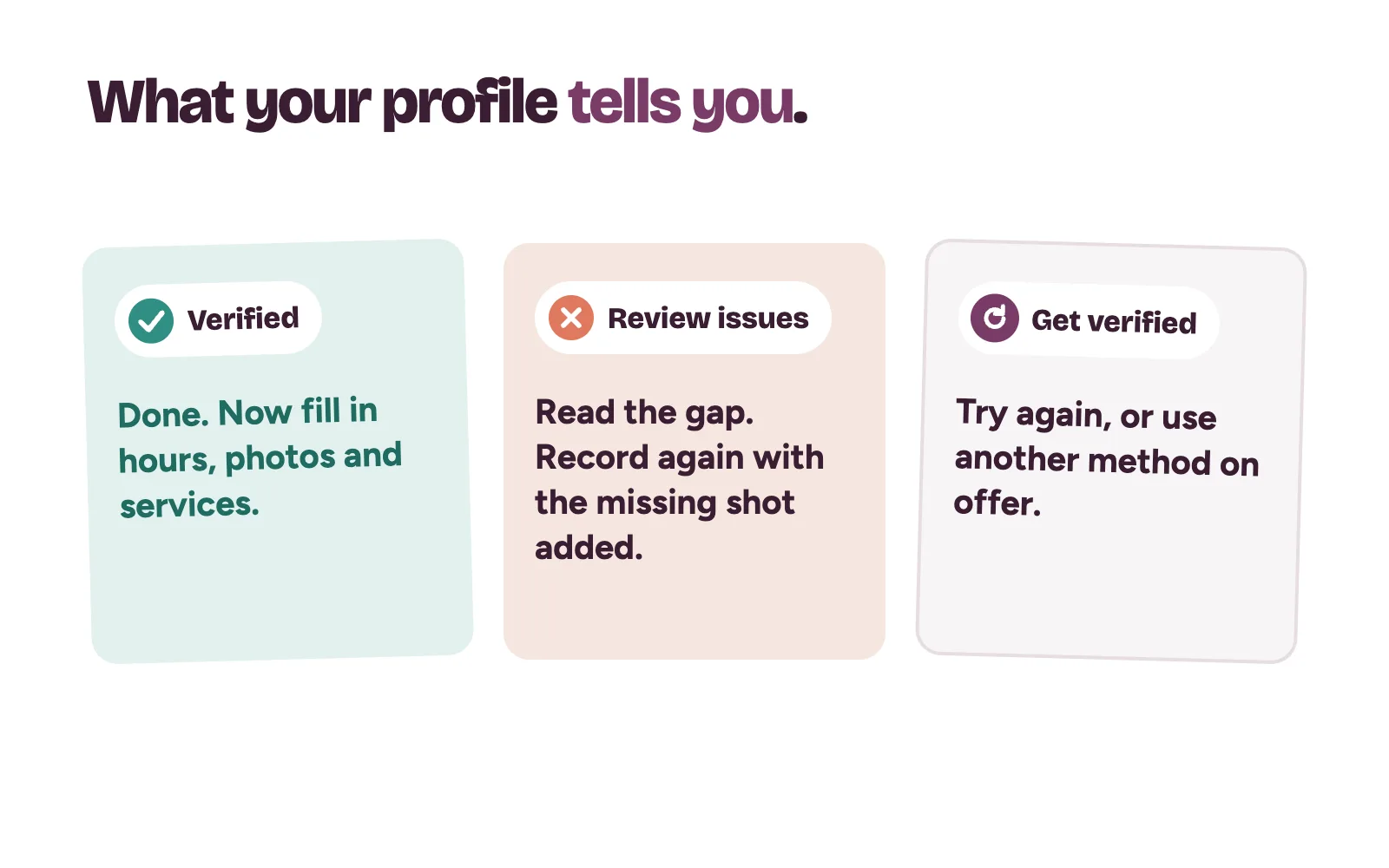
- "Get verified" is back. Google couldn't confirm the clinic. Try again, or use another method if one is offered.
- "Review issues" appears after a video. Open it. Google lists what was missing, such as a signboard that wasn't visible or no street shown. Record a new video with everything from the first one plus the missing part.
- Google asks for more information. This usually follows recent edits to the profile. Select Get verified and go through it again.
Still stuck? Google points owners to its Contact us page and the Business Profile community forum.
Someone else already verified your clinic
A former staff member or old agency may hold the listing. Go to business.google.com/add, find the clinic, select Request access and fill in the form. Google says the current owner has 3 days to respond. If they don't, you may be able to claim it from the link in Google's confirmation email, though Google notes that option isn't always available.
Will you have to verify again after changes?
Possibly. Google says changes to business information may require re-verification. Make big edits, like a new name, address or main category, together in one go, and have someone ready to film.
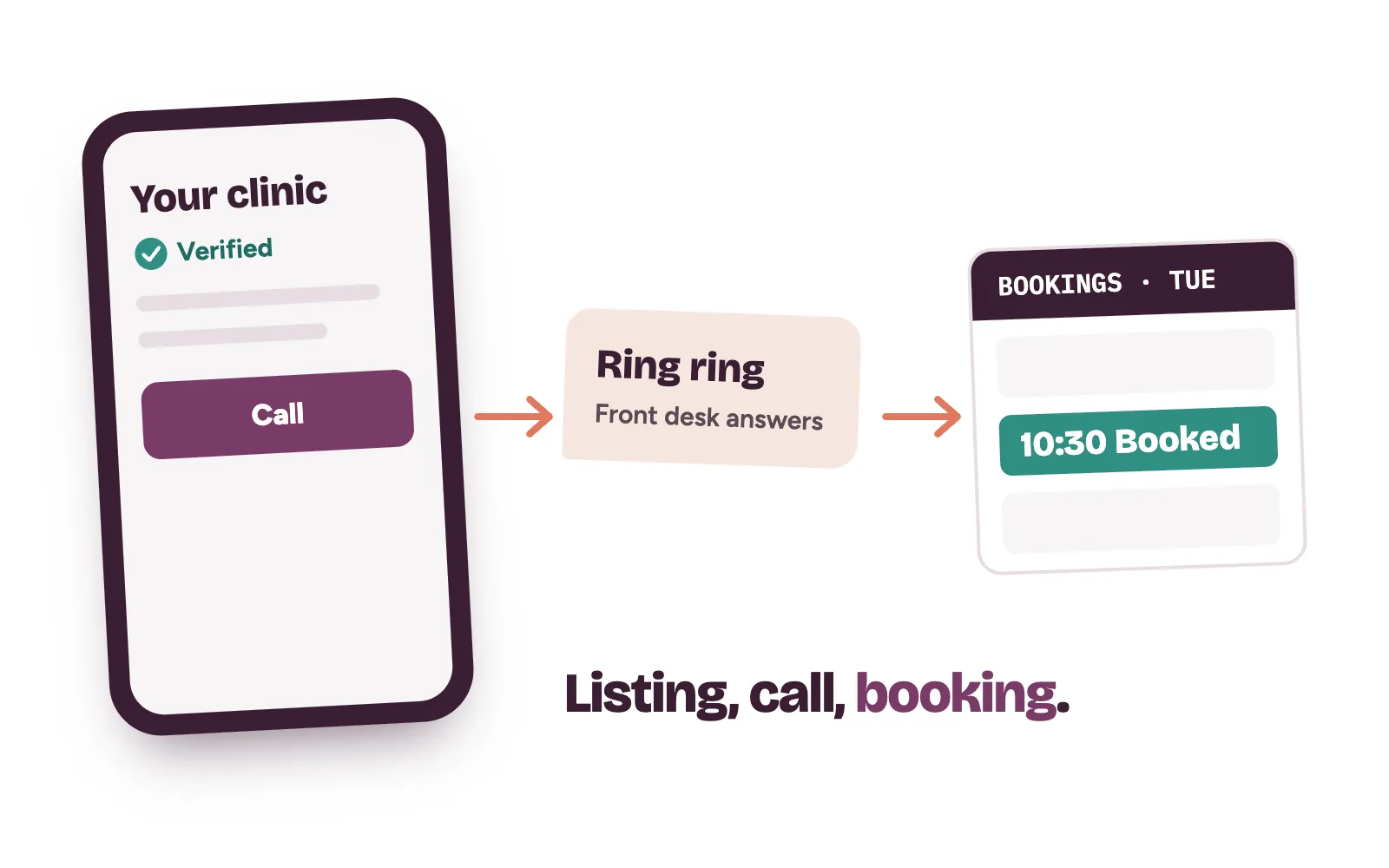
From a verified listing to booked patients
Verification only lets you take control. Patients still choose on hours, photos and reviews, so read how clinics earn more Google reviews and how to get your clinic on Google Maps in Nigeria next.
Kren is a done-for-you team for private clinics in Lagos and Abuja. We set up your Google profile, handle verification and make sure every call, message and form gets a fast answer. Your front desk does the final booking. See how we run lead generation for clinics.
Questions clinic owners ask about Google verification
Can I choose the verification method myself?
No. Google sets the methods automatically and they can't be changed. You can only pick from what your profile shows, and you may need to complete more than one.
How long does Google take to review a verification?
Google says reviews take up to 5 business days, and rarely longer. Postcard codes usually arrive within 14 days and expire after 30.
Can we film the verification video during clinic hours?
You can, but it's harder. The video must not show other people's faces or private information, so an empty clinic before opening is the safer choice.
Want someone to check your listing with you? On a 30-minute strategy call, we look at your Google profile live and show you where patients slip away. Show me where my clinic is losing patients →