Blog · Websites · 5 min read
Hospital website design: 10 must-haves
What a private hospital website needs so patients reach the right department and doctor, from emergency details and HMO lists to directions and privacy.
By the Kren Agency team ·
Good hospital website design gets a worried patient to the right department, the right doctor and a booked appointment in a few taps. For a private hospital in Lagos or Abuja, that means ten things: department pages, doctor profiles, clear emergency details, booking by department, package pages, HMO details, directions, easy reading for older patients, proof you are registered, and honest privacy wording.
Why do hospital websites lose patients?
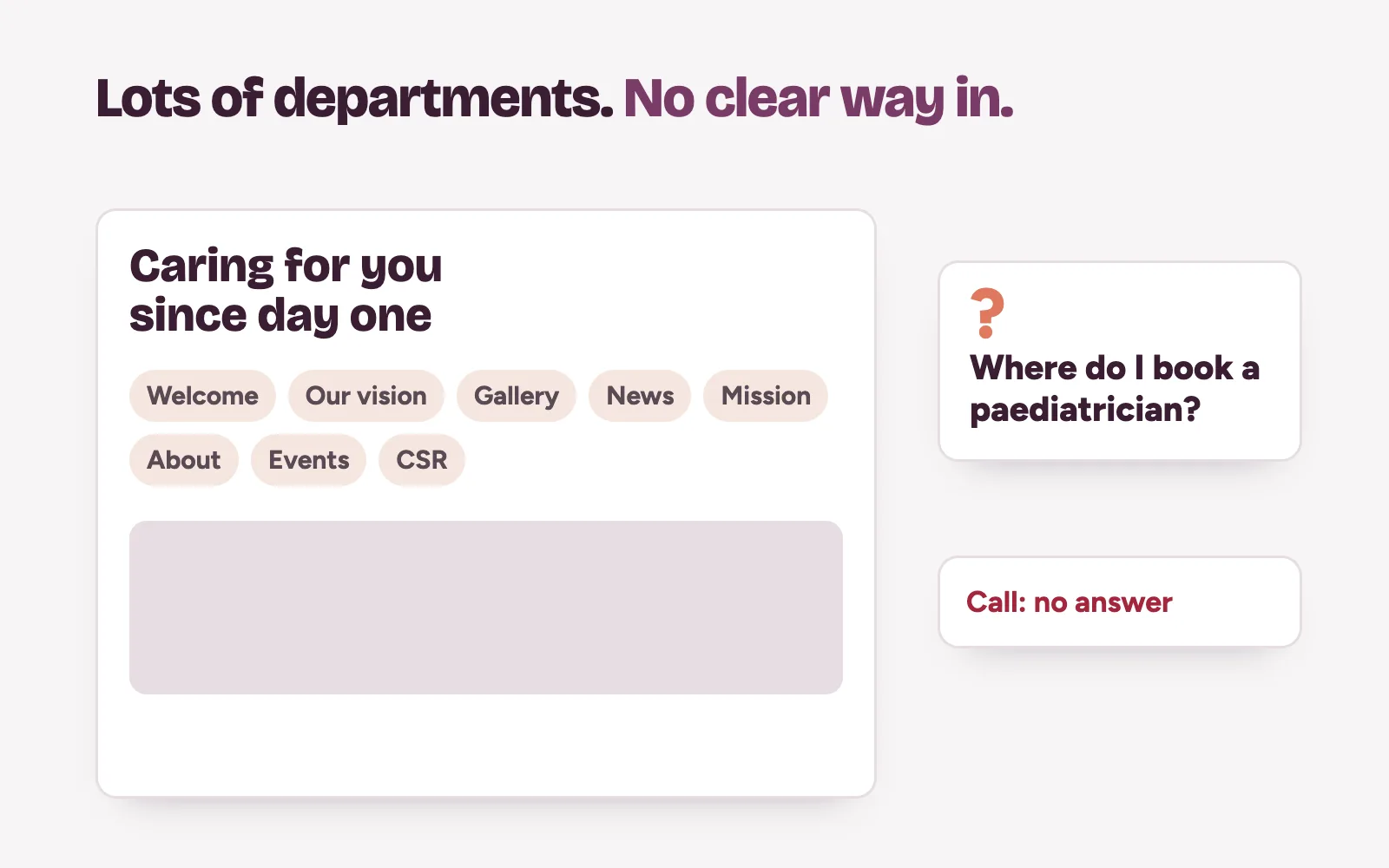
A clinic sells one or two services. A hospital sells twenty. That is where most hospital websites break.
A mother looking for a paediatrician lands on a homepage full of slogans. She cannot find the department. She cannot see who the doctors are. She calls a number that rings out, then books with the hospital down the road.
Each must-have below fixes one of those dead ends. For the basics every site needs, see website design in Nigeria for clinics.
What should hospital website design include?
1. A page for every department
Give each department its own page: paediatrics, obstetrics, surgery, imaging, laboratory, and so on. Say what the department treats, which days it runs, and how to book it. One page per department also gives Google a page to show when someone searches for that service near them.
2. Doctor and specialist profiles
Patients choose a doctor before they choose a hospital. Show each consultant's name, photo, specialty, qualifications and clinic days. Link every profile to its department page and its booking button.
3. Clear emergency information
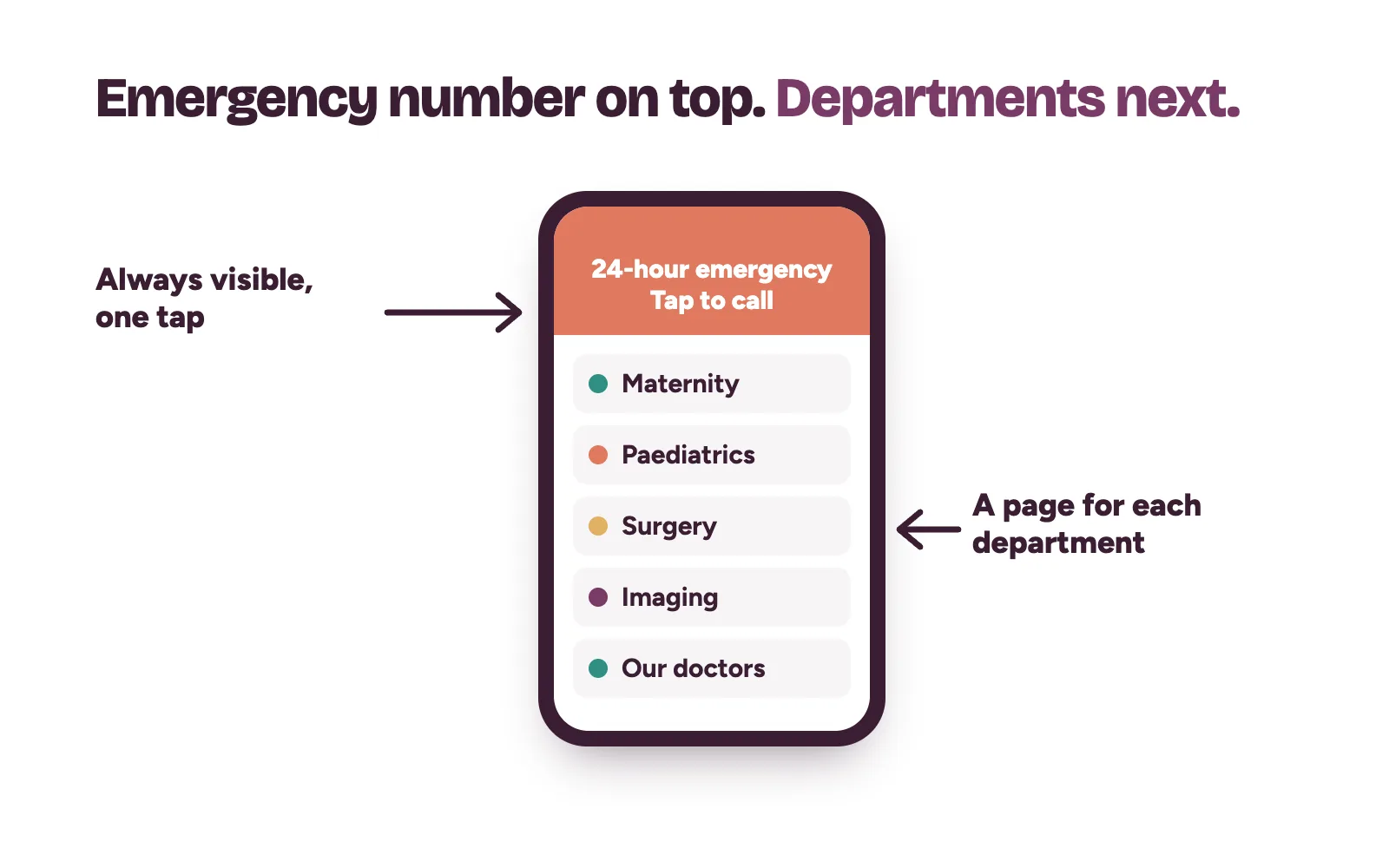
If you run a 24-hour emergency unit, put the emergency phone number at the top of every page and make it tap-to-call on phones. If you do not, say so plainly and tell visitors where to go. Never leave a patient guessing in an emergency.
How do patients book the right department?
4. Booking by department, with a person behind it
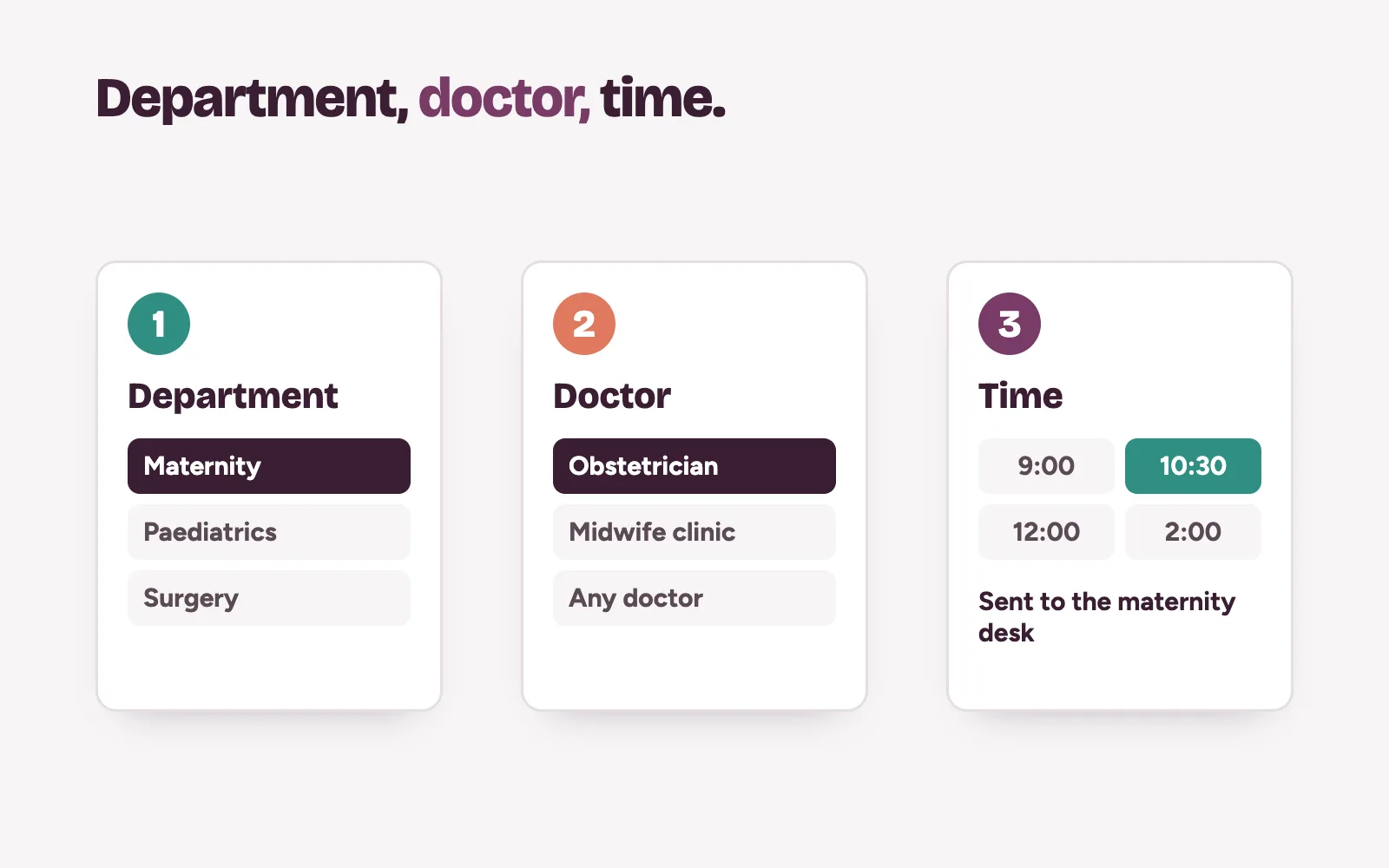
A single "Contact us" form sends every enquiry into one inbox, where cardiology and antenatal requests sit in the same pile. Let the patient pick the department and doctor first. Then route each request to the team that books it.
Offer more than one way in: a phone number answered in working hours, a form, and a chat link. Whatever the path, a named person must reply fast. Our booking operations work sets up that routing; your own team confirms the appointment.
5. Maternity and package pages
Maternity, health checks and surgical packages are planned months ahead. Families compare hospitals carefully. Give each package its own page: what is included, which doctors lead it, how many visits, and what happens next.
6. HMO and insurance details, if you accept them
Many patients ask one question before anything else: "Do you take my HMO?" If you accept HMOs, list the ones you work with and keep the list current. If you do not accept HMOs, say that too. It saves your front desk calls.
How do patients find the building?
7. Directions that open in Google Maps
Write directions the way a driver needs them: the landmark, the gate, where to park, which entrance leads to which wing. Add a button that opens Google Maps directions. Google's Maps URLs documentation shows how a link using the directions action and a destination opens the route on the patient's phone.
Make sure the address matches your Google profile word for word. Our post on getting your clinic on Google Maps explains why that matters.
8. Easy reading for older patients
Older patients and the adult children booking for them are a large part of hospital traffic. The W3C's page on older web users lists reduced contrast sensitivity, near-focus problems and difficulty clicking small targets. It says W3C accessibility standards address most of these needs.
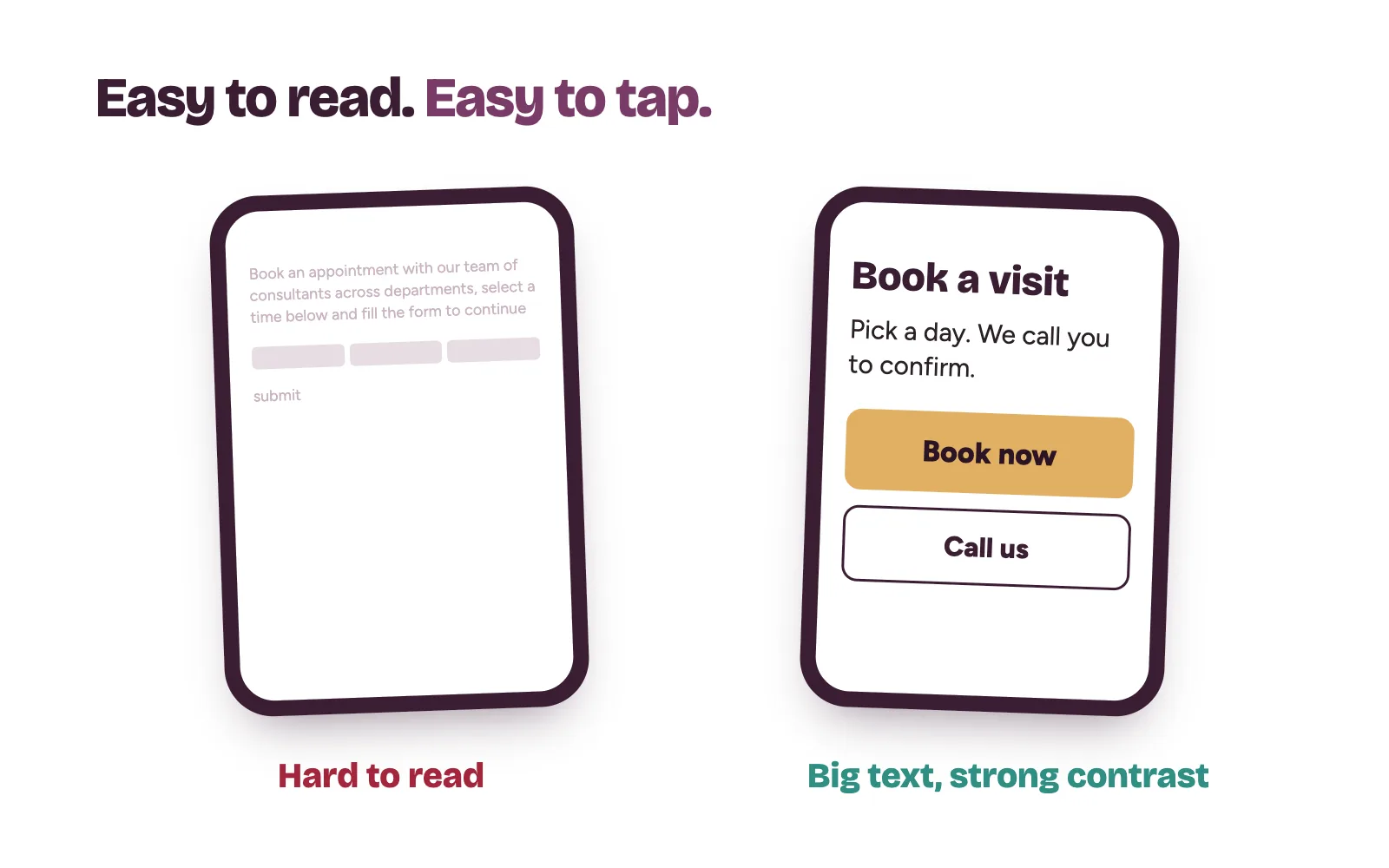
In practice: large text, strong contrast between text and background, big buttons with space around them, and plain words. WCAG 2.2, the current W3C standard, asks for a contrast ratio of at least 4.5:1 for normal text.
How does a hospital website earn trust?
9. Proof you are registered and accredited
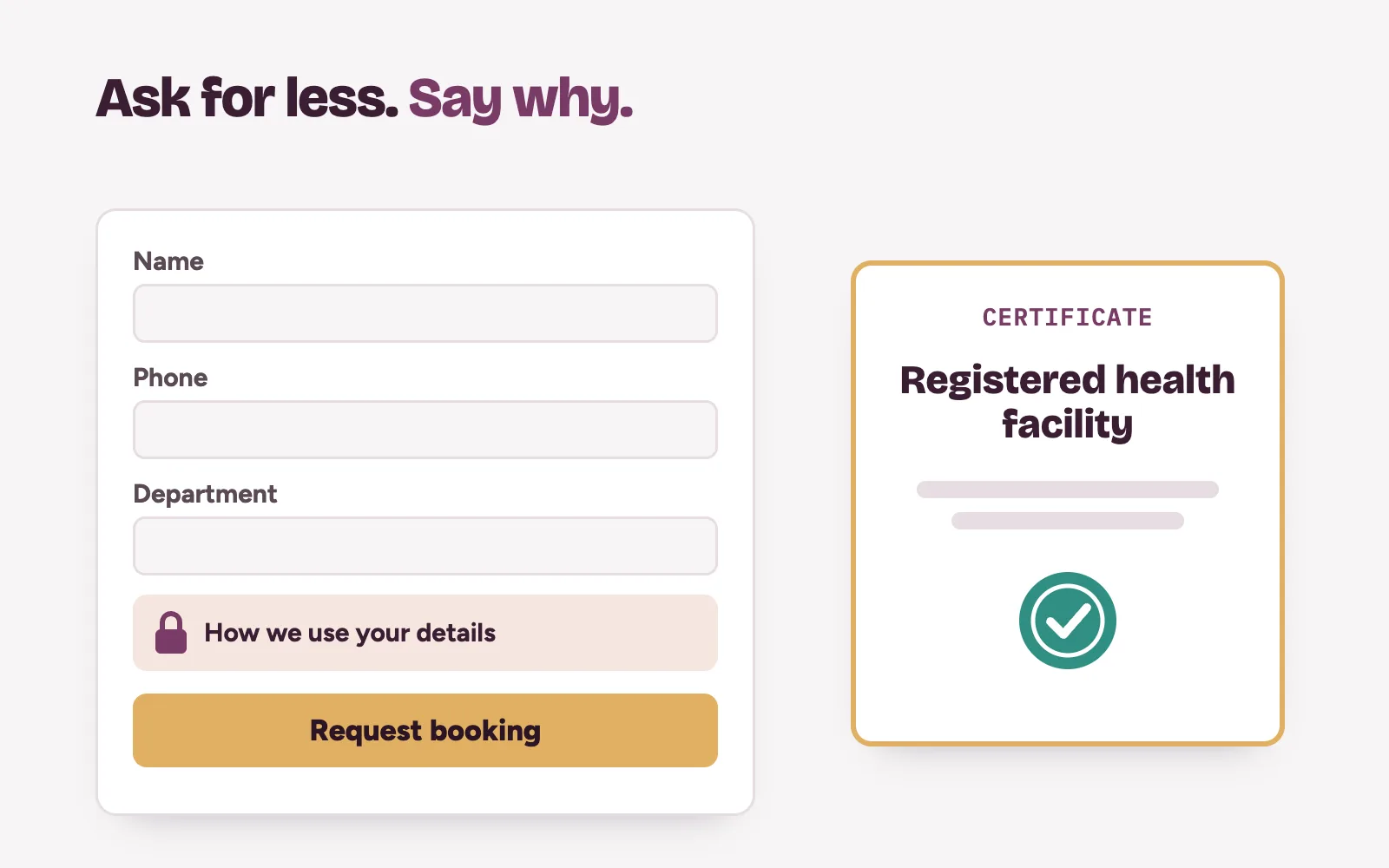
Patients and HMOs want to know you are a registered facility. State your registration with the health facility regulator in your state, such as HEFAMAA in Lagos, and name your professional bodies. Show real certificates only, never badges you have not earned. Our post on HEFAMAA registration in Lagos covers the process.
10. Privacy wording on every form
Booking forms collect names, phone numbers and sometimes symptoms. Ask only for what you need to book the appointment. Link a clear privacy notice that says what you collect, why, and who sees it. The Nigeria Data Protection Commission enforces the Nigeria Data Protection Act 2023, so get proper advice on your duties under it.
How Kren helps hospitals turn visits into bookings
Kren is a done-for-you growth partner for private hospitals and clinics in Lagos and Abuja. We plan and build department and package pages through our website conversion work, connect the site to Google, and set up routing and follow-up so enquiries reach the right desk. Your own team does the final follow-up and booking.
On a 30-minute strategy call, we look at where patients drop off between your website and your front desk. Show me where my clinic is losing patients →
Questions hospital owners ask about website design
Does every department need its own page?
Yes, for any department patients book directly. A separate page lets you explain the service, show its doctors and give it a booking button. It also gives Google a page to show for searches about that service.
Should we list our HMO partners on the website?
If you accept HMOs, yes. It answers one of the first questions patients ask. Keep the list current, because an outdated list causes frustrated calls at the front desk.
Should a hospital website show doctors' photos?
Where your doctors agree, yes. Use real photos with name, specialty and clinic days, and keep them updated when staff change.
How do we make our website easier for older patients?
Use large text, strong contrast and big buttons with space around them. Write in plain words and keep the phone number easy to find. The W3C's accessibility standards cover most needs older users have.