Blog · Licensing · 5 min read
MDCN portal: registration and annual licence renewal, step by step
Open your MDCN portal account, get your profile ready for fast approval, renew your practising licence and find your receipts, using MDCN’s own manual.
By the Kren Agency team ·
The MDCN portal is the Medical and Dental Council of Nigeria’s online portal where doctors and dentists create an account, keep their records up to date and renew their annual practising licence. To renew, you log in, click Renew License, pay through Remita by card or with an RRR at a bank, then add that payment to your application.
The steps below follow MDCN’s own Web Portal manual for Medical and Dental Doctors. The Council’s main website blocked our requests when we checked, so we only state what that manual says. Screens may change. Follow what the portal shows you.
What can you do on the MDCN portal?
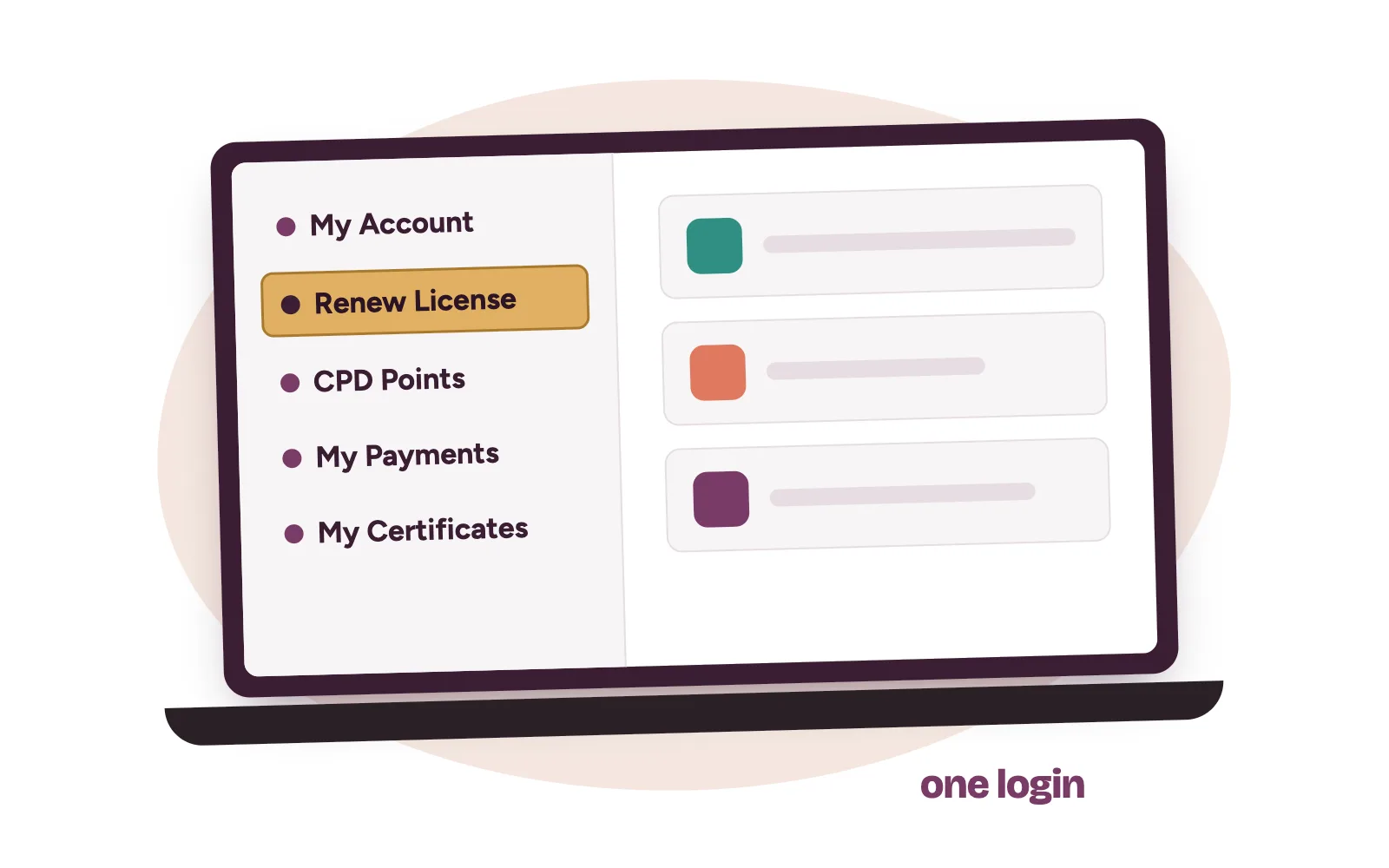
The doctors’ section of the portal covers most of your dealings with the Council. According to the manual, you can:
- create an account and keep your bio, education, specialisation and appointment records current
- upload your passport photo and documents, and buy insurance indemnity
- apply for a change of name, additional qualification, good standing, life licence and other applications
- renew your annual practising licence and buy licences for previous years
- add CPD points, view payments, print receipts and open your certificates
How to create your MDCN portal account
First-time users need an account before anything else.
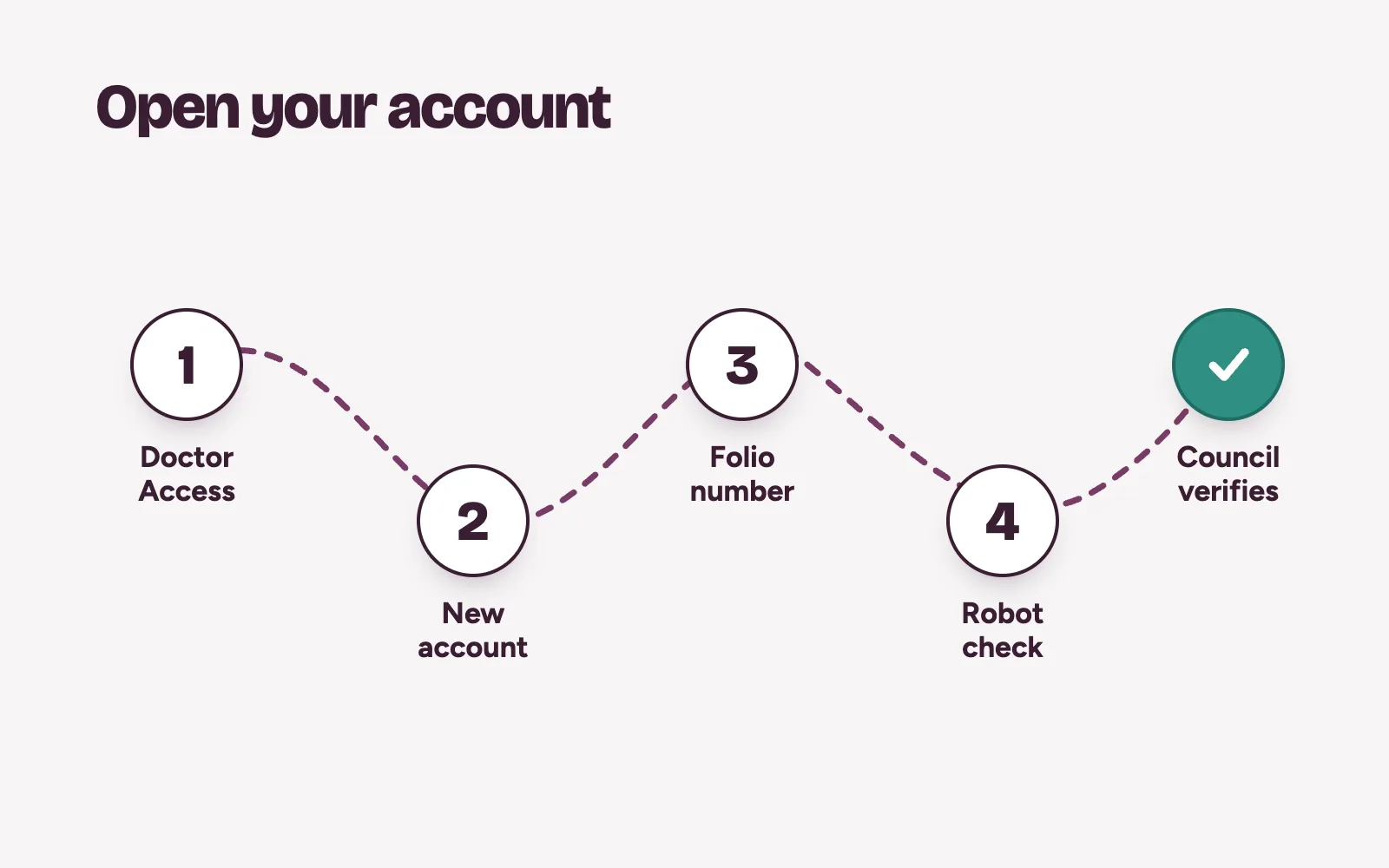
- Go to portal.mdcn.gov.ng and click the Doctor Access section.
- Click Create New Account, then New Doctor Account. Temporary or limited registration has its own section.
- Select your practice type. Enter your folio number (numbers only), first name, last name and email address.
- Tick the robot check and click Create Account.
- Wait for the Council to verify the account, then log in with your email or full folio number (MDCN/R/…) and password.
The manual warns that verification can take time. If it takes longer than usual, it tells you to contact the Council through its contact channels.
Get your profile ready before you pay
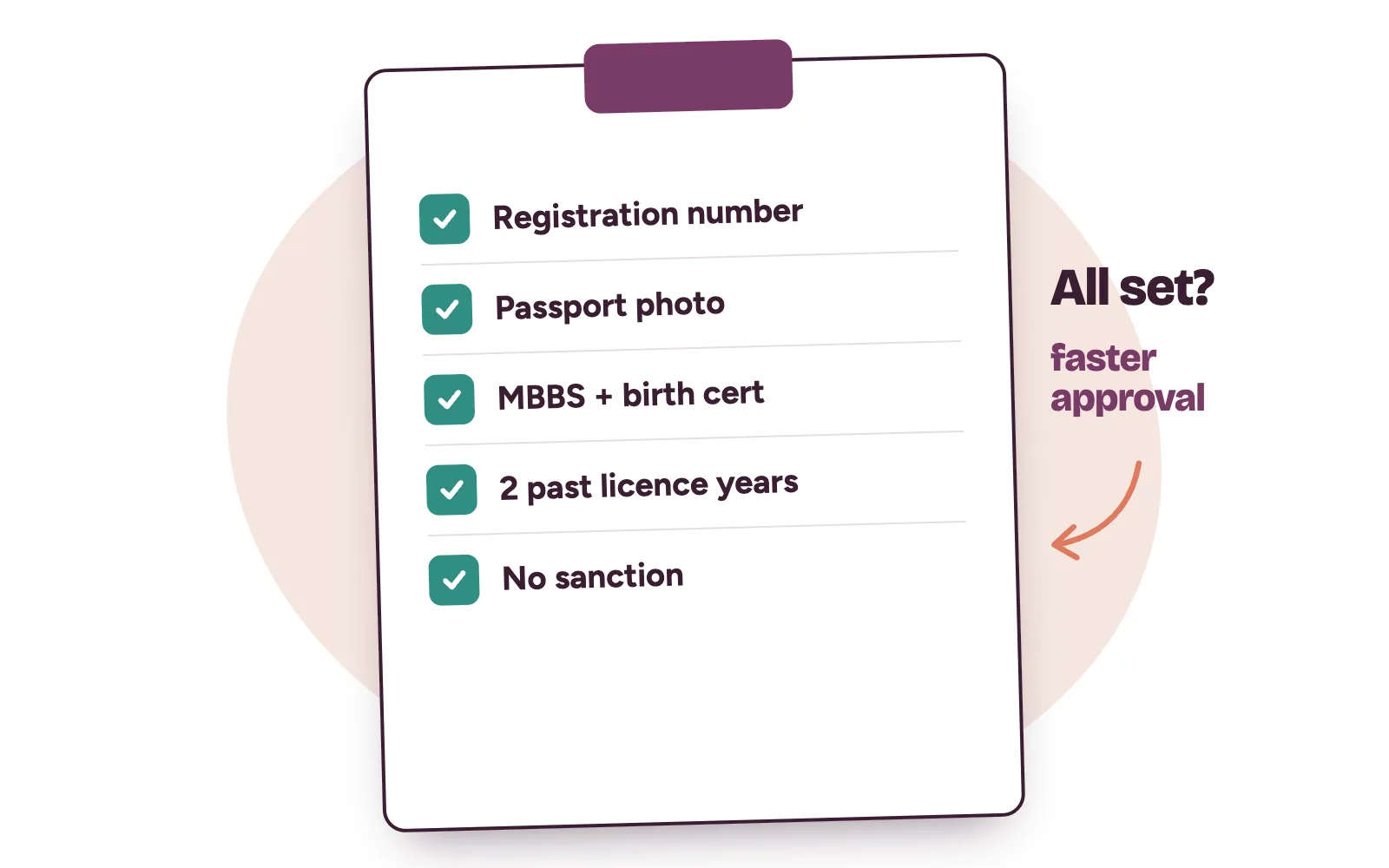
This is the part most worth doing early. The manual says a renewal is approved automatically, immediately or within 24 hours, when your profile meets these conditions:
- You are paying for the practising licence year under consideration: the current year plus one.
- You have at least two previously approved licence years on your profile.
- Your Full Registration Number is correctly captured.
- A valid passport photograph is uploaded.
- Your MBBS certificate and birth certificate, or their equivalents, are uploaded.
- Your profile is not under any form of sanction.
If any of these is missing, your application goes to MDCN for manual review instead. The manual adds that more conditions may come later.
How to renew your annual practising licence on the MDCN portal
- Log in and click Renew License on the menu.
- Click Proceed Now to open the payment page.
- To pay by card, click Pay Directly Online Now. You are taken to Remita to pay with a debit or credit card.
- To pay at a bank, click Generate RRR & Pay at the Bank, then Click To Generate RRR. Pay through a designated bank or channel.
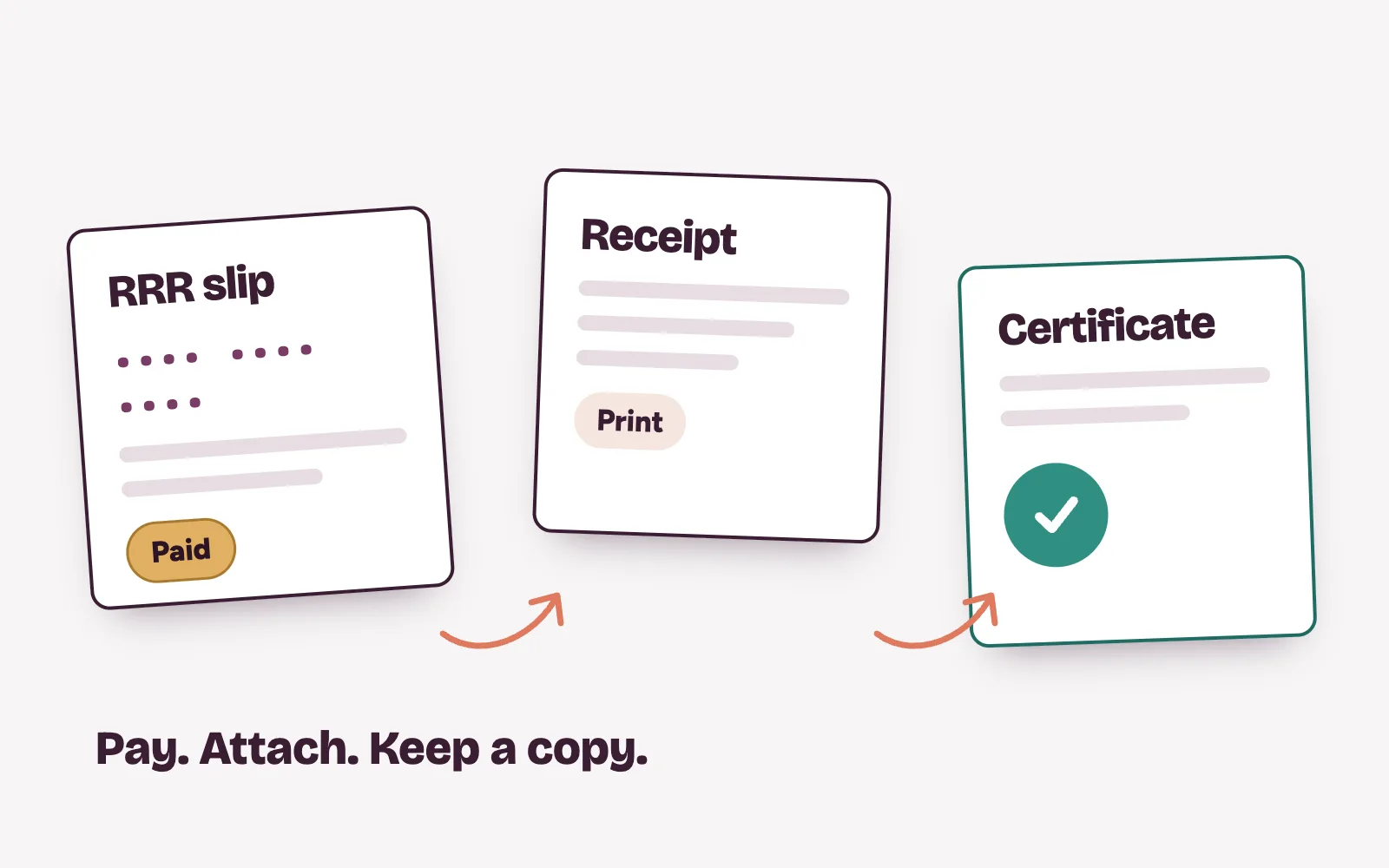
- After a bank payment, click I have Paid, Add RRR Now, then Click To Add RRR.
- Enter the RRR, verify it, and click Add Payment to attach it to your application.
Missed a year? The Previous Licenses Purchase tab, under Renew License, lets you choose that year and pay the same way.
Where to find things after you renew
The manual puts the things you need after renewal in these places:
- Payment receipt: My Payments, then Print Receipt.
- Certificates: My Certificates, then Open Document.
- CPD points: Renew License, then the CPD Points tab.
- A past year’s licence: Renew License, then Previous Licenses Purchase.
- A forgotten password: Forgot Password on the login page.
How do CPD points work on the portal?
Open the CPD Points tab, click Add New Record, enter the details, attach the document and click Add Record. You can remove your own entries, but not points MDCN has already allocated. The manual doesn’t say how many points renewal needs, so check the current requirement on the MDCN portal.
What about fees and deadlines?
The manual shows where to pay but doesn’t list amounts or a closing date. Check the current fee on the MDCN portal before you pay. The one timing rule it states is that the licence you pay for is for the year ahead.
Your licence is current. Is your clinic full?
Renewal keeps you licensed to practise. It doesn’t bring a single patient through the door. If you run a private clinic, the next question is whether people searching for your specialty can find you, and whether every enquiry gets answered and booked.
That’s where Kren comes in. We’re a done-for-you growth partner for private clinics in Lagos and Abuja. We set up and run your website, your Google Business Profile, ads and follow-up, then hand warm enquiries to your front desk. Our patient enquiry work brings the calls. Our booking management keeps them from slipping away. Your team still makes the final call and confirms the booking.
On a 30-minute strategy call, we look at where patients find you today and where they drop off. Show me where my clinic is losing patients →
Questions clinic owners ask about the MDCN portal
How long does licence approval take on the MDCN portal?
MDCN’s manual says renewal is approved automatically, immediately or within 24 hours, when your profile meets its standard conditions. If it doesn’t, the application goes to MDCN for manual review.
Can I pay for my practising licence at a bank?
Yes. Choose Generate RRR & Pay at the Bank, generate the RRR and pay through a designated bank or channel. Then come back and add the RRR to your application.
How much is the MDCN annual practising licence fee?
The portal manual doesn’t state the amount, and fees can change. Check the current fee on the MDCN portal on the renewal payment page before you pay.
Where do I download my MDCN payment receipt?
Go to My Payments on the dashboard and click Print Receipt next to the payment. Your certificates sit under My Certificates.