Blog · Leads · 5 min read
CRM software for clinics in Nigeria: what to look for
What a CRM does for a clinic, the features worth having, when a spreadsheet is enough, and how to keep patient details private.
By the Kren Agency team ·
CRM software for clinics is one shared list of every patient enquiry, with who asked, where they came from, what they want and what happens next. In Nigeria, a good one gives your front desk follow-up reminders, shows which sources bring booked patients, and keeps patient details private. If your enquiries live across phones, notebooks and DMs, this is what to look for before you pick one.
What does a CRM actually do for a clinic?
CRM stands for customer relationship management. For a clinic, think of it as the enquiry book everyone can see, that also nudges people to act.
It does three jobs well:
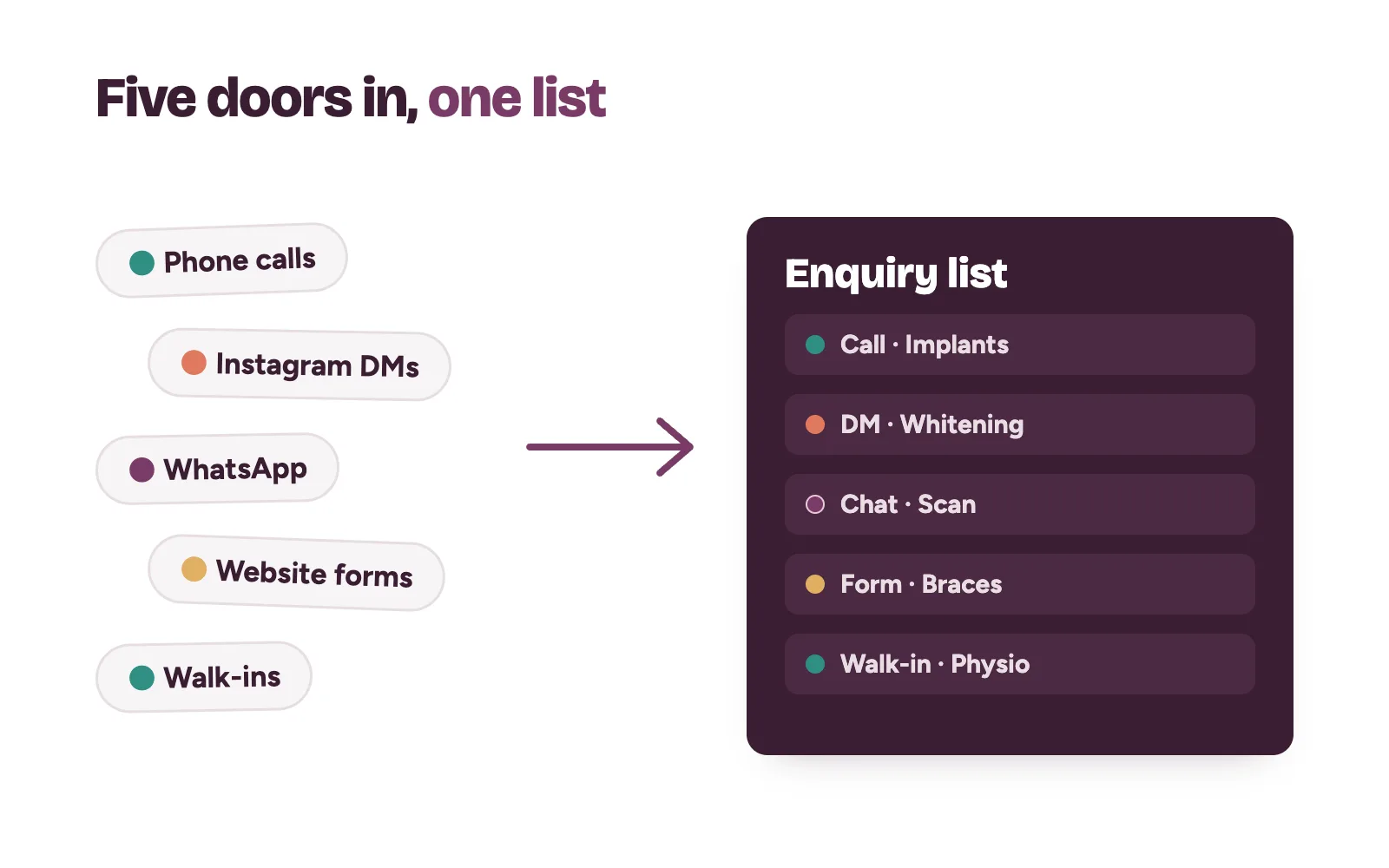
- One list of every enquiry. Calls, Instagram DMs, WhatsApp messages, website forms and walk-ins all land in the same place, each with a name, contact and the treatment asked about.
- Follow-up reminders. When someone says “let me think about it”, the team sets a date. On that date, the reminder appears. Nobody relies on memory.
- Source tracking. Each enquiry is tagged with where it came from, so at month-end you can see which source turned into bookings.
That last job matters most to the owner. Our post on lead generation for clinics explains how to work out cost per booking. A CRM keeps those numbers honest.
Spreadsheet or CRM: which does your clinic need?
A shared spreadsheet is a fine start. It costs nothing and the team already knows it.
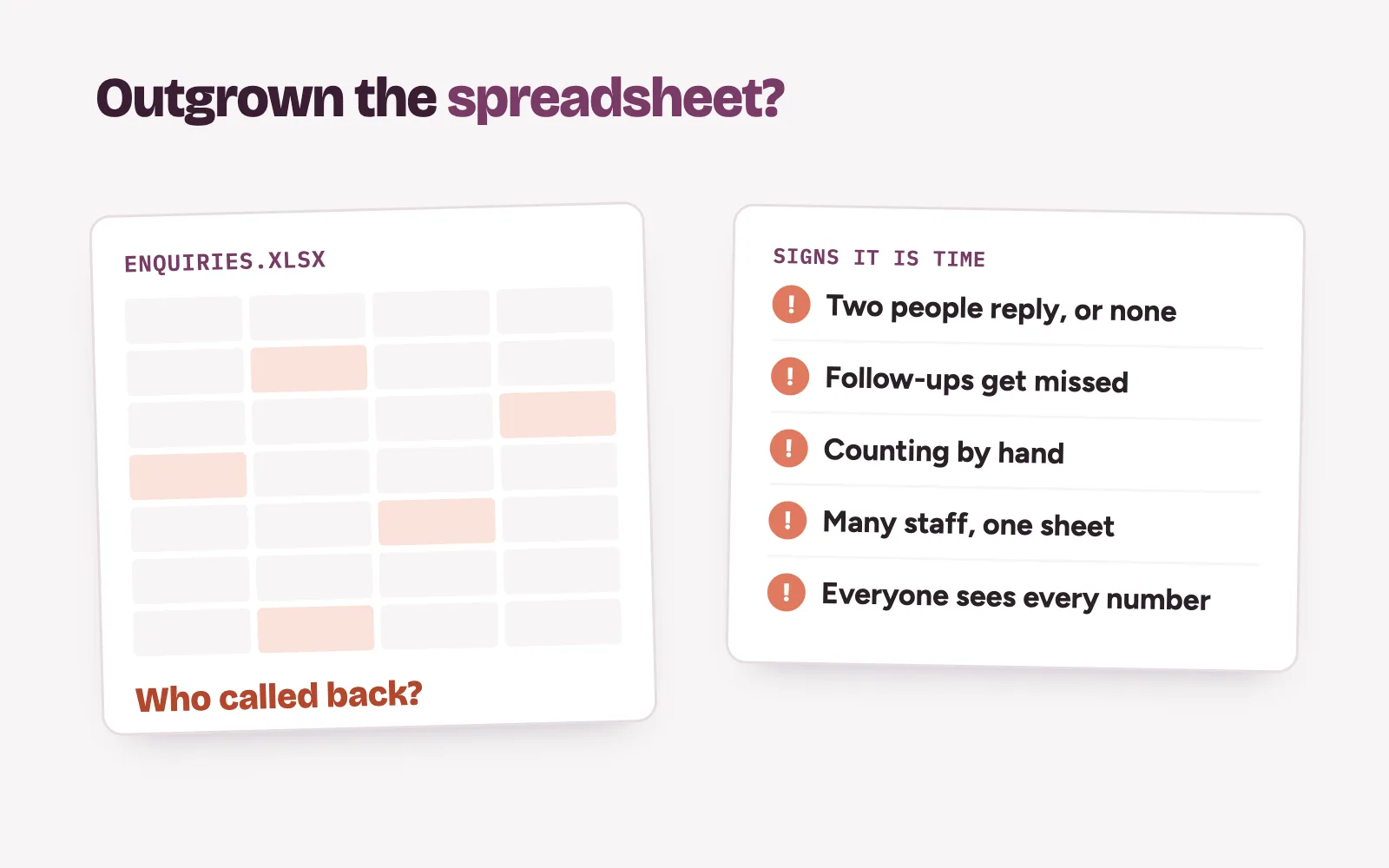
A spreadsheet stops being enough when you see these signs:
- Two staff reply to the same person, or nobody does.
- Follow-ups depend on someone scrolling back through rows.
- You can’t tell how many enquiries came in last week without counting by hand.
- Several branches or shifts need the same list at the same time.
- Anyone with the link can see every patient’s phone number.
If two or more of these sound familiar, it is time to move. If none do, tidy the spreadsheet first: one row per enquiry, a source column and a “next step” date.
Which features should CRM software for a clinic have?
Most CRM software is built for sales teams selling to companies. A clinic needs far less. Look for these must-haves and ignore the rest at first.
The must-haves
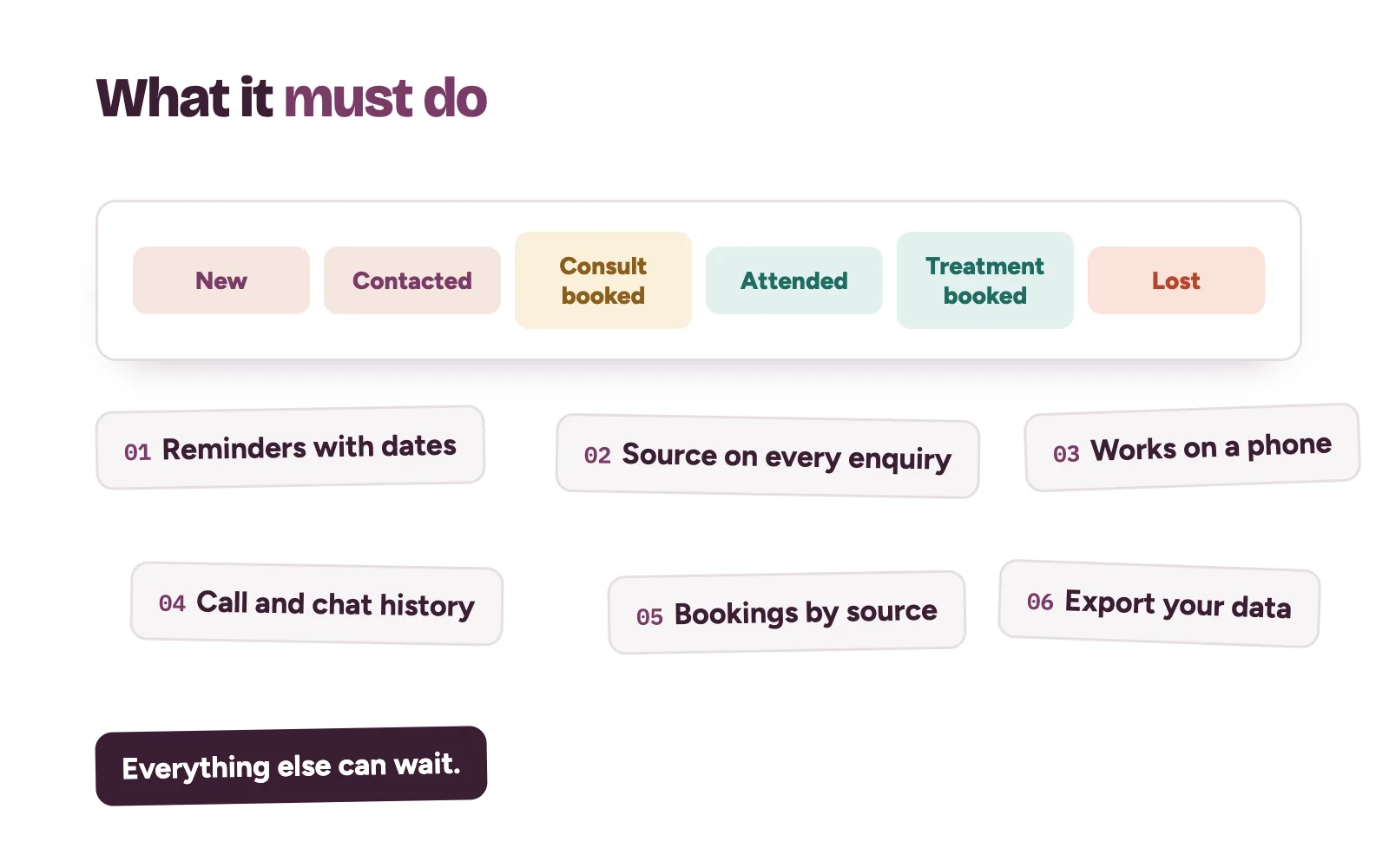
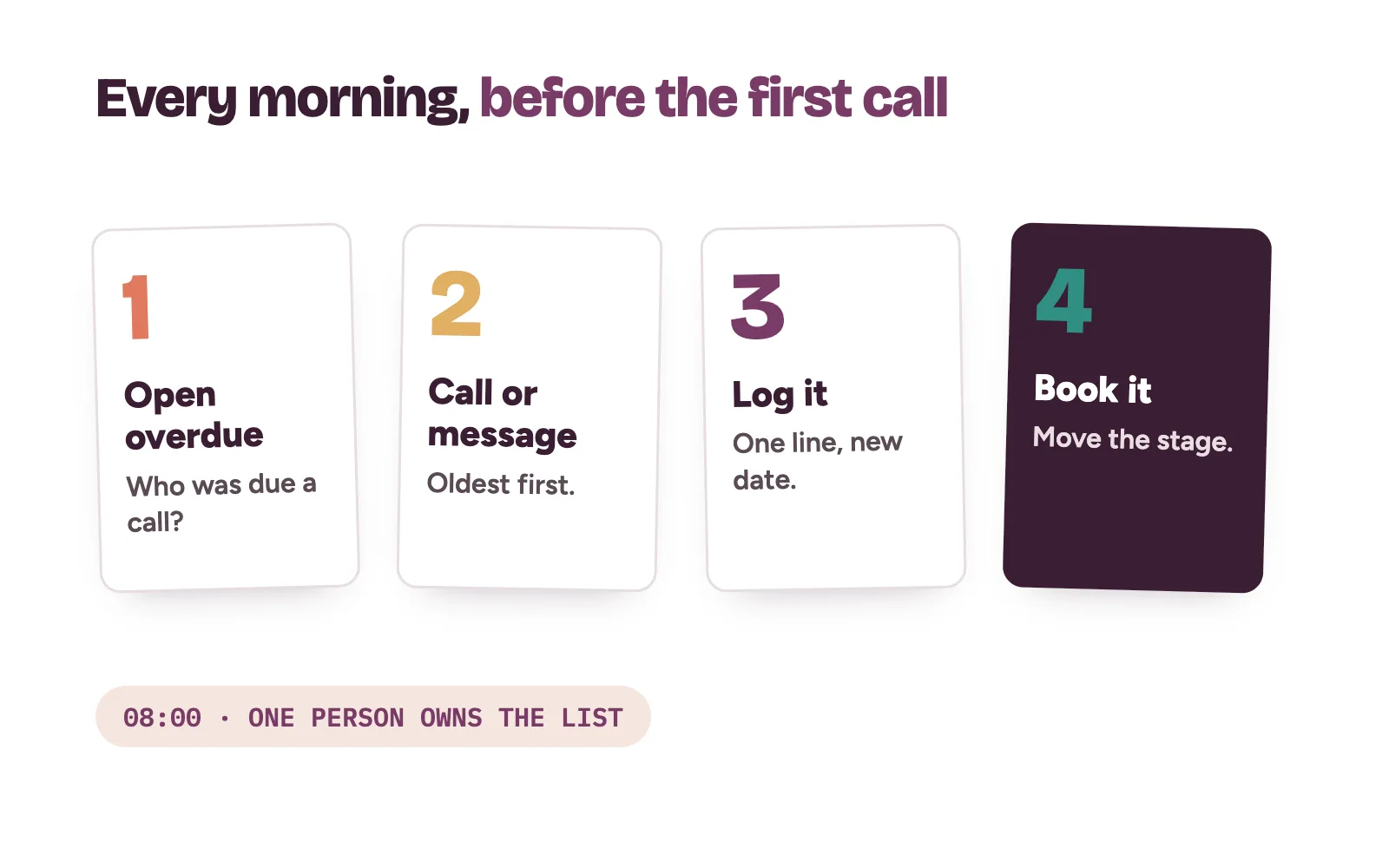
- Simple stages. New enquiry, contacted, consultation booked, attended, treatment booked, lost. Moving a patient along takes one tap.
- Reminders with dates. Each enquiry has a next step and a due date. The day’s list shows what is overdue.
- A source field you control. Google profile, Instagram, Facebook ad, referral, walk-in, website. Keep the list short.
- Phone and message history. A note of each contact, so whoever picks up the next call knows what was said.
- Works on a phone. Front desk staff move around. If it only works on one desktop, it won’t get used.
- Simple reports. Enquiries and bookings by source, by month. That is enough.
- Export. You can download your own data at any time.
Nice to have later
Links to website forms, ad lead forms and SMS reminders. Add them once the basics are a habit. Our post on SMS appointment reminders covers the wording.
How do you keep patient details private in a CRM?
An enquiry list holds names, phone numbers and the treatment someone asked about. That is personal information, and for a clinic it can be sensitive. Treat the CRM like your patient files.
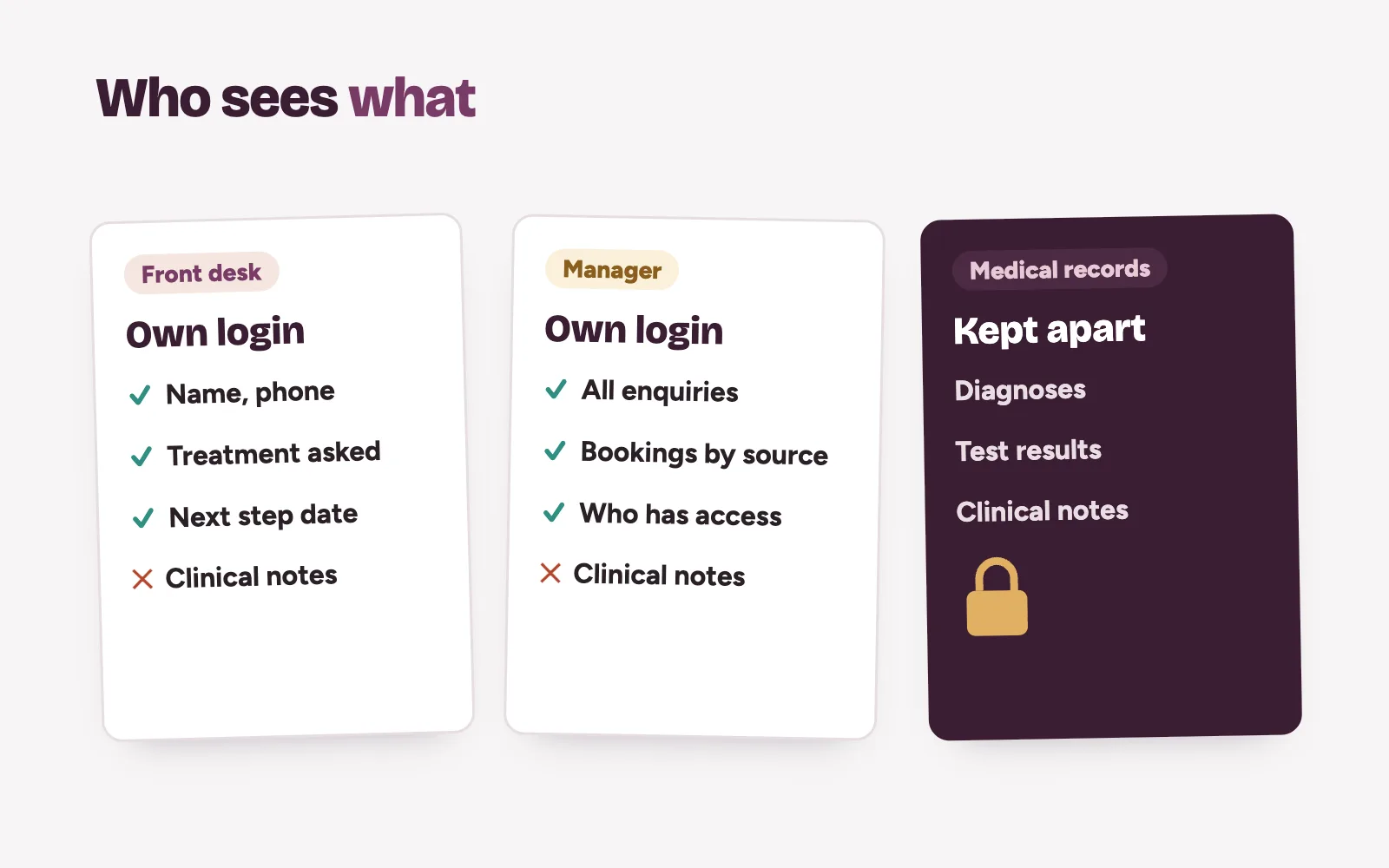
- Give each staff member their own login. No shared passwords. When someone leaves, close their access the same day.
- Limit who sees what. Front desk sees enquiries and bookings. Clinical notes stay in your medical records, not in the CRM.
- Write the minimum. “Whitening consultation” is enough. Never paste test results or a diagnosis into an enquiry note.
- Ask before you follow up. Tell the person how you will contact them and get their agreement.
- Check where data is kept. Ask the provider who can access it.
Consent is central to Nigeria’s data protection law. The Nigeria Data Protection Commission’s official FAQs say the data controller must seek the data subject’s consent, in writing, orally or by electronic means, and that data subjects can take a data controller to court. Your clinic is the data controller for its enquiry list. If unsure, ask a data protection professional.
How do you get the front desk to actually use it?
Most CRMs fail because the team drifts back to their phones within weeks. Keep it simpler than the old way.
- Start with five fields. Name, phone, treatment, source, next step date.
- Name one owner. One person checks the overdue list every morning.
- Log as you go. Every call and message is logged before the next one is answered.
- Review weekly. Ten minutes on Monday: new enquiries, bookings, and anyone not contacted.
- Keep your reply habits. The CRM tracks enquiries. Your team still has to answer fast. See how to stop losing patients in your DMs.
Where Kren fits
Kren is a team that does this work with you. We pick a CRM that suits your clinic’s size, set up the stages, sources and reminders, connect your enquiry channels, and train your front desk until it is a habit. We also build the follow-up automations around it. Your own team does the final follow-up and booking. See how we run booking operations for clinics.
Questions clinic owners ask about CRMs
Do small clinics need CRM software?
Not always. A clinic with a few enquiries a day can run well on a tidy shared spreadsheet. Move to a CRM when follow-ups slip, several people share the list, or you can’t see where bookings come from.
Should clinical notes go into the CRM?
No. Keep the CRM for enquiries, contact history and bookings. Clinical notes belong in your medical records, with stricter access.
Can a CRM track enquiries from calls and walk-ins?
Yes, if your team logs them. Ask every new patient how they heard about you and record the answer as the source.
How long does it take to set up a CRM for a clinic?
The setup itself is quick when the stages and fields are kept simple. The real work is the first few weeks of habit, so plan for training and a weekly review.