Blog · Websites · 5 min read
Diagnostic centre website design: how we build one that books
What we put on every page of a diagnostic centre website, from test and scan pages to preparation notes, booking and paying ahead, and private results, and why each one brings bookings.
By the Kren Agency team ·
A diagnostic centre website should turn a search for a test or scan into a booked, prepared visit. When we build one, every common test and scan gets its own page, preparation notes sit where patients can find them, booking (and paying ahead, if you want it) takes a few taps, and results stay private. Here is what we put on each page and why it brings bookings.
What does a diagnostic centre website need to do?
People booking a test want to know what to do, when to come and what it costs. They pick the centre that tells them fastest.
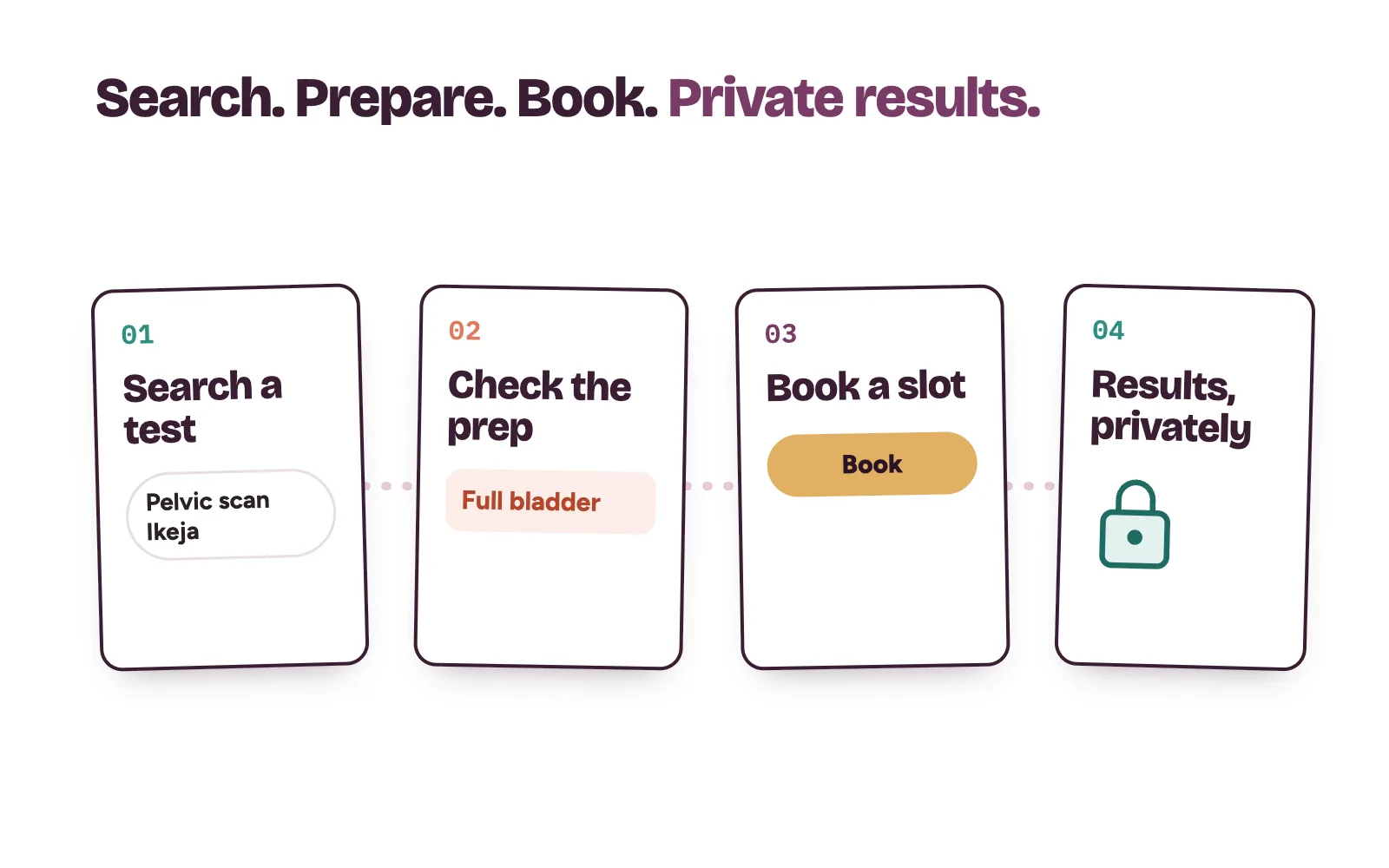
We plan every site around the path a patient actually takes:
- They search for a test. “Pelvic scan in Ikeja”, “full blood count in Wuse”. They land on that test’s page, not your home page.
- They check how to prepare. Fasting, a full bladder, a doctor’s request form.
- They book. A time slot, a call or a message, one tap away.
- They get results privately. No test names on screens other people can see.
Our post on diagnostic centre marketing in Nigeria covers referrals and corporate screening. Here we stay on the website.
How we build test and scan pages
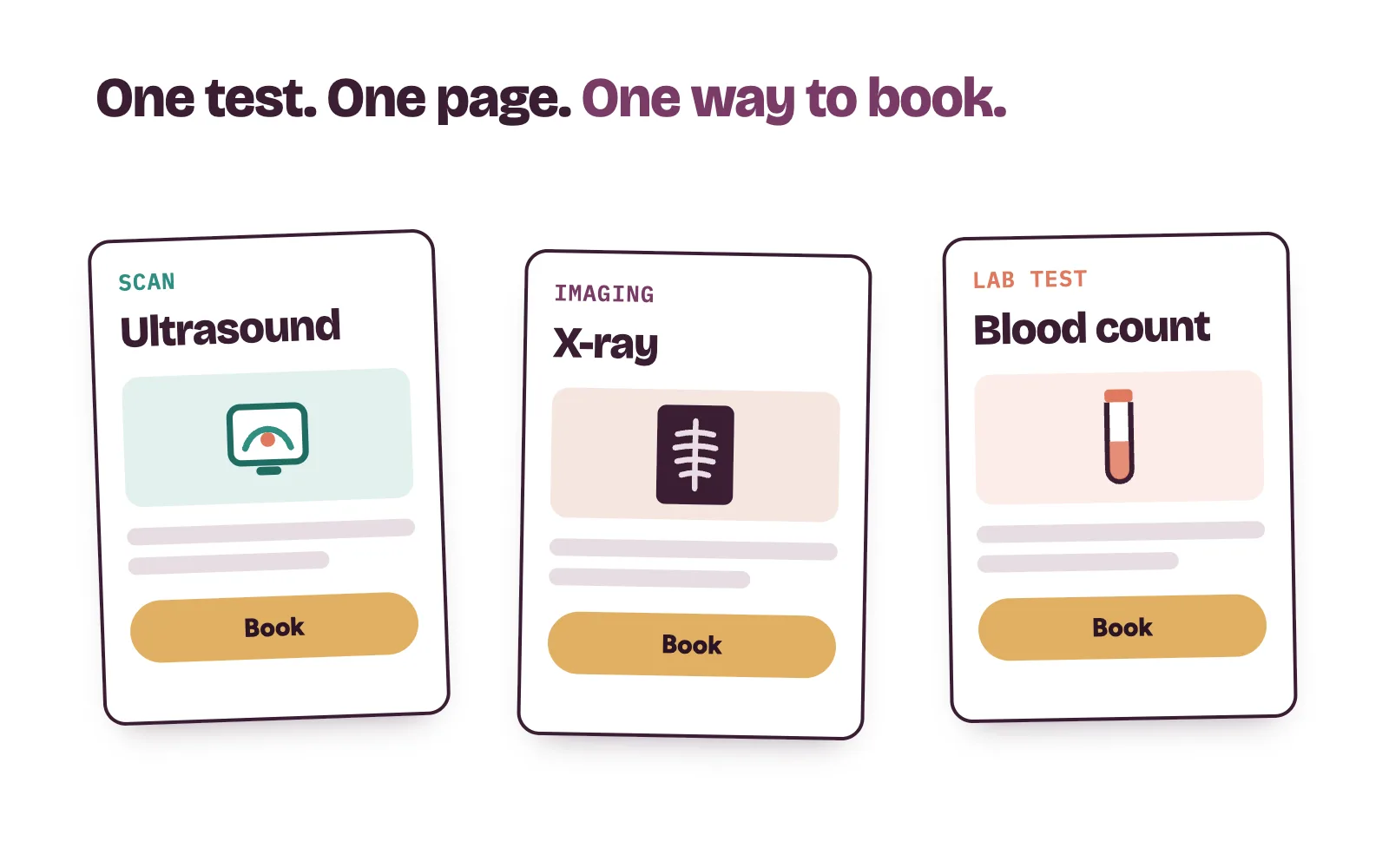
Patients search for a test, so we give each common test, scan and package its own page. For most centres that means ultrasound and X-ray pages, the blood tests people ask about most, and any health check packages you sell.
Every test page answers the same questions in the same order:
- What the test is for, in plain words.
- Whether a doctor’s request form is needed.
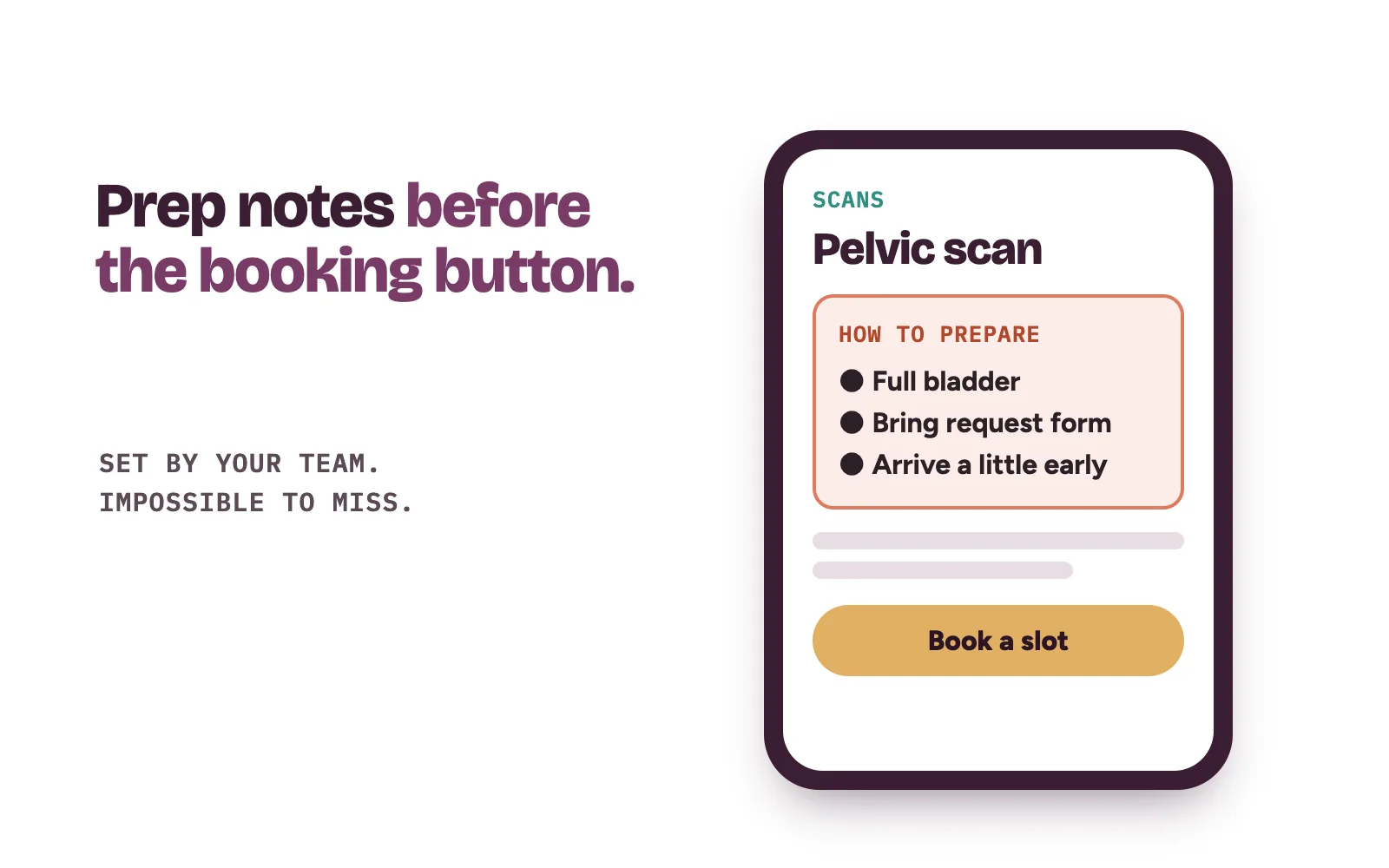
- How to prepare, in its own clear box (more below).
- How long the visit takes and when results are usually ready.
- The price or a starting price, if you choose to show one.
- How to book, repeated down the page.
For packages, we say who each one suits and what it checks. Your scientists and radiologists check every page for accuracy, and you approve it before it goes live. Your site counts as advertising, so we describe the test and promise no outcome.
Why preparation notes sit on every test page
A patient who arrives without fasting, or with an empty bladder for a pelvic scan, often has to come back another day.
So preparation gets its own short box near the top of each page, written the way your team explains it at the desk: what to do, from when, and what to bring. Your team sets the wording. We make it impossible to miss.
The same notes go out with the booking confirmation and the reminder the day before. Our post on reducing patient no-shows covers those reminders.
Booking and paying ahead
Walk-ins will always matter for labs. Scans are different. A scan slot is fixed machine time, so an empty one is lost income.
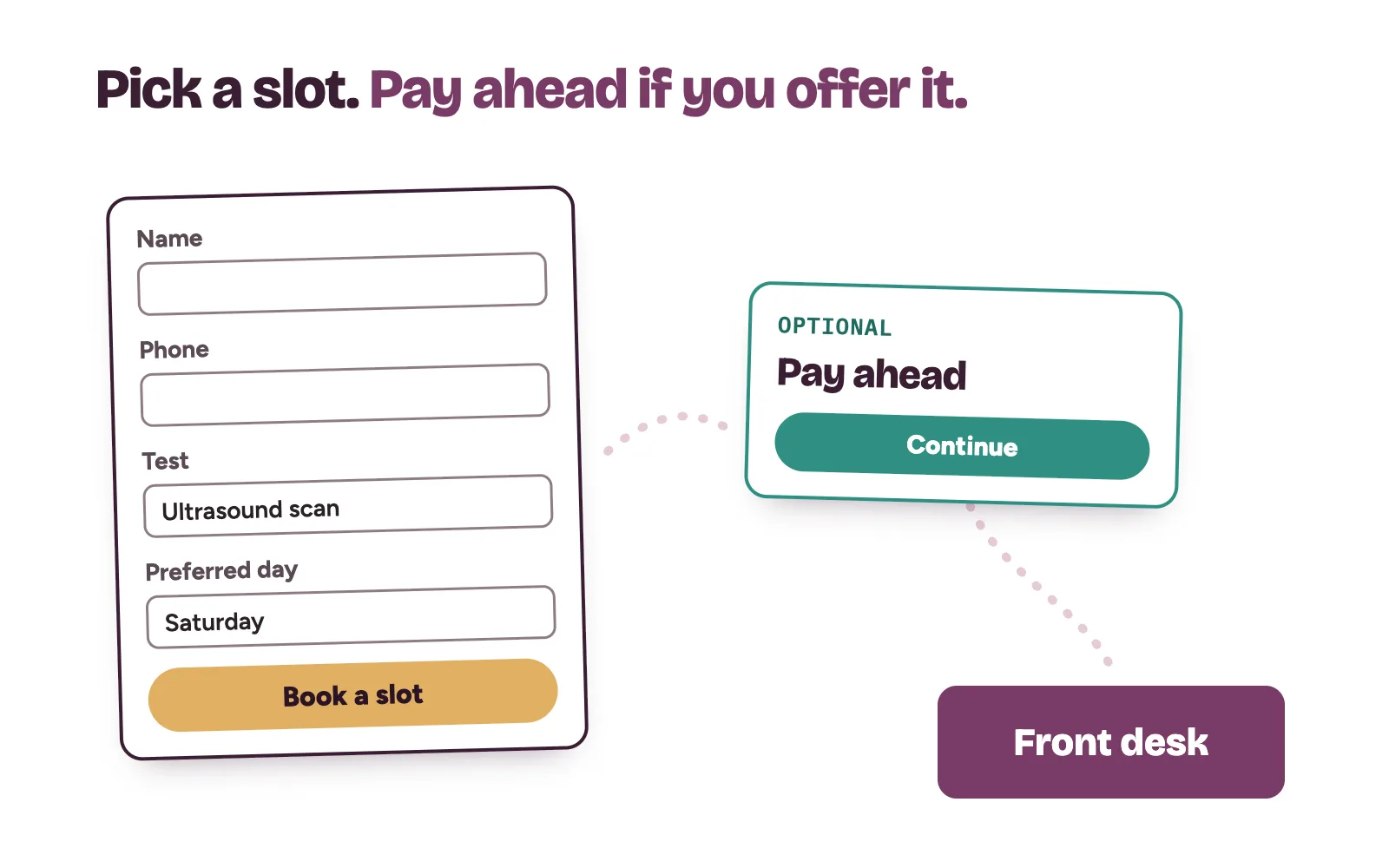
We keep the booking form short: name, phone number, the test and a preferred day. No medical history on a web form. Next to it sit your phone number and chat link, because many patients prefer to call or message. Each request reaches your front desk straight away, and your own team confirms the slot.
Whether patients pay ahead is your decision. It suits some packages and puts off some patients. If you choose it, we add the pay step after the slot is picked, never before the patient knows what they are booking.
We also point your Google profile at the booking page. Google lets a business add a booking link from its Business Profile under Booking, then Add link, as its local business links help explains.
How the website keeps results private
Health status is sensitive personal data under the Nigeria Data Protection Act 2023, and section 30 limits when it can be processed, with consent as one of the grounds. Patients feel this too. Nobody wants a test name showing on a shared phone.
So we build for privacy from the first click:
- Booking forms ask only what is needed to book.
- A consent line sits on every form, in plain words.
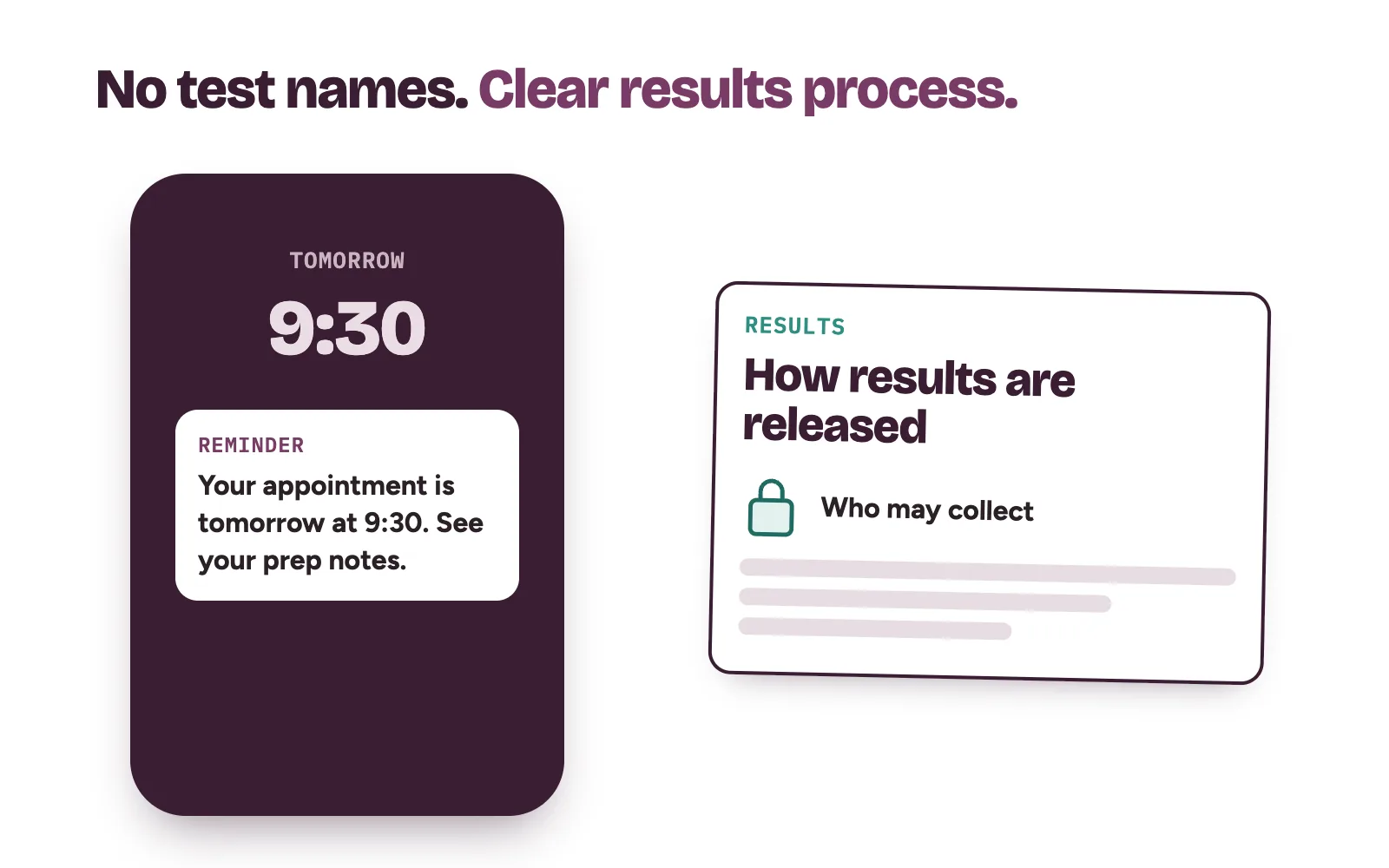
- Confirmations and reminders name no test.
- A results page explains how your centre releases results and who may collect them, so the front desk is not asked the same thing all day.
What we do and what your team does
Kren is a done-for-you team for private clinics and diagnostic centres in Lagos and Abuja. On a diagnostic centre website, we:
- plan the pages around the tests and scans you want more of;
- write the copy for your scientists and radiologists to check;
- set up booking, reminders with preparation notes and, if you want it, paying ahead;
- track every visit through to a booking request, so you see which pages bring patients;
- fix the weak pages every month.
Your team keeps the testing, the results and the final follow-up that confirms each booking. See how our website conversion work runs, and what else we do for diagnostic centres.
On a 30-minute strategy call, we open your current site on a phone with you and walk the path a new scan patient takes. Show me where my clinic is losing patients →
Questions diagnostic centre owners ask about their website
Do we need a whole new diagnostic centre website?
Not always. Sometimes new test pages, clear preparation notes and a shorter booking path on your current site are enough. We look at yours on the call and tell you which it is.
Should a lab show test prices online?
That is your call. Many patients want a price or starting price before they book, and clear pricing cuts repeat questions at the front desk. If prices change often, we can show starting prices and keep them updated.
Can patients see their results on the website?
We do not put results on the website. The results page explains how your centre releases them, and your team keeps that process.
Can you promise a number of bookings from the website?
No. Bookings depend on your tests, your area and how fast your team follows up. We track every booking request, so you see exactly what the site brings in.