Blog · Websites · 5 min read
Private hospital website design: how we build one
How we build a private hospital website: department pages, specialist profiles tied to clinic days, a maternity section and routing that sends each enquiry to the right desk.
By the Kren Agency team ·
A private hospital website has to do what a clinic site never faces: take patients for twenty services and send each one to the right department, doctor and desk. When we build one, we start from how your hospital actually books, then give every department, specialist clinic and maternity package a clear page with its own booking route. Here is how we build it, step by step.
Where do we start with a private hospital website?
We start with your hospital, before any design. A hospital site breaks when its pages follow the org chart and ignore how patients get booked.
In the first sessions with your management and medical director, we map four things:
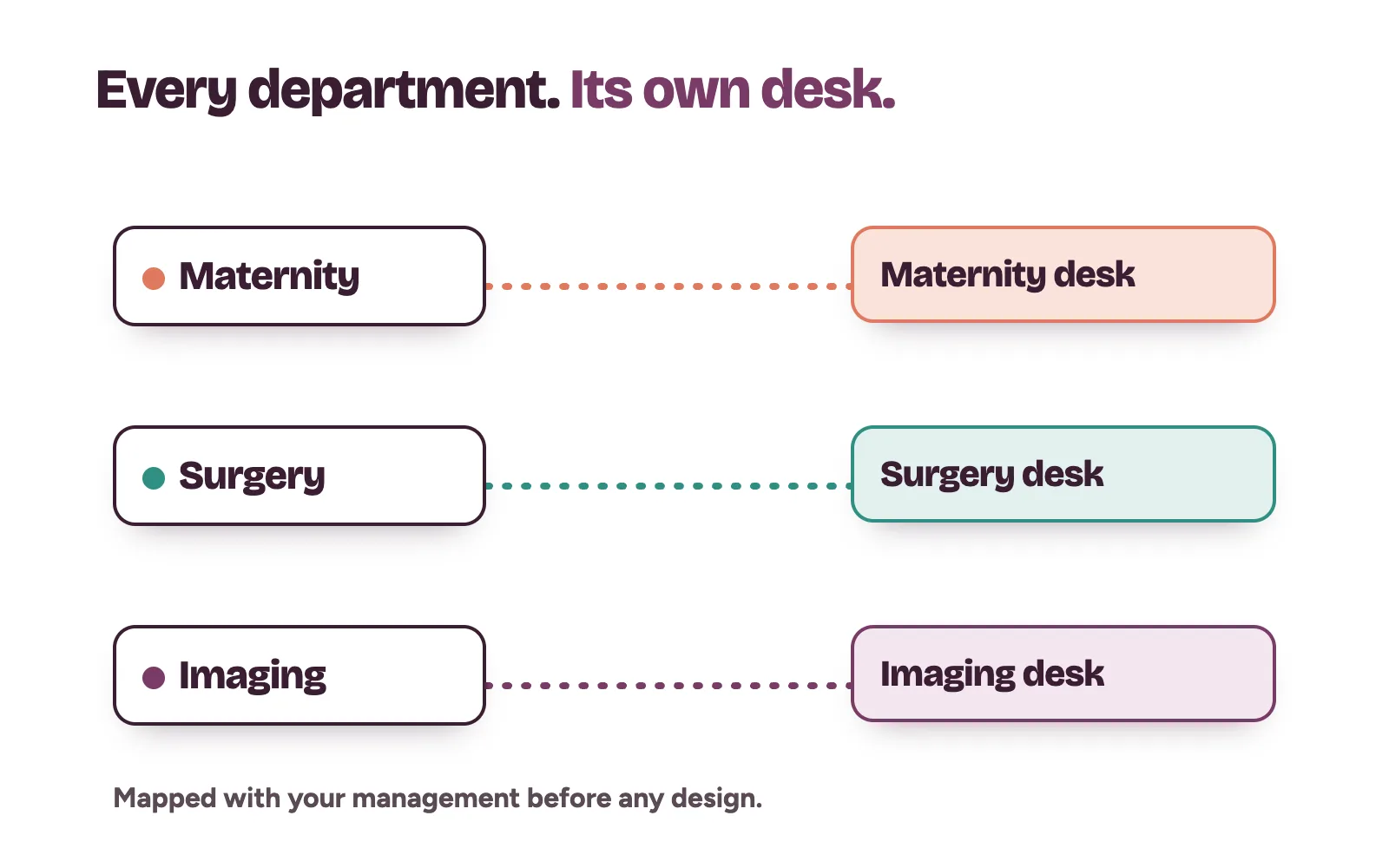
- Every department patients book directly. Maternity, paediatrics, surgery, imaging, the laboratory, health checks.
- Who books each one. A department desk, a nurse coordinator or the main front desk.
- When each service runs. Clinic days, consultant days and anything open around the clock.
- Which departments you want to grow first. These get the most work and the strongest booking paths.
That map becomes the plan for every page and every form. Our post on hospital website design must-haves lists what the finished site needs. This post shows how we get there.
How we structure the departments
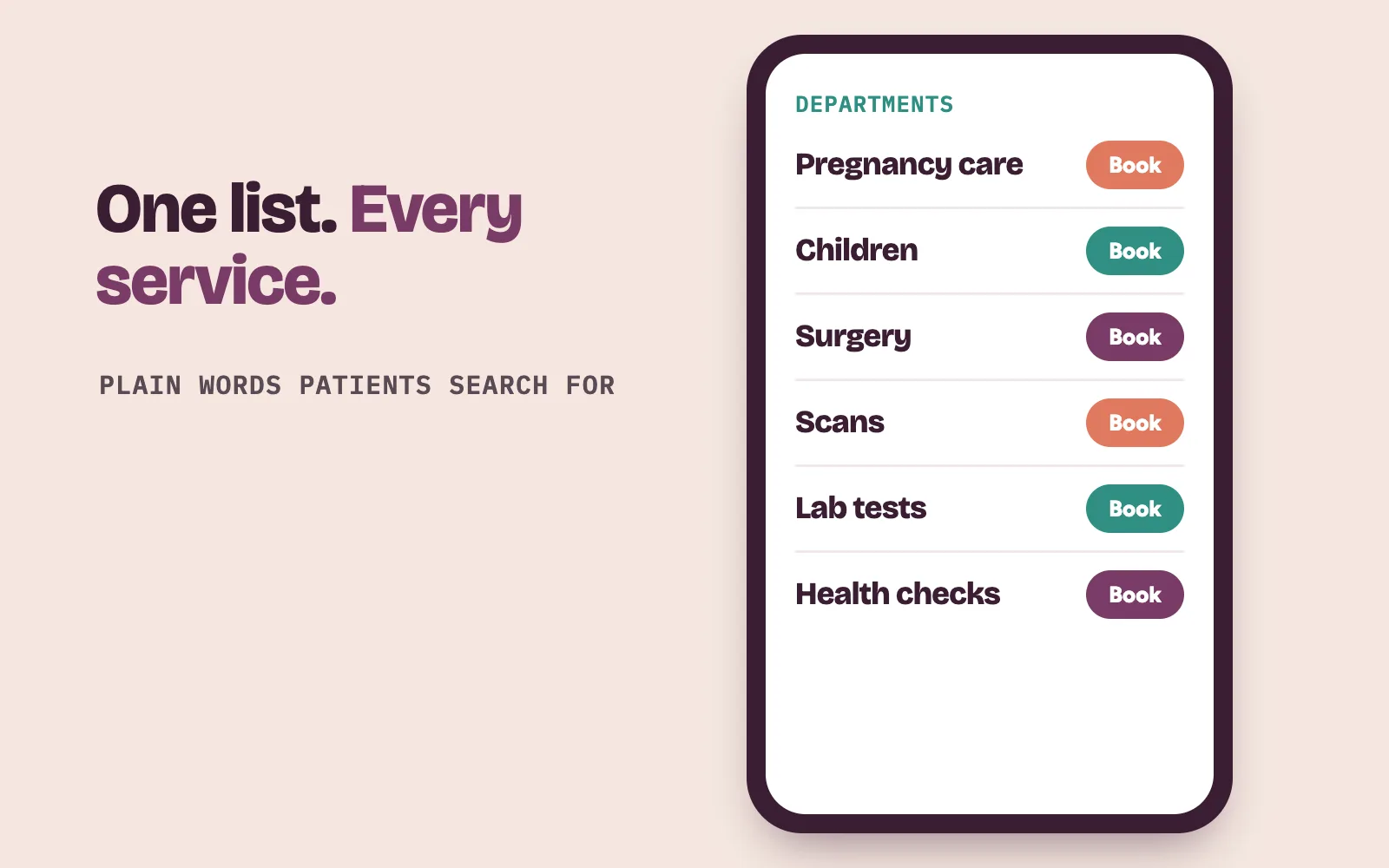
We build one “Departments” page that lists every service in plain words. Patients do not think in medical terms, so “Women’s health and pregnancy” sits next to “Obstetrics and gynaecology”.
Every department page then follows the same pattern, so a patient who learns one can read them all:
- What the department sees, in the words patients search for.
- Who leads it, linked to each doctor’s profile.
- When it runs, taken from the map above.
- How to book, with a button that goes to that department’s own booking route.
Your doctors check every page for accuracy, and you approve it before it goes live. We describe services and process, and promise no outcomes.
How do specialist pages fill clinic days?
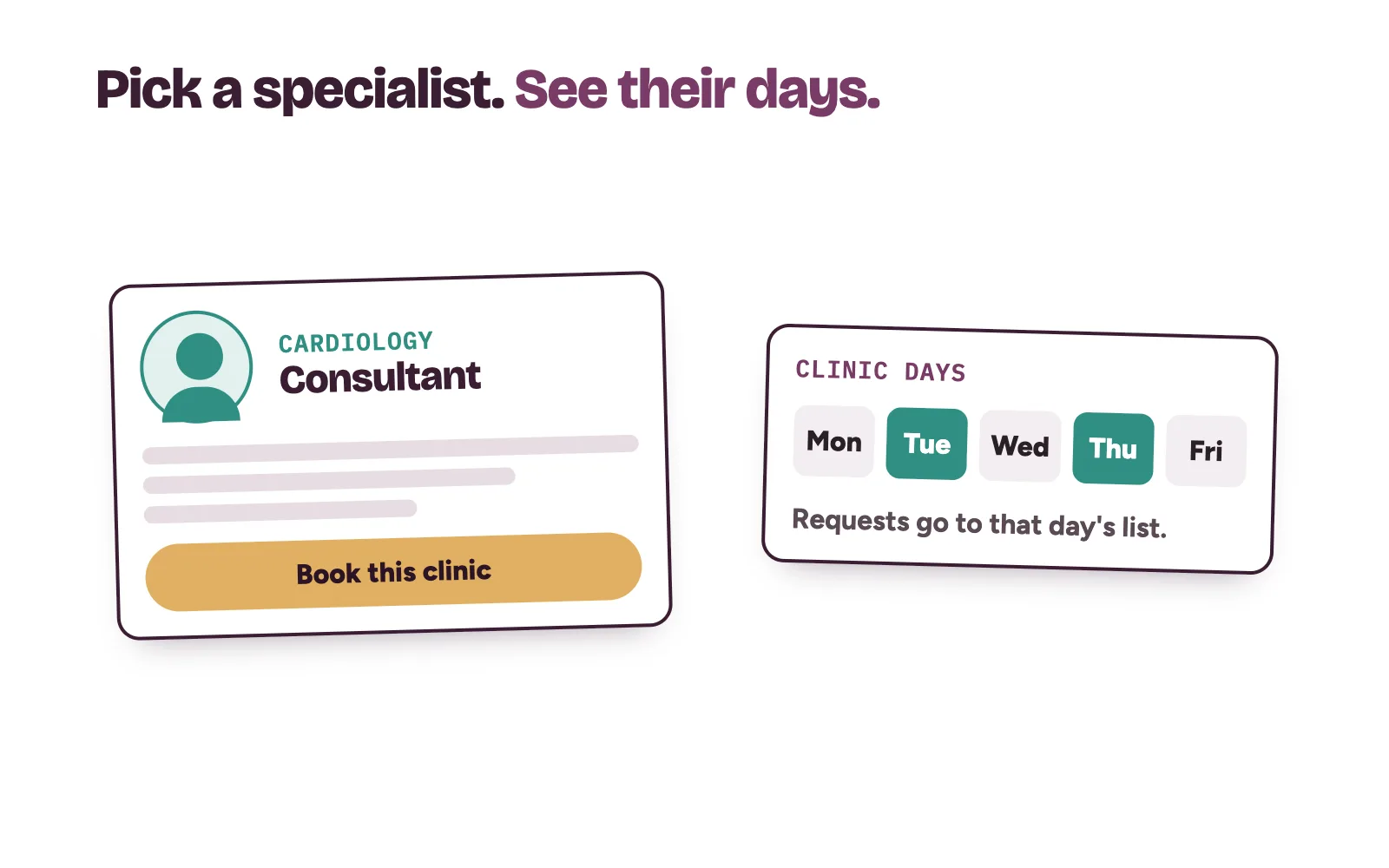
Many patients come for a named consultant. Others need a cardiologist or an ENT surgeon and do not mind who. We build for both.
Each consultant gets a profile with their specialty, qualifications and clinic days. A specialist directory lets patients pick by specialty. Every profile books into that consultant’s clinic, so the request lands on the right day’s list.
Google treats consultants carefully. Its guidelines for representing your business count doctors as individual practitioners. A doctor qualifies for their own Business Profile only in a public-facing role, reachable at the verified location during stated hours. We follow those rules when we connect profiles to your site. For the marketing around clinic days, see our post on filling a hospital’s specialist clinics.
Maternity gets its own section
Families choose a hospital for antenatal care early, and they compare carefully. A single maternity page cannot carry that decision.
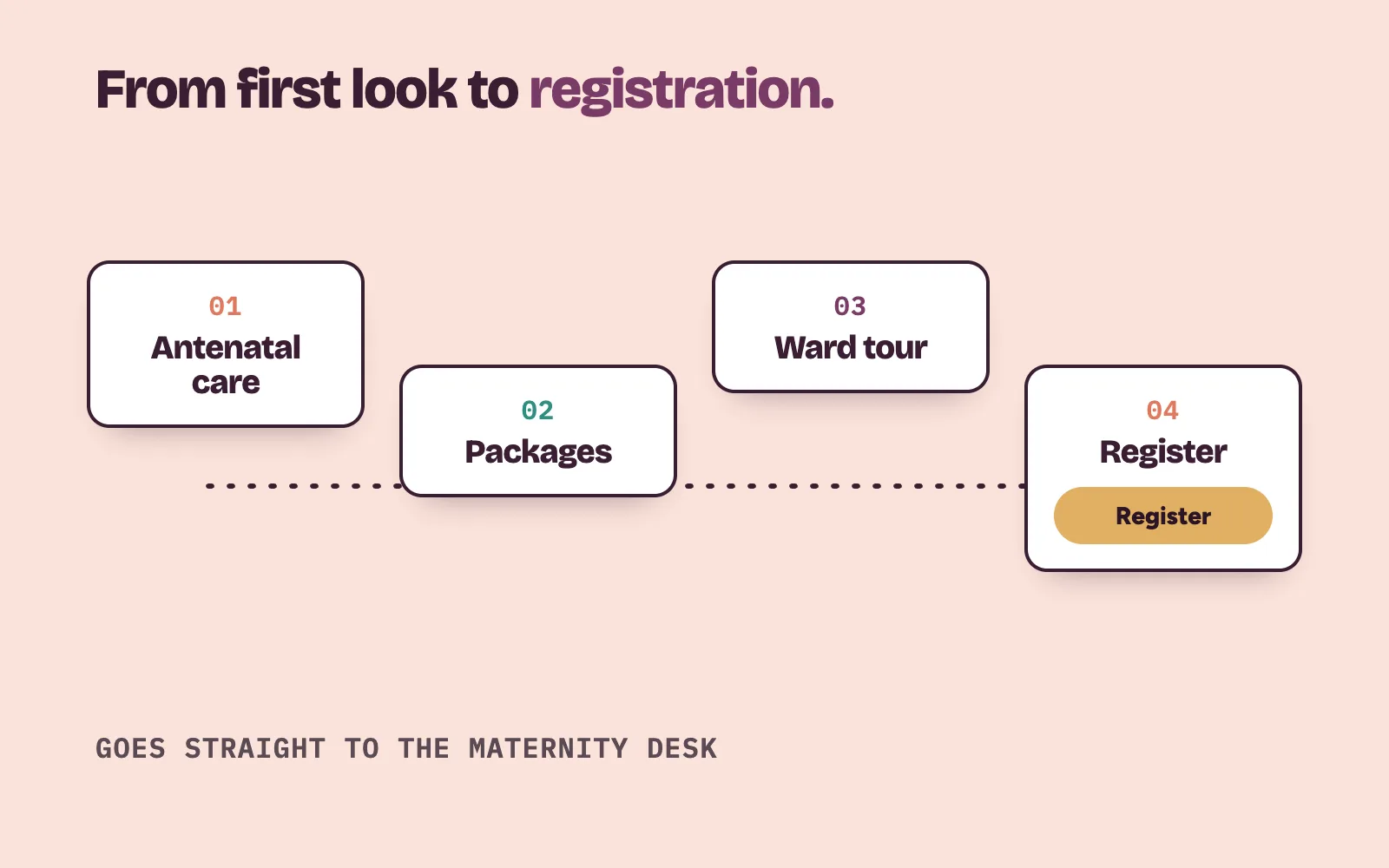
So we build maternity as a short section that follows the family’s path:
- Antenatal care. What registration involves and which doctors and midwives lead it.
- Packages. One page per package, listing what is included. Prices appear only if you choose to show them.
- Visiting the ward. How to book a tour, if you offer one.
- Registering. One clear step that goes straight to your maternity desk.
Our post on marketing maternity packages covers the selling side. On the website, our job is to make registering feel simple and safe.
How we route every enquiry to the right desk
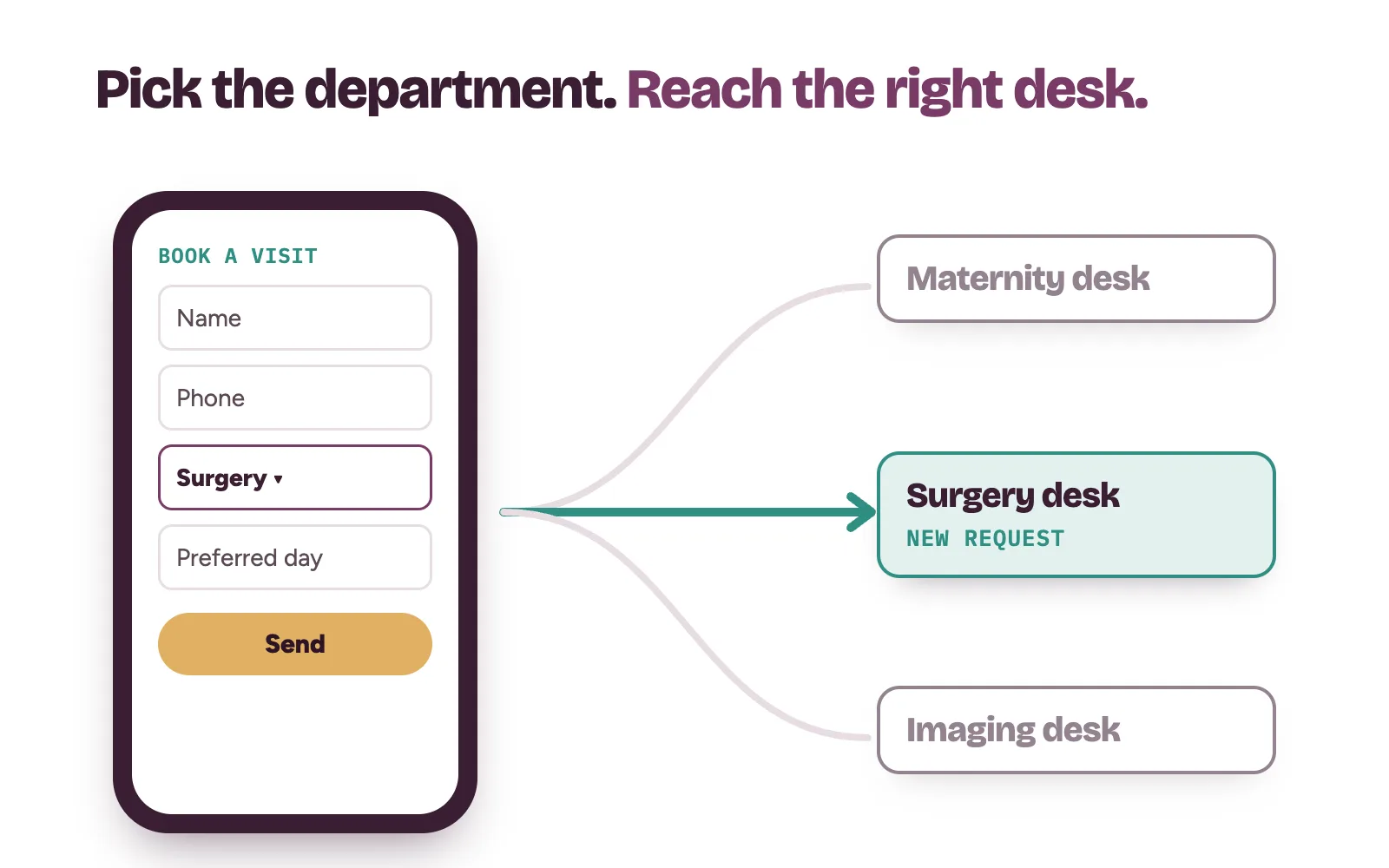
This is where most hospital sites fail. One “Contact us” form sends cardiology and antenatal requests into the same inbox, and both wait.
On the sites we build, the patient picks the department first. The form asks only for name, phone number, department and a preferred day. No medical history goes on a web form.
Each request then goes to the desk from your map, with a copy to a supervisor so nothing sits unseen. Patients who prefer to call see that department’s number. The emergency line, if you run one, stays separate and never sits behind a form.
We track requests by department, so you see which pages bring bookings and which need work. Your own staff confirm every appointment. Our booking operations work sets up that routing behind the site.
What we do and what your team does
Kren is a done-for-you team for private clinics and hospitals in Lagos and Abuja. On a hospital site, we:
- map your departments, desks and clinic days with your management;
- plan and write every department, specialist and maternity page for your doctors to check;
- plan the photos of your building, wards and teams with you;
- set up routing so each request reaches the right desk;
- track bookings by department and fix weak pages every month.
Your teams keep the medical care, the patient experience and the final follow-up that confirms each booking. See what we do for private hospitals, how our website conversion work runs, and our post on private hospital marketing in Nigeria.
On a 30-minute strategy call, we open your current site on a phone and try to book three different departments with you. Show me where my clinic is losing patients →
Questions hospital owners ask about their website
Do we need a new private hospital website?
Not always. Sometimes department pages and proper routing on your current site are enough. We look at yours on the call and tell you which it is.
Should every department have its own Google Business Profile?
Only where it fits Google’s rules. Google says public-facing departments that operate as distinct entities should have their own page, each with a name different from the main hospital and other departments. We check which of yours qualify.
Can we build the website one department at a time?
Yes. Many hospitals start with the department they most want to grow, such as maternity or health checks. We build the full structure first, then add and improve department pages in order.
Who approves the pages before they go live?
You do. We agree an approval route with your management and medical director at the start, and nothing goes live without sign-off.