Blog · Google Maps · 6 min read
Google reviews for clinics: how to get more and reply within the rules
Patients compare Google reviews before they call. Here is when and how to ask, safe sample replies, how to report fake reviews and what never to do.
By the Kren Agency team ·
Google reviews often decide which clinic a patient calls when several appear on the map. To get more of them, ask every patient after their visit with your Google review link or QR code, and never offer anything in return. Reply to each review without confirming the reviewer is a patient. Here is how to do all three within Google’s rules.
Why do Google reviews decide which clinic gets the call?
Google ranks local results on relevance, distance and prominence. Prominence is partly based on how many reviews you have. In Google’s words, “More reviews and positive ratings can help your business’s local ranking.”
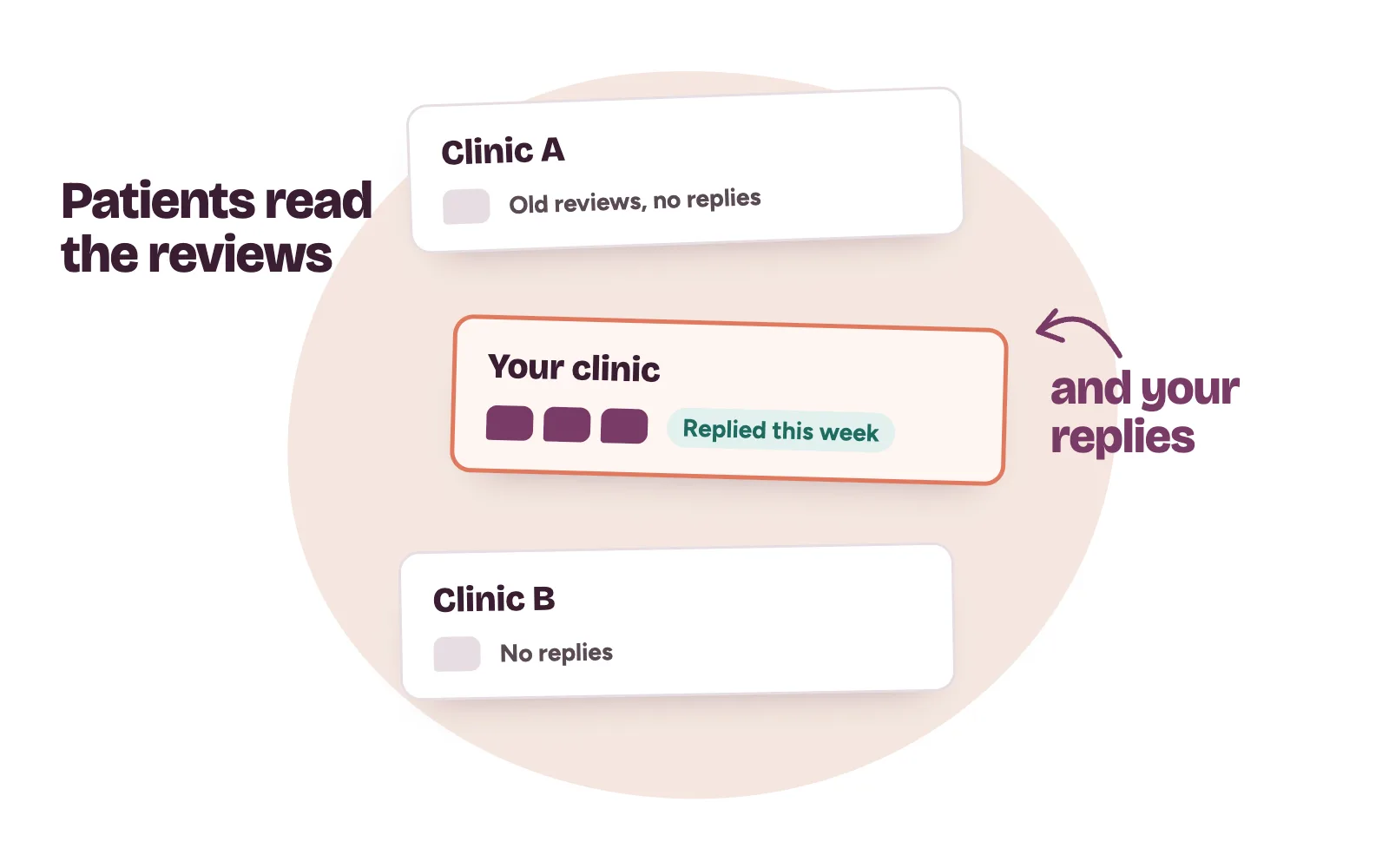
Then the patient reads them. Someone comparing three fertility clinics in Wuse will open the newest reviews and look at how each clinic replied. A clinic with a handful of old reviews and no replies looks quiet, even when its bookings are full.
Profile setup is in our post on Google Business Profile for clinics.
When and how should a clinic ask for Google reviews?
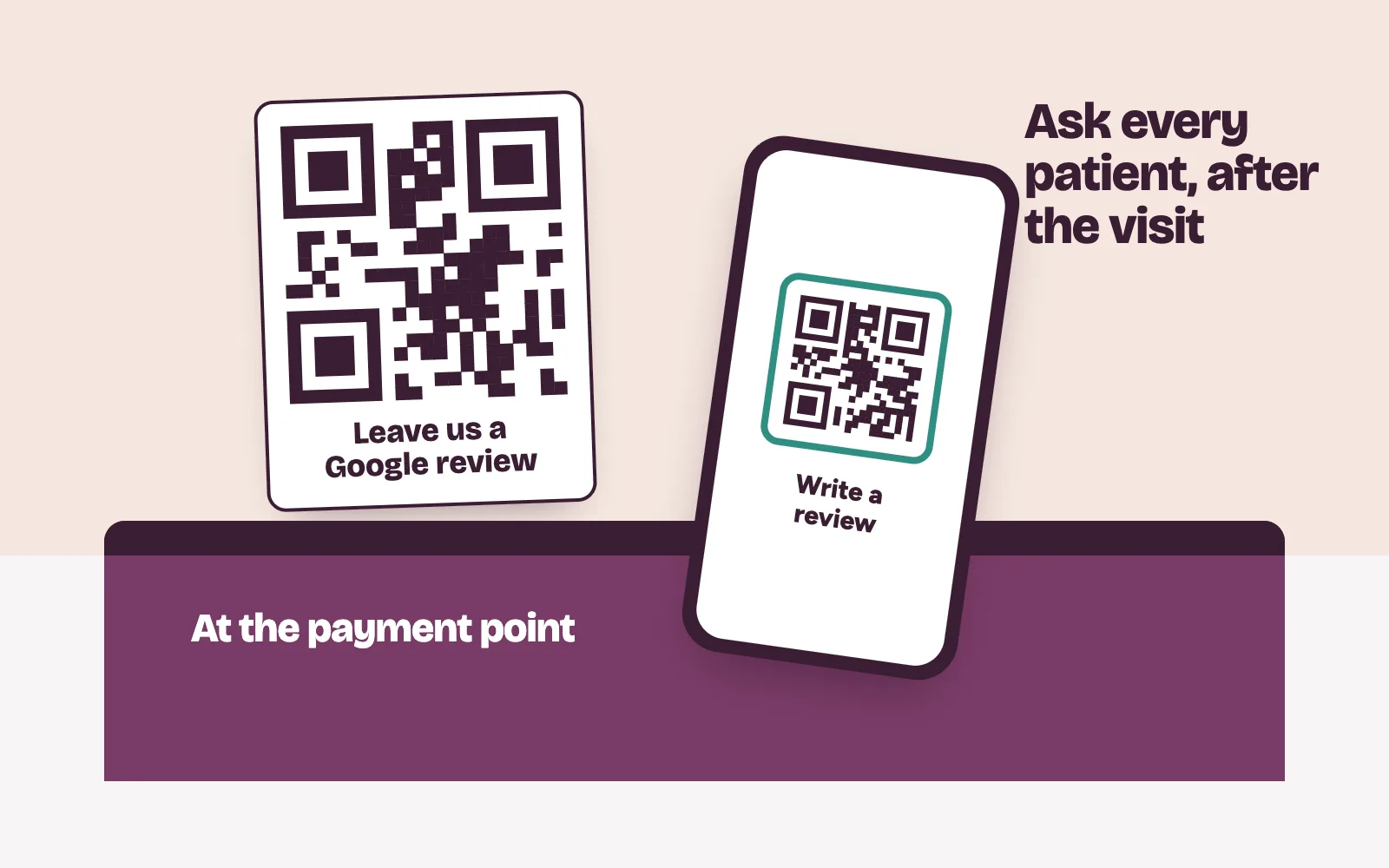
Ask every patient. Google’s Maps user-contributed content policy bars businesses from trying to “selectively solicit positive reviews from customers” or discourage negative ones. So no “Were you happy today? Then please review us” filter.
Ask on the same day, after the visit is over and the bill is settled. Never ask in the consulting room or mid-treatment.
How to get your review link and QR code
- On a computer, open your Business Profile. Google says the review QR code can only be made in a computer browser for now.
- Select Read reviews, then Get more reviews.
- Select Copy for the link, or right-click the QR code and save the image.
- Print the QR code for the front desk and the payment point. Add the link to receipts and to the end of chats with patients.
Patients need to be signed in to a Google Account to post.
A review request that keeps patient details private
Send the same short message to every patient who gave you their number for clinic contact, by text or chat:
Thank you for visiting [Clinic name] today. If you’d like to share your experience, you can leave a Google review here: [link]. Every honest review helps us improve.
- Name no treatment, test or doctor. Other people see phone screens.
- Don’t ask for a star rating or a “good” review.
- Send it once.
- Offer nothing in return: no discount, gift or free consultation.
How should a clinic reply to Google reviews?
Google’s tips for replies: be professional and polite, keep it short, respond promptly and never share a reviewer’s private information. Google also says not to use replies to push deals. The reviewer is notified when you reply, and anyone can read it.
Clinics need one stricter rule. Never confirm that the reviewer is your patient. Never mention a treatment, a visit date or a result, even when the reviewer names them first.
Sample reply to a positive review
Thank you for taking the time to write this. We’ve shared your kind words with the team.
Sample reply to a negative review
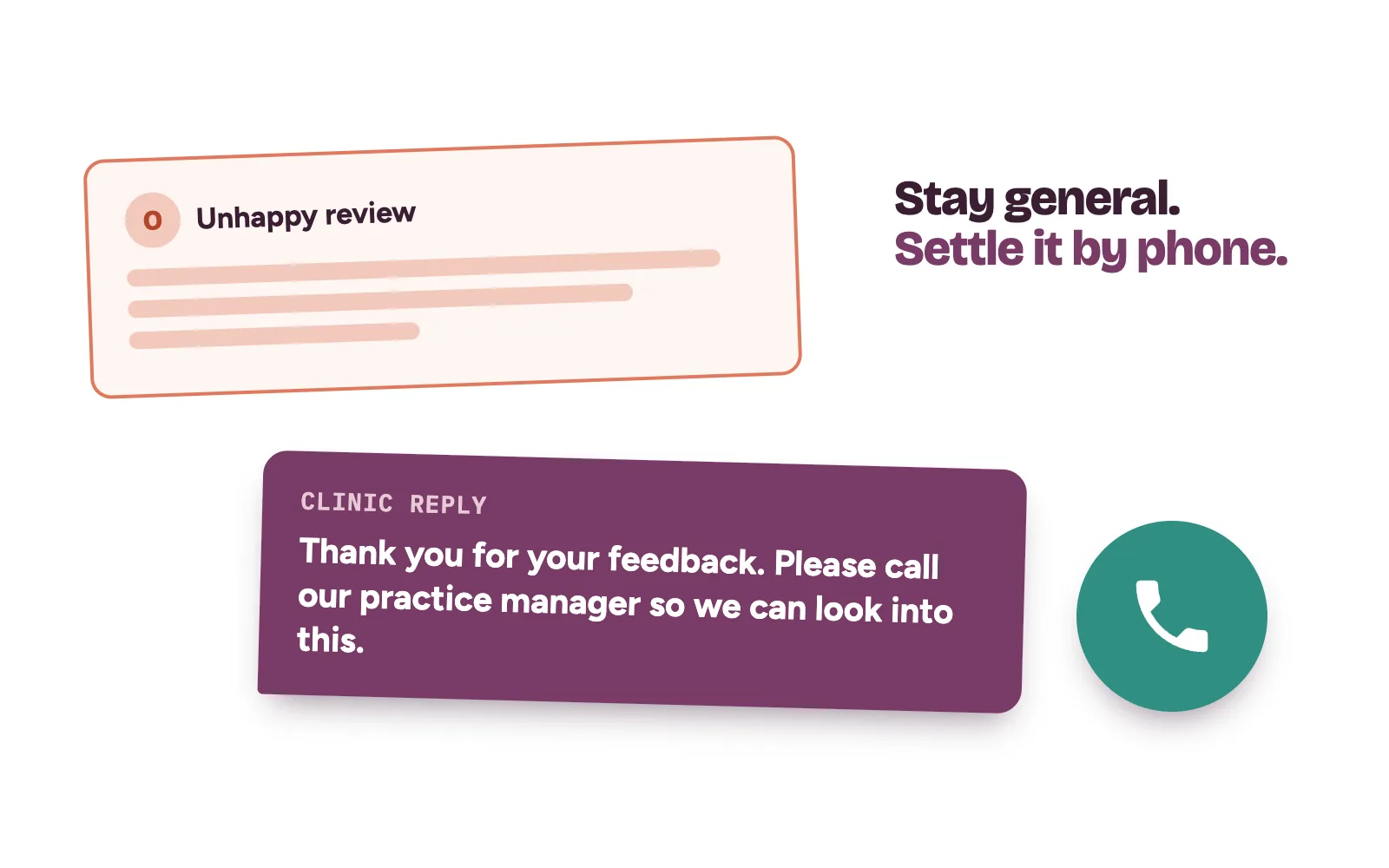
Thank you for your feedback. We take every concern seriously, and we can’t discuss individual matters here. Please call our practice manager on [clinic line] so we can look into this properly.
Don’t argue in public. A line like “our records show you arrived late” confirms the person was a patient. Take it to a phone call.
What can you do about fake or abusive reviews?
Google removes reviews that break its policies, such as fake engagement, conflicts of interest, harassment, off-topic rants and personal information posted without consent. Google won’t remove a review because you disagree with it. It says it “doesn’t get involved in conflict between businesses and customers.”
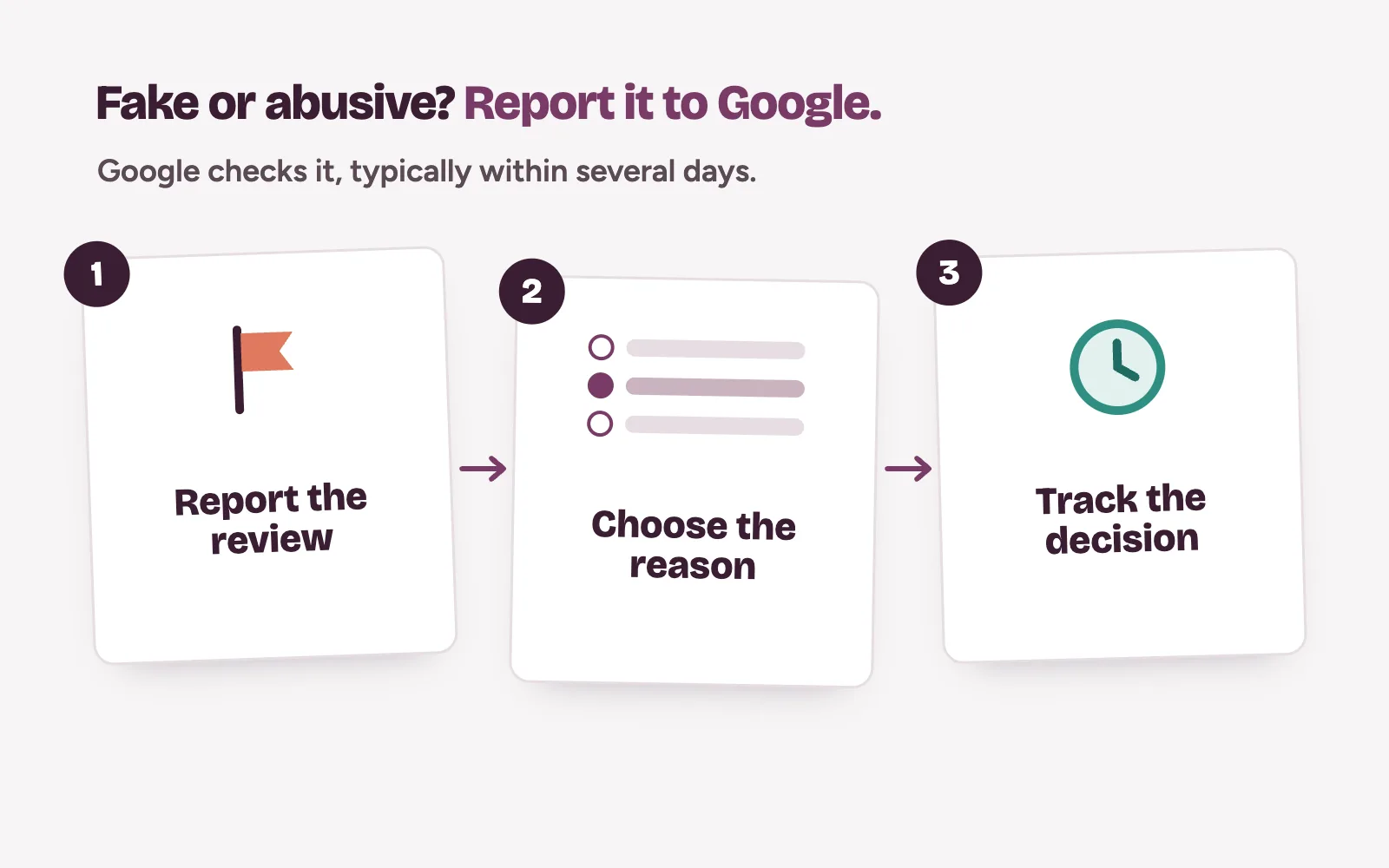
To report one, follow Google’s steps to report inappropriate reviews:
- In your Business Profile, select Read reviews.
- Select the report icon next to the review, choose the reason and send the report.
- Track it in Google’s Reviews Management Tool. Google says checks typically take several days.
- If Google finds no violation, you get one appeal, covering up to 10 reviews.
Watch for extortion. Google describes it as a sudden burst of 1-star and 2-star reviews, then a demand for money to remove them. Don’t pay or reply to the sender. Gather screenshots and use Google’s merchant extortion report form.
What should a clinic never do with Google reviews?
- Buy reviews. Google’s policy bans reviews “paid for, directly or in kind.”
- Reward patients. No discounts or free services for posting a review, or for changing or removing a bad one.
- Let staff review the clinic. Google counts current or former employment as a conflict of interest.
- Gate reviews. Screening patients first and sending only the happy ones to Google is selective asking.
Google can stop a profile receiving new reviews for a set period, hide its existing reviews and show patients a warning that fake reviews were removed.
How Kren runs review requests and replies for clinics
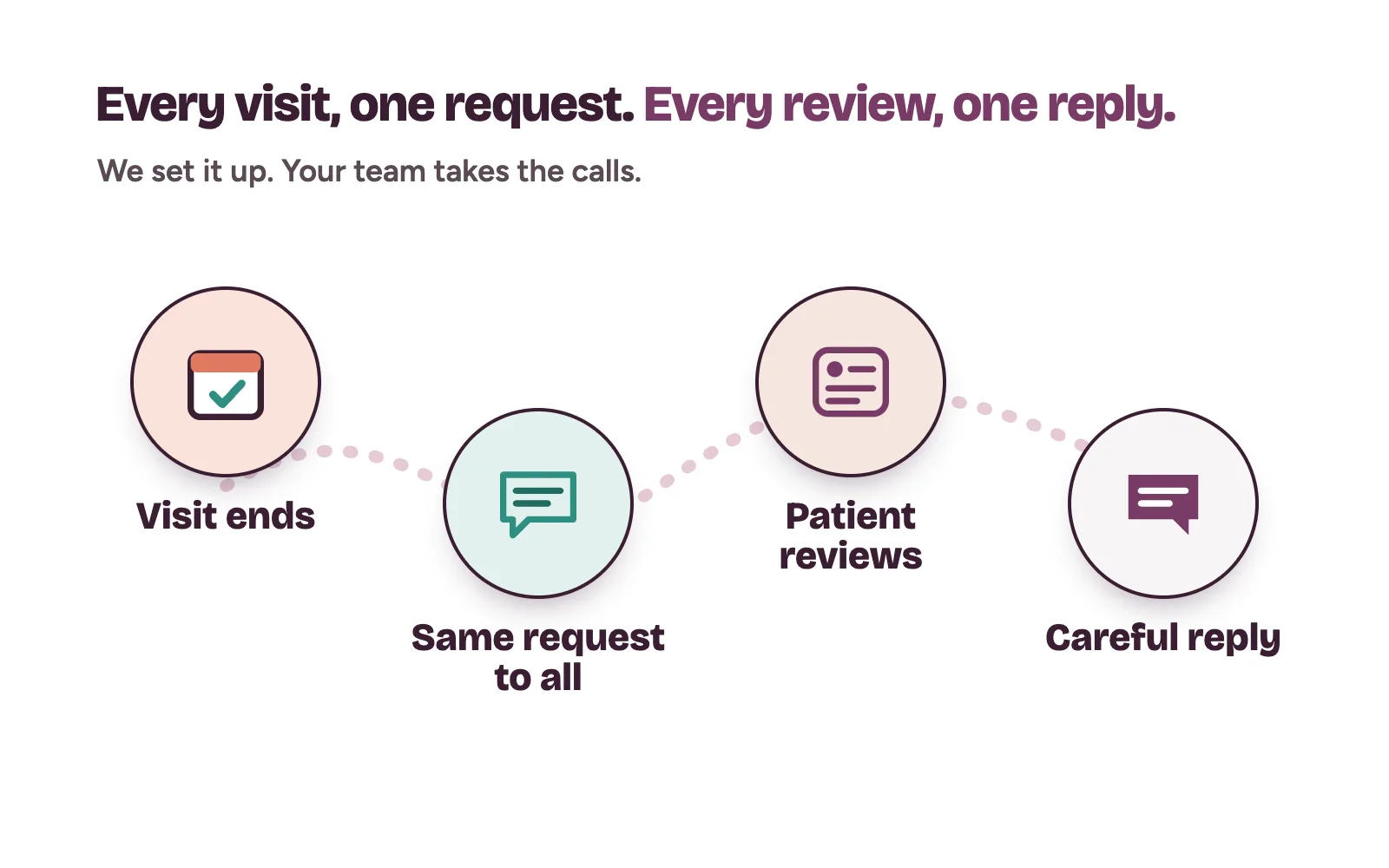
Kren is a done-for-you team for private clinics in Lagos and Abuja. We set up your review link and front-desk QR code. We make sure every patient gets the same short request after each visit. We draft and post replies within the rules and report reviews that break Google’s policies. Complaints go to your practice manager, who makes the call.
Reviews bring the call. Our leak closure work makes sure it gets answered, as in how to stop losing patients in your DMs.
Want to see how your Google reviews compare with the clinics near you? On a 30-minute strategy call, we look at your profile live. Show me where my clinic is losing patients →
Questions clinic owners ask about Google reviews
Can we ask only our happiest patients for reviews?
No. Google’s policy bars businesses from selectively asking for positive reviews. Ask every patient the same way, and let them choose what to write.
Can we delete a bad review?
No. You can report a review that breaks Google’s policies, and Google decides. A genuine negative review stays, so reply calmly.
Can our staff leave reviews for the clinic?
No. Google treats current or former employment as a conflict of interest, and such reviews break its policy.
Should we reply to every review?
Reply to every negative review, promptly. For positive ones, Google suggests replies that add something over the same “thank you” each time.