Blog · Enquiries · 6 min read
WhatsApp Business for clinics: the set-up that keeps enquiries tidy
Set up WhatsApp Business so every clinic enquiry gets a greeting, a clear out-of-hours reply, saved answers and a label that shows what happens next.
By the Kren Agency team ·
WhatsApp Business is WhatsApp’s free app for businesses, and clinics use it to answer patient enquiries under the clinic’s own name and profile. Set up WA Business properly and every chat gets a quick greeting, a clear reply outside opening hours, saved answers to common questions and a label that shows where each enquiry stands. Here is the clinic set-up, step by step, within WhatsApp’s own rules.
WhatsApp Business app or WhatsApp Business API: which does a clinic need?
WhatsApp offers two business products. Its help page on WhatsApp Business products sets out who each one is for.
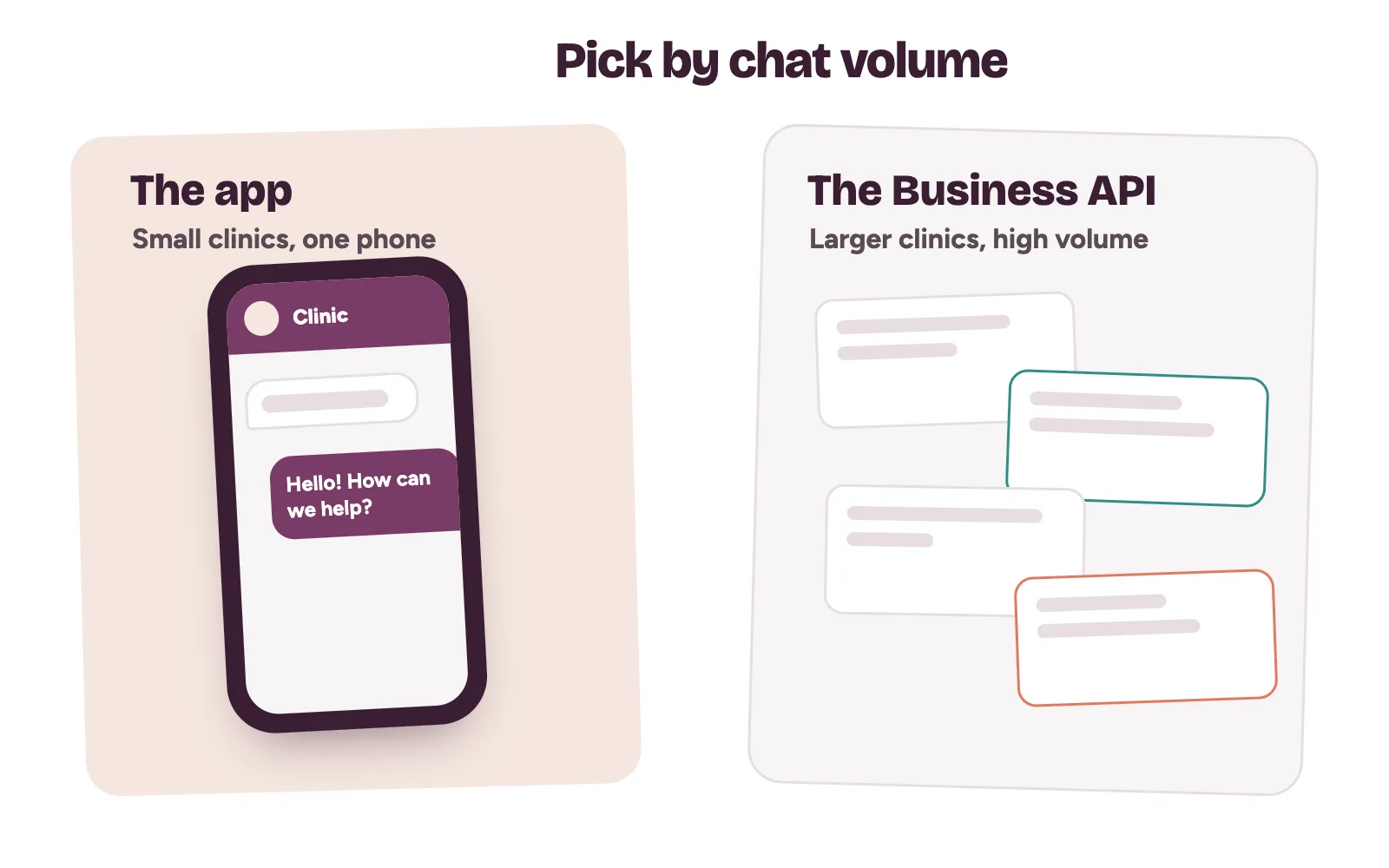
- WhatsApp Business app. For small businesses. Free to download and free to use, run from a single device.
- WhatsApp Business API. For medium to large businesses handling high volumes of conversations. You connect it directly or through a WhatsApp partner, and messages are paid.
A single-site dental, skin or physiotherapy clinic usually starts with the app. A hospital group with several branches and a call centre may outgrow it. Choose by how many chats your team handles, never by which sounds bigger.
Step 1: Fill in the business profile completely
Patients see your business name, description, address, business hours and category. You can add an email, a website and link your Facebook Page or Instagram profile.
- Name: the clinic name patients see on your signboard and Google listing.
- Description: what you treat and the area you serve, in one or two plain lines. No promised results.
- Hours: your real opening hours. Two later features depend on them.
- Address and website: the same as your Google Business Profile, word for word.
The app also builds default quick replies from the profile, such as your hours and address. A complete profile gives your front desk ready answers on day one.
Step 2: Set greeting and away messages
A greeting message goes out when someone messages you for the first time, or after 14 days with no messages. Set it under Tools, then Greeting message. WhatsApp’s greeting message steps also let you choose recipients, such as everyone not in your address book.
Hello, thank you for contacting [Clinic name]. Please tell us your name and the service you’re asking about, and our front desk will reply shortly.
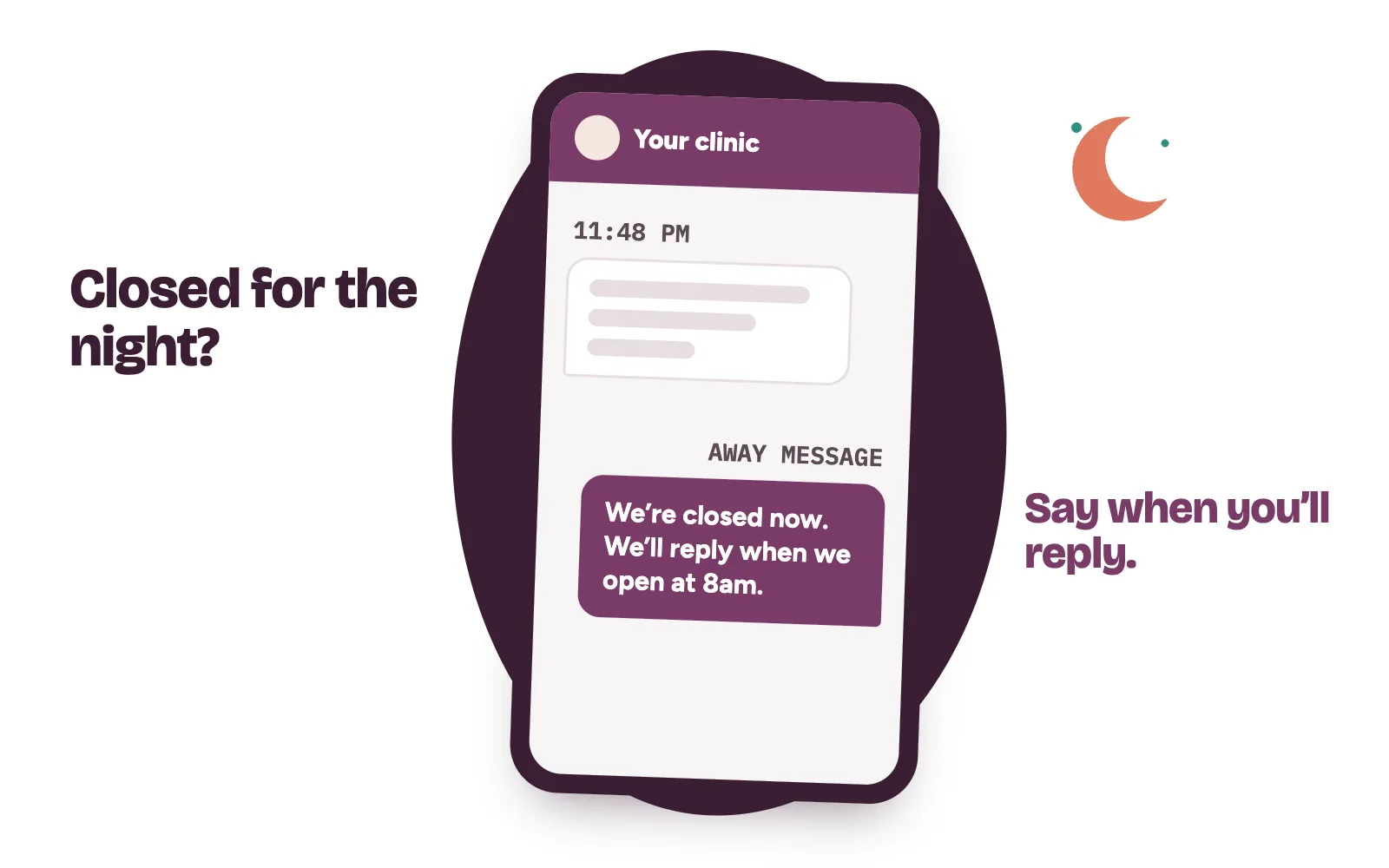
An away message answers while nobody is at the desk. Under Tools, then Away message, pick Outside of business hours. That option only appears once your hours are in the profile.
Thank you for your message. We’re closed now and will reply when we open at 8am. For an emergency, please go to the nearest emergency unit.
Both need the phone to be online to send.
Step 3: Save quick replies and label every chat
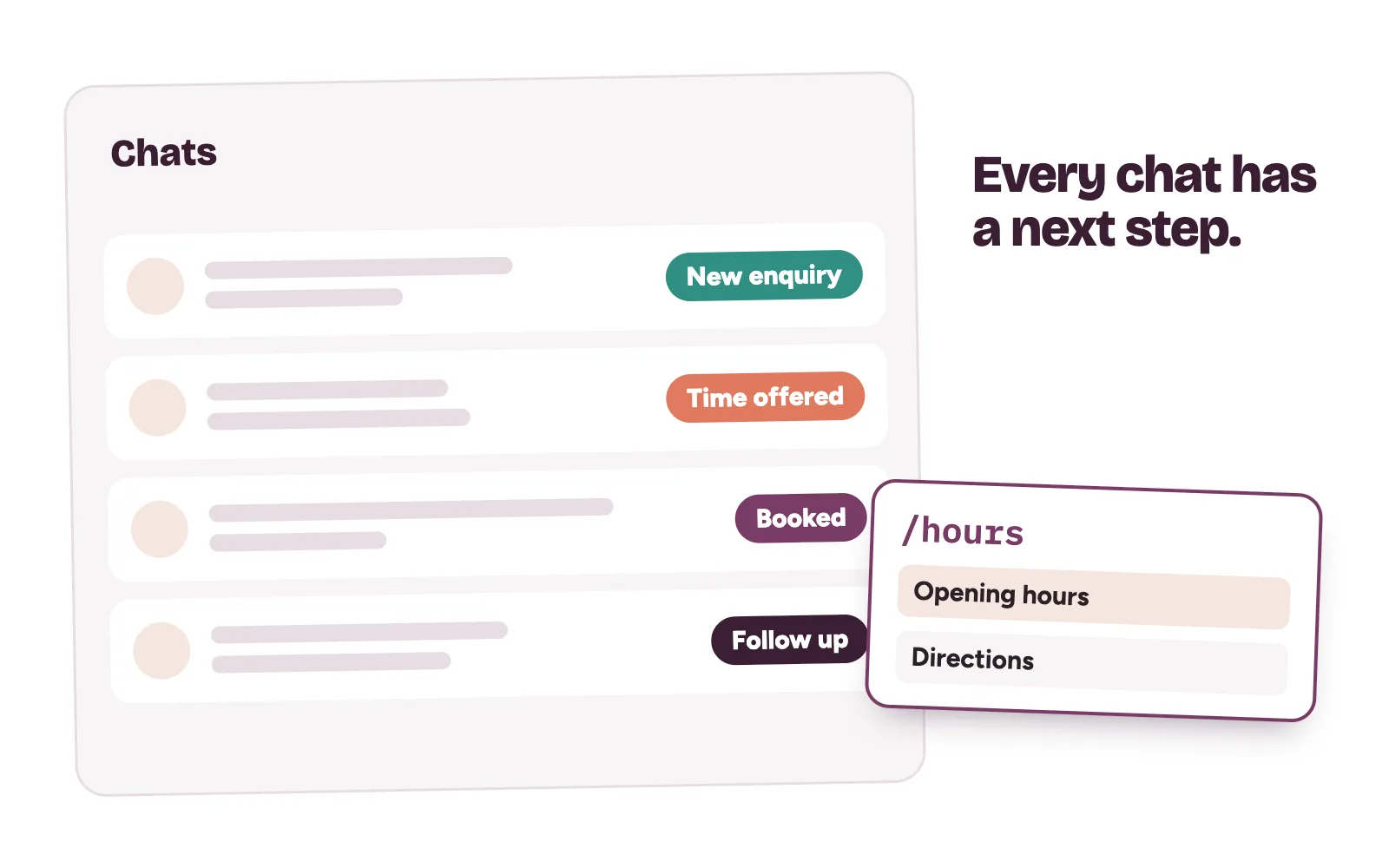
Quick replies are saved messages your team sends by typing “/” in a chat. You can store up to 50, and they can include images and videos. Write them once for the questions that arrive every day:
- Directions and landmarks to the clinic.
- Opening hours and public holiday hours.
- How to book, with two time options.
- What to bring to a first visit.
- The answer to “How much?”, written using the reply method in how to stop losing patients in your DMs.
A label set your front desk can keep up
Labels sort chats by colour and name, up to 20 of them. WhatsApp is rolling labels out as “lists”, so your app may show either name. Keep it short:
- New enquiry
- Time offered
- Booked
- Follow up
At the end of each day, the manager opens “Time offered” and “Follow up”. Those are the patients you are about to lose.
Step 4: Add a catalog of treatments, with or without prices
The catalog lets patients browse your services inside the chat. Each item needs a name and the country of origin. Price, description and a website link are optional, so a clinic that discusses fees on the phone can leave prices out.
WhatsApp reviews every catalog image against its Business Messaging Policy. Items appear only after approval. Use plain descriptions of each service and keep before-and-after photos, outcome claims and patient images out.
Step 5: Share your short link and QR code
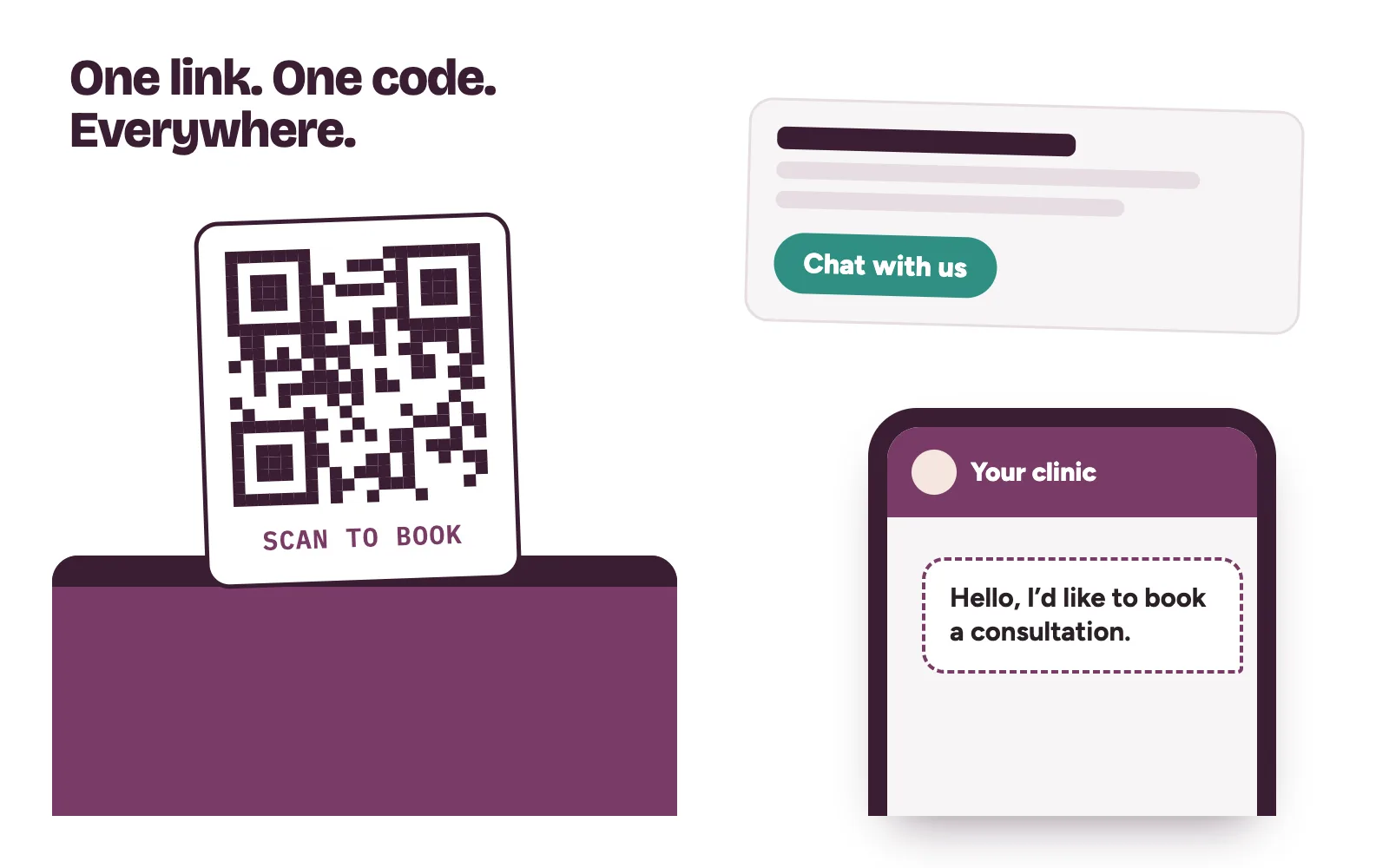
The app makes a short link when you create the account. Find it under Tools, the menu, then Short link. You can also set a default message that is ready when patients open the link, such as “Hello, I’d like to book a consultation.”
The same screen shows your QR code. Print it for reception and put the link on your website, Instagram bio and Google listing.
Keep medical details out of WhatsApp chats
The chat is for booking. Ask for a name, the service and a preferred time. Don’t ask for symptoms, test results or photos of a condition. If a patient sends them, reply that a clinician will discuss it in the consultation, and book them in.
Two more habits protect patients. Treat the profile as public: anyone with your number saved can see it, even people you block. And lock front-desk phones when nobody is using them.
And WhatsApp is one door of several. Patients also call, send Instagram DMs and message from Google. Each door needs the same fast reply and the same clear next step.
How Kren sets up WA Business for clinics
Kren is a done-for-you growth partner for private clinics in Lagos and Abuja. We set up the profile, greeting and away messages, quick replies, labels and links, and make sure every channel feeds one booking routine. Your front desk does the final follow-up and books the patient. See our leak closure work and booking operations.
Want to see where enquiries slip through at your clinic? On a 30-minute strategy call, we look at your enquiry channels with you. Show me where my clinic is losing patients →
Questions clinic owners ask about WhatsApp Business
Is the WA Business app free?
Yes. WhatsApp describes the app as free to download and free to use. The WhatsApp Business API, for larger businesses, charges for messages.
Why didn’t our greeting message send?
Greeting messages only go to people messaging you for the first time or after 14 days of silence. Also check your recipient settings and that the phone was online.
Can we list treatments without showing prices?
Yes. Price is an optional field in the catalog. Each item still needs a name and country of origin, and it shows only after WhatsApp approves it.
How many quick replies and labels can we save?
Up to 50 quick replies and up to 20 labels. Most clinics need far fewer: a dozen replies and four or five labels cover daily enquiries.