Blog · Enquiries · 5 min read
WhatsApp Business account settings to change at your clinic
The profile, hours, privacy, two-step verification and linked device settings that keep a clinic's WhatsApp accurate and safe from takeover.
By the Kren Agency team ·
Most clinics install WhatsApp Business, type the clinic name and never open the settings again. A well-set WhatsApp Business account shows patients the right details, protects the number from takeover and lets you see which staff phones can read every chat. These are the settings to change first, and the ones to check every month.
1. Business profile: what patients see before they message
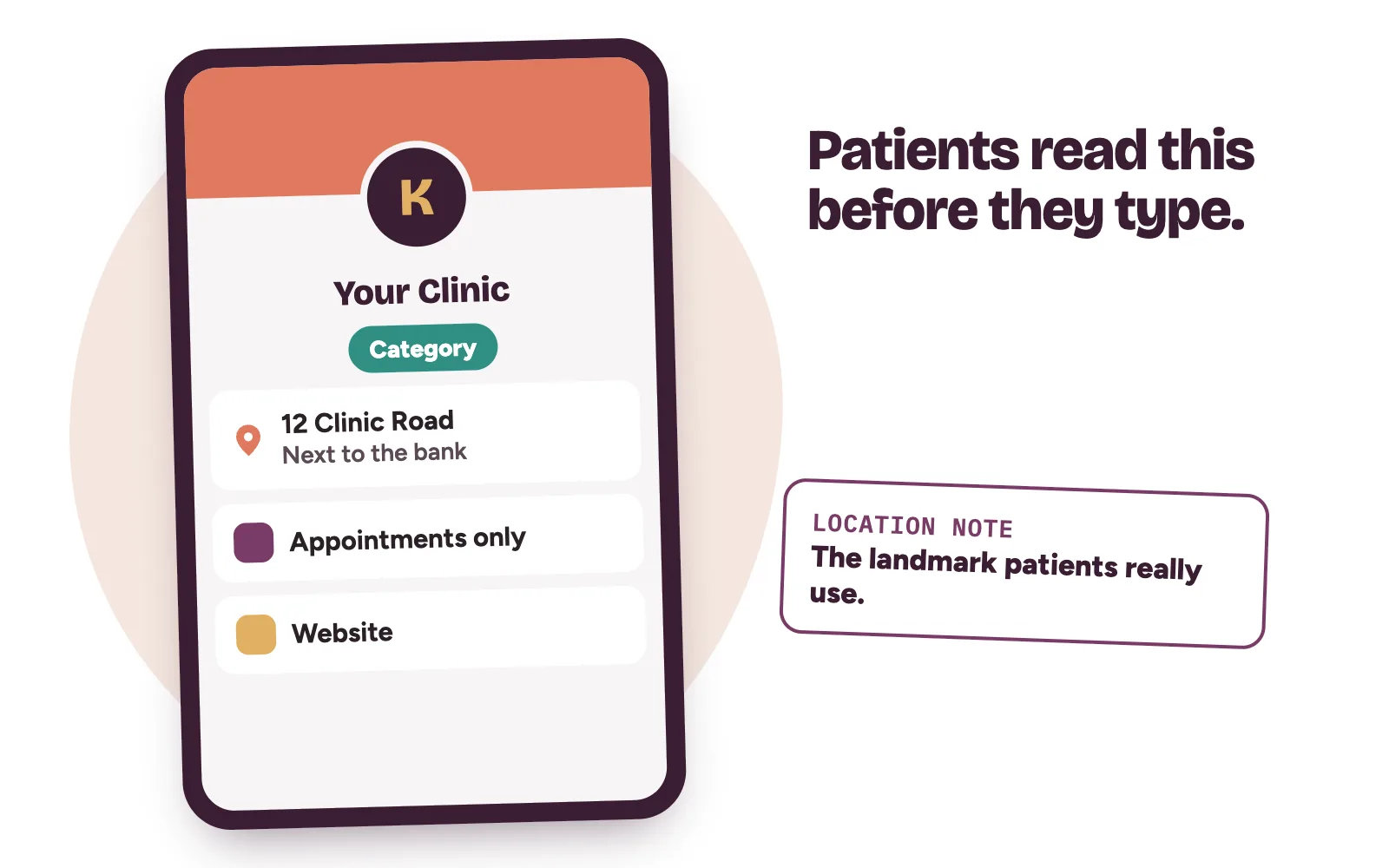
WhatsApp shows patients your business name, description, address, business hours and category. Its help page on editing your business profile lists every field. Open it from the Tools tab, then Profile.
- Name and photo: the clinic name on your signboard, and your logo as the profile photo. The profile photo and cover photo are public by default.
- Category: pick up to three. You can’t create a custom one, so choose the closest health category.
- Description: what you treat and where, in plain words. No promised results.
- Address and location notes: add the landmark patients actually use, such as the bus stop or the bank next door.
- Email and website: the same details as your Google Business Profile.
The profile also offers a price range. If your clinic discusses fees on a call, you can choose Remove and leave it off.
Treat every field as public. Anyone with your number saved can see the profile, including people you’ve blocked.
2. Business hours: pick “Appointments only” if that’s how you work
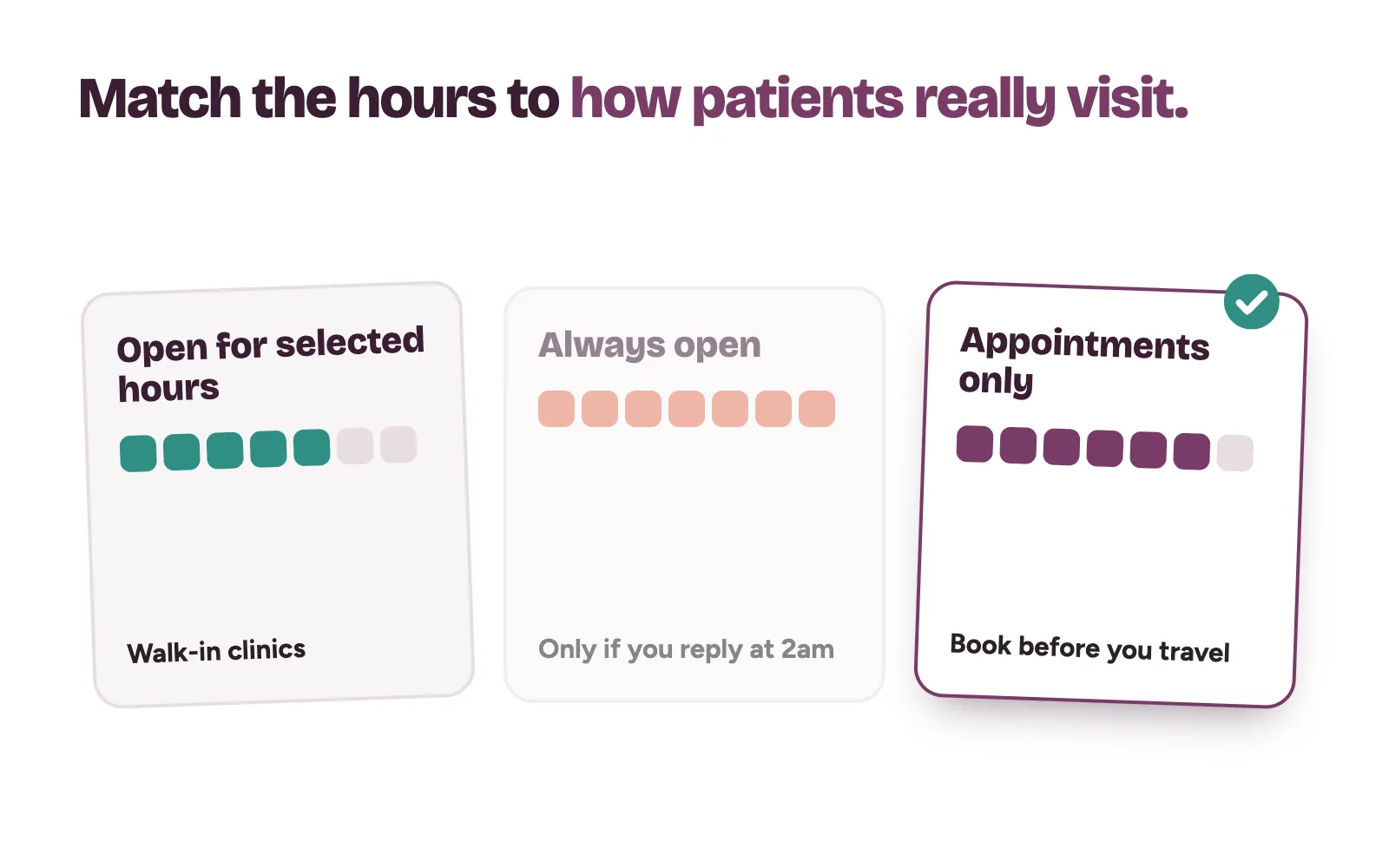
Tap Business hours in the profile and choose one of three templates: Open for selected hours, Always open or Appointments only.
A walk-in clinic should use selected hours, entered day by day. A dental or aesthetic clinic that sees patients by appointment can choose Appointments only, which tells patients to book before they travel. Never pick Always open unless someone really answers at 2am.
WhatsApp notes that a complete profile can reduce messages asking about things like your hours.
3. Privacy settings: who sees what
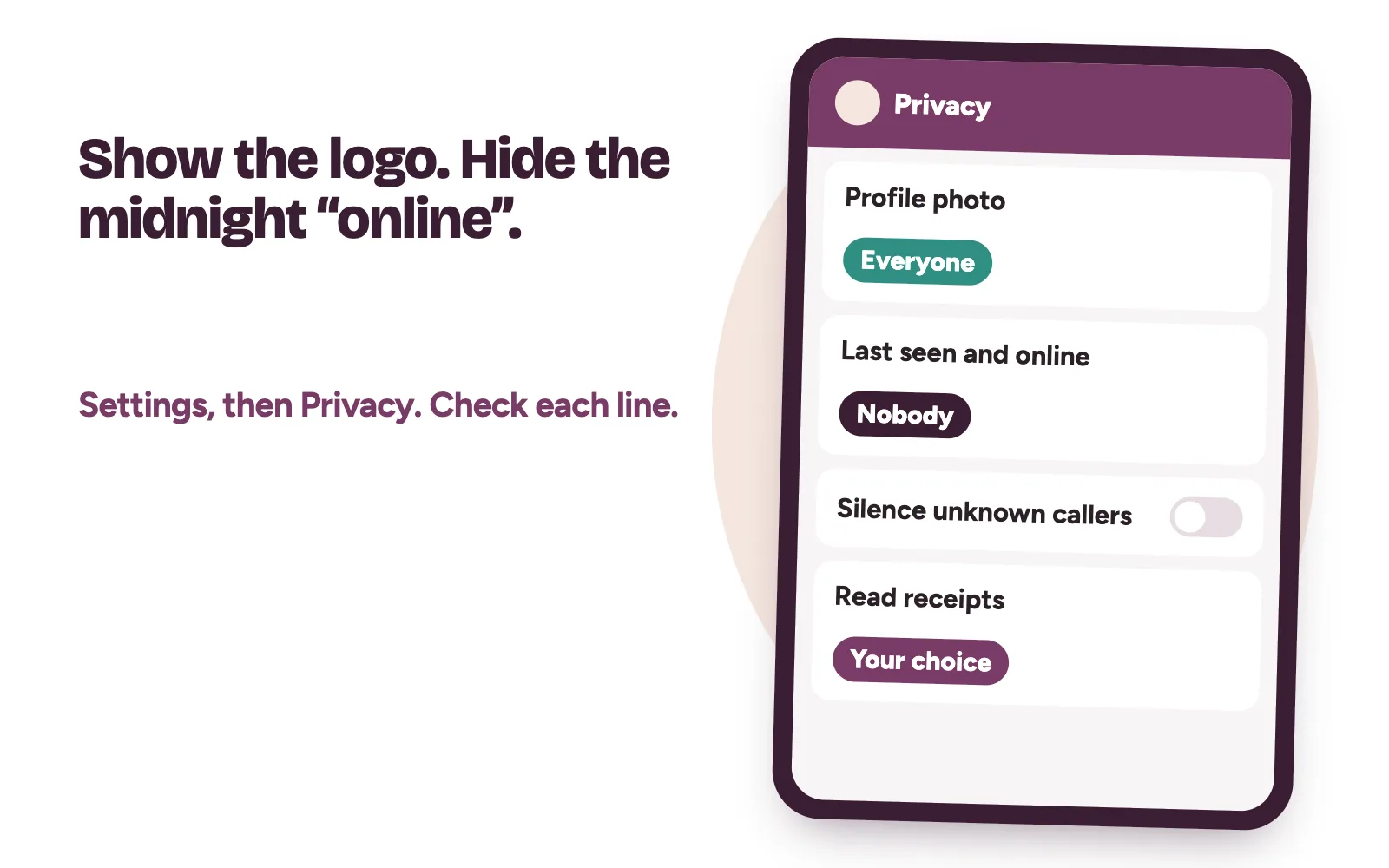
Go to Settings, then Privacy. For each item you can choose Everyone, My contacts, My contacts except… or Nobody. By default, any user can see your profile photo, read receipts and when you’re online.
- Profile photo: keep it on Everyone, so a new patient sees the clinic logo.
- Last seen and online: many clinics set this to Nobody. Patients who see the account online at midnight expect a reply at midnight. If you hide yours, you can’t see other people’s either.
- Silence unknown callers: leave it off. Most new patients are unknown numbers.
4. Two-step verification: protect the clinic number
Your clinic number is printed on signs, cards and your Google listing. If someone takes over the account, they talk to your patients as you. Two-step verification adds a second check when anyone registers the number on a new phone.
- Go to Settings, Account, then Two-step verification.
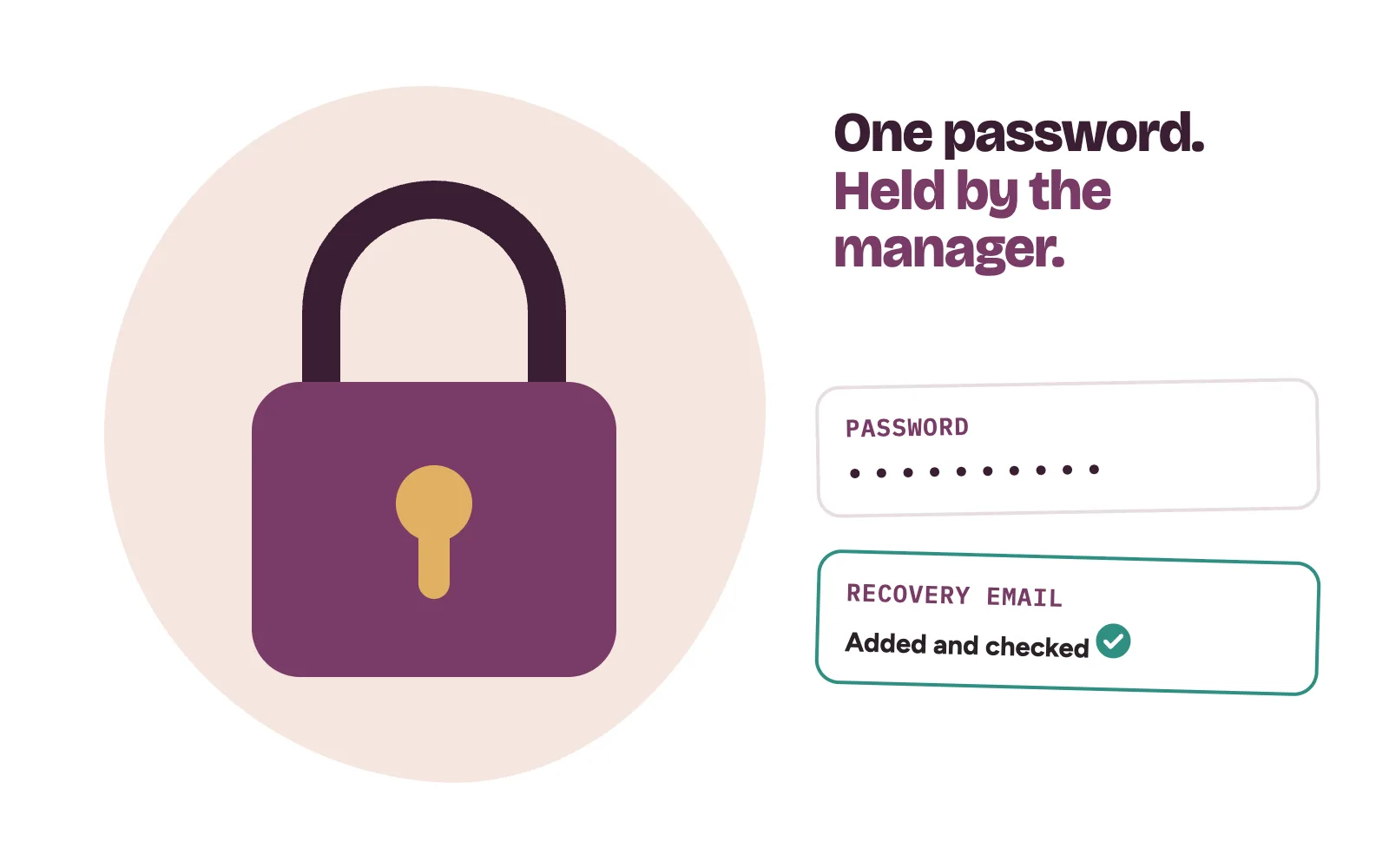
- Turn it on and create a strong password.
- Add an email address you can access, so you can still recover the account without SMS.
- Mark the main clinic phone as a trusted device if you wish.
The owner or practice manager should hold the password, never every staff member. WhatsApp’s own advice is to never share your registration code or password. If a “registration code” arrives that nobody asked for, someone may be trying to register your number. Don’t share it.
On phones that support it, also turn on app lock under Settings, Privacy, App lock, so a face or fingerprint is needed to open WhatsApp.
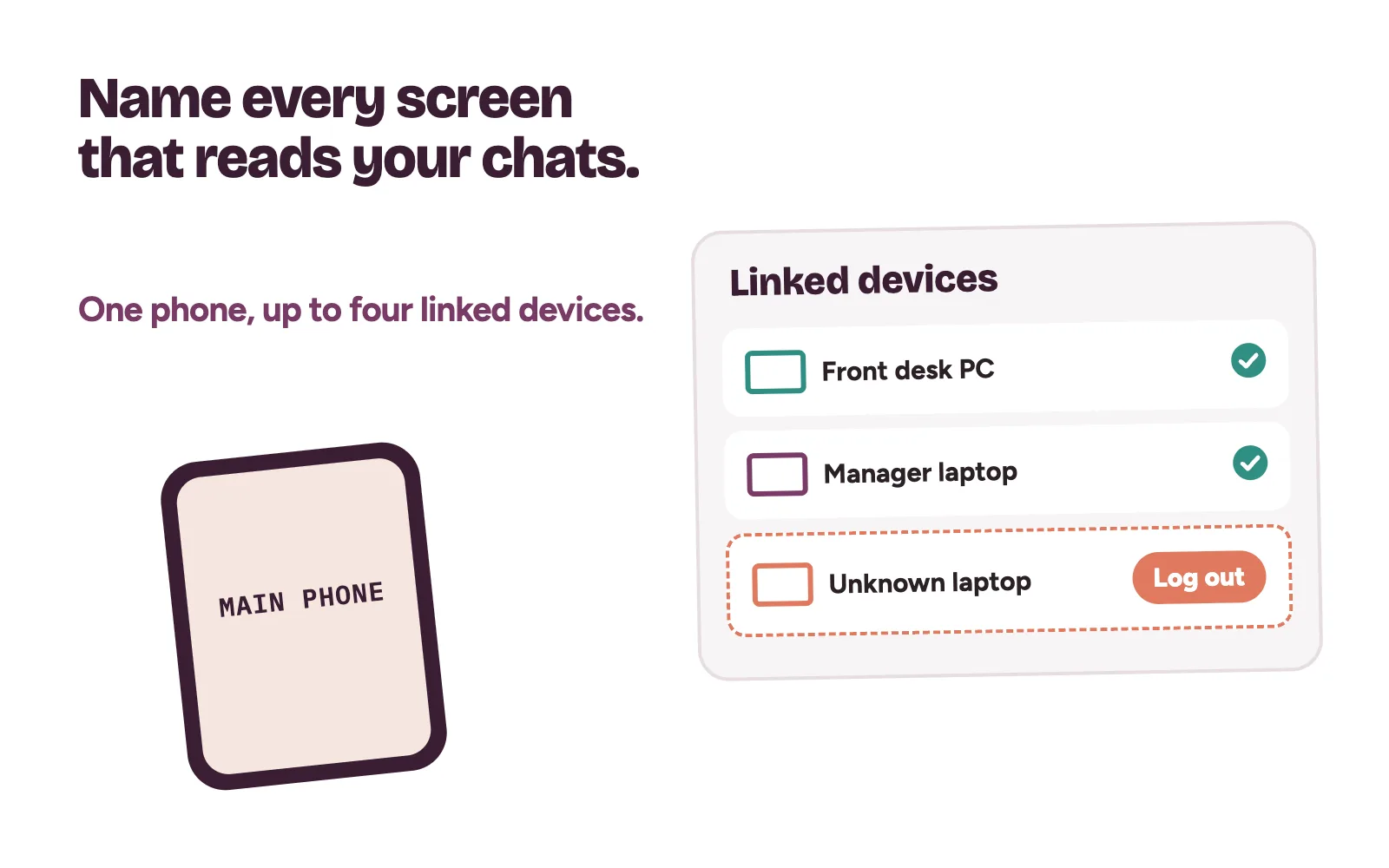
5. Linked devices: know every screen that reads your chats
A WhatsApp Business account can run on one phone plus up to four linked devices, such as the front-desk computer on WhatsApp Web. WhatsApp’s page on linked devices sets out the rules.
- Linked devices work without the phone online, but log out if the phone is unused for over 14 days.
- Inactive linked devices disconnect after 30 days.
- Broadcast lists, status and live location don’t work on linked devices.
Open Linked devices from the menu or settings and read the list. Log out anything you don’t recognise. When a receptionist leaves, log out their device that day.
If your team needs more than four screens, read when a clinic needs the WhatsApp Business API.
Greeting, away messages and labels
These sit under Tools. We cover them step by step, with sample wording and a four-label set, in WhatsApp Business for clinics. After any change to your hours, recheck them so the away message still matches your opening times.
A monthly settings check for the practice manager
- Profile: hours, address and website still correct.
- Privacy: last seen and unknown callers still set as agreed.
- Two-step verification on, recovery email current.
- Linked devices: every device named and in use.
- Labels: no chat stuck in “Follow up” for more than a day.
And keep WhatsApp in proportion. Patients also call, send Instagram DMs and message from Google. Each of those needs the same quick reply and the same next step.
How Kren helps clinics set this up
Kren is a done-for-you growth partner for private clinics in Lagos and Abuja. We set up your enquiry channels and make sure each one feeds one booking routine. Your front desk does the final follow-up and books the patient. See our leak closure work and booking operations.
On a 30-minute strategy call, we look at where enquiries slip through at your clinic. Show me where my clinic is losing patients →
Questions clinic owners ask about WhatsApp Business account settings
Who should hold the two-step verification password?
The owner or practice manager. Add a recovery email the clinic controls, so access never depends on one person’s inbox.
How many staff can reply from one WhatsApp Business account?
WhatsApp allows one phone and up to four linked devices at a time. Clinics with more people answering chats usually look at the WhatsApp Business API instead.
Can patients see our account even if we block them?
Yes. WhatsApp says the business profile and catalog stay visible to anyone with your number saved, including blocked users. Blocked users can’t message you or see your last seen.