Blog · Websites · 5 min read
Inside a Kren clinic website: the parts that turn visitors into bookings
What we put on a Kren clinic website, from the homepage promise and treatment pages to booking on every page and tracking, and what each part does for bookings.
By the Kren Agency team ·
A clinic website turns visitors into bookings when every part of it does one job: answer a question a patient has before they book. When we build a clinic website for a private clinic in Lagos or Abuja, we put in eight parts, each with a clear job. This post walks through each one and what it does for your bookings.
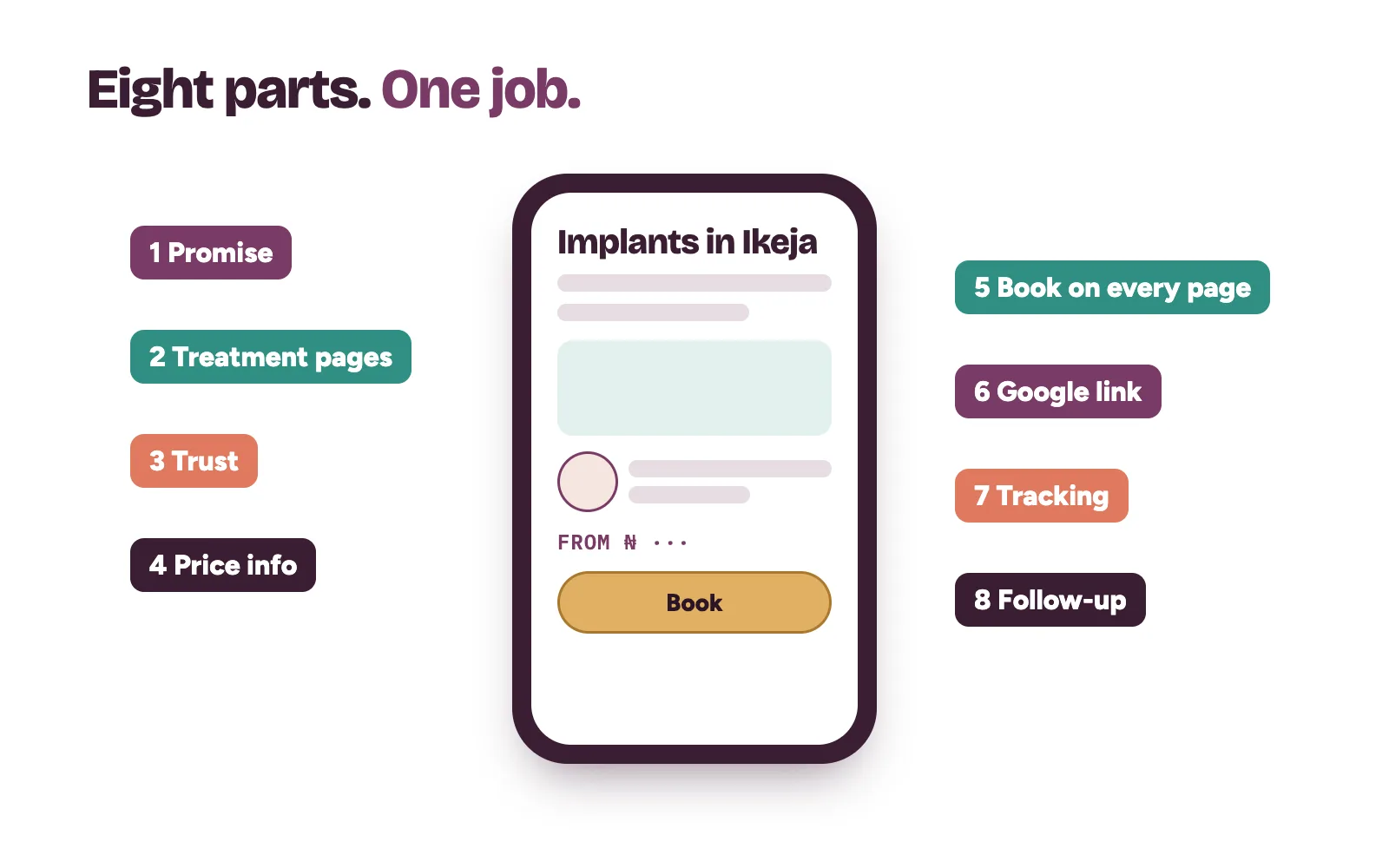
What makes a clinic website bring bookings?
A patient lands on your site with a short list of questions. Do you treat what I need? Who will see me? Roughly what will it cost? How do I book? If the site answers them fast, they book. If it doesn't, they press back and try the next clinic.
So we build every page around those questions. If you want the owner's checklist for judging any web designer, read our post on website design in Nigeria for clinics. This post shows what we put in when we do the work ourselves.
1. A homepage promise patients understand in seconds
The top of the homepage says who you treat, what you are known for and where you are. One line, in plain words. "Welcome to our clinic" tells a patient nothing.
Under it sits one button that leads to booking, plus your area and opening days. A patient should know within seconds whether you are the right clinic for them.
2. Treatment pages for the work you want more of
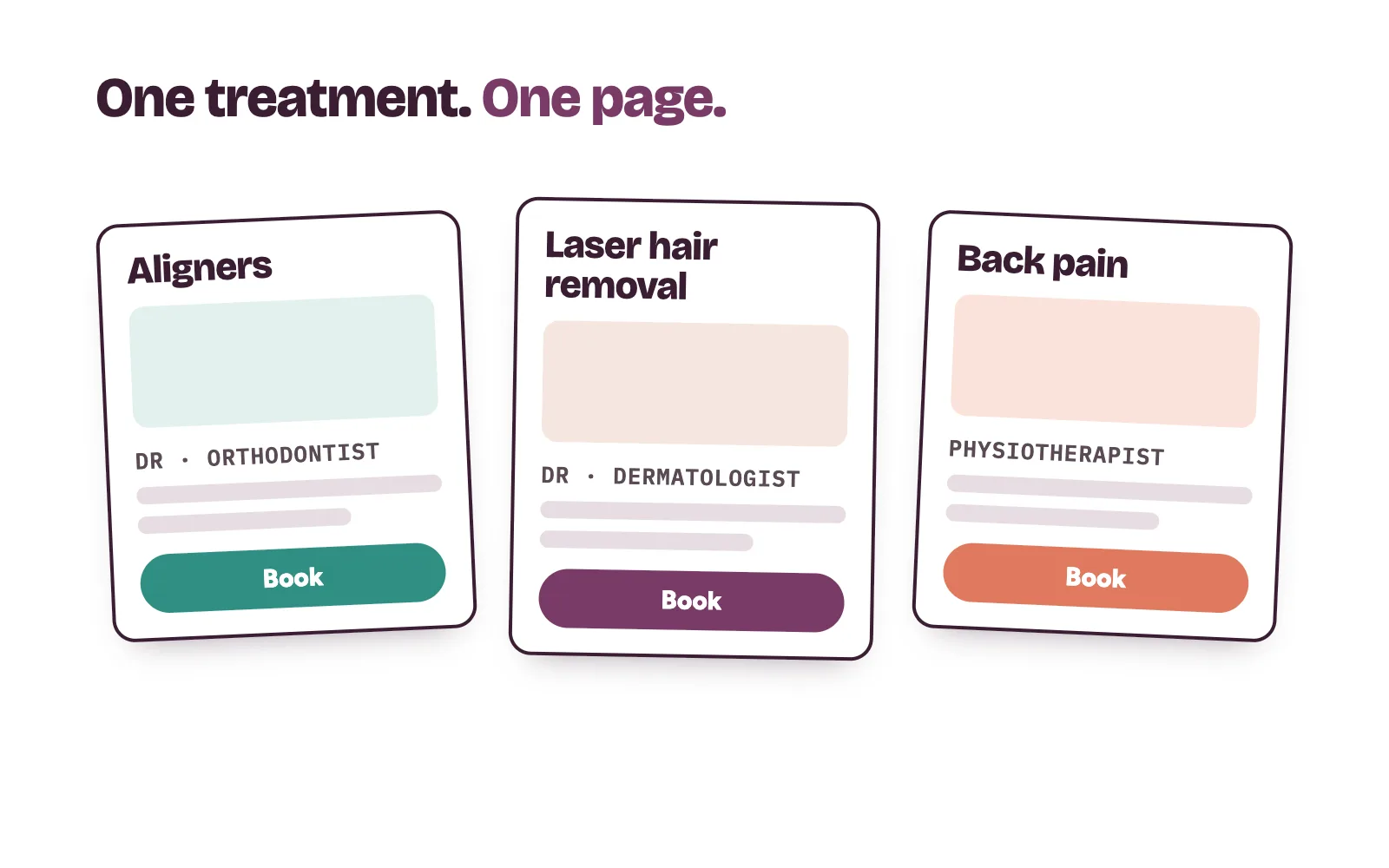
Every treatment you want more patients for gets its own page. Each page covers what the treatment involves, who it suits, who does it at your clinic and how to book a consultation.
We write every word in language patients use, and your medical team checks it for accuracy. Nothing goes live until you approve it, and nothing promises a result.
3. Trust a stranger can check
A new patient is choosing a stranger to treat them. We give them what they need to feel safe:
- Doctor and specialist profiles with real qualifications.
- Real photos of your clinic and team, which we plan with you.
- Your recent Google reviews, shown as they are.
- Your registration details, where your profession expects them.
No before-and-after photos or patient details go up without written consent.
4. Price information, on your terms
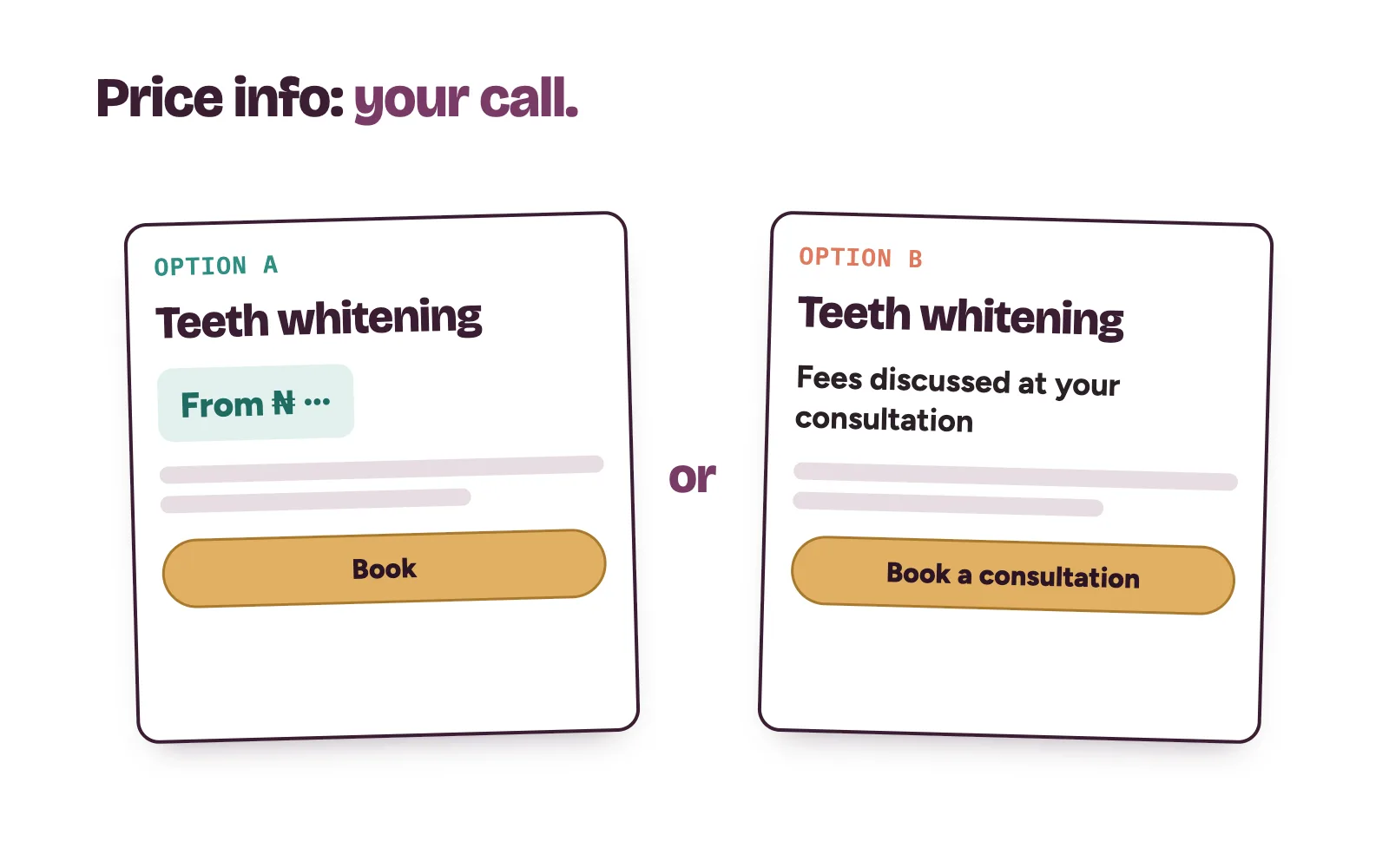
Many patients want a price or a starting price before they enquire. Showing one cuts repeat "How much?" questions at the front desk. If you would rather discuss fees in person, we make booking a consultation the obvious next step instead. That decision stays yours.
5. Booking one tap away on every page
Patients rarely enter through the homepage. They land on a treatment page from Google, an ad or a social post. So every page carries the same booking action: a consultation request, a call button or a booking link.
On a phone, it sits where a thumb can reach it. Nobody should have to hunt for a contact page.
6. A link that matches your Google profile
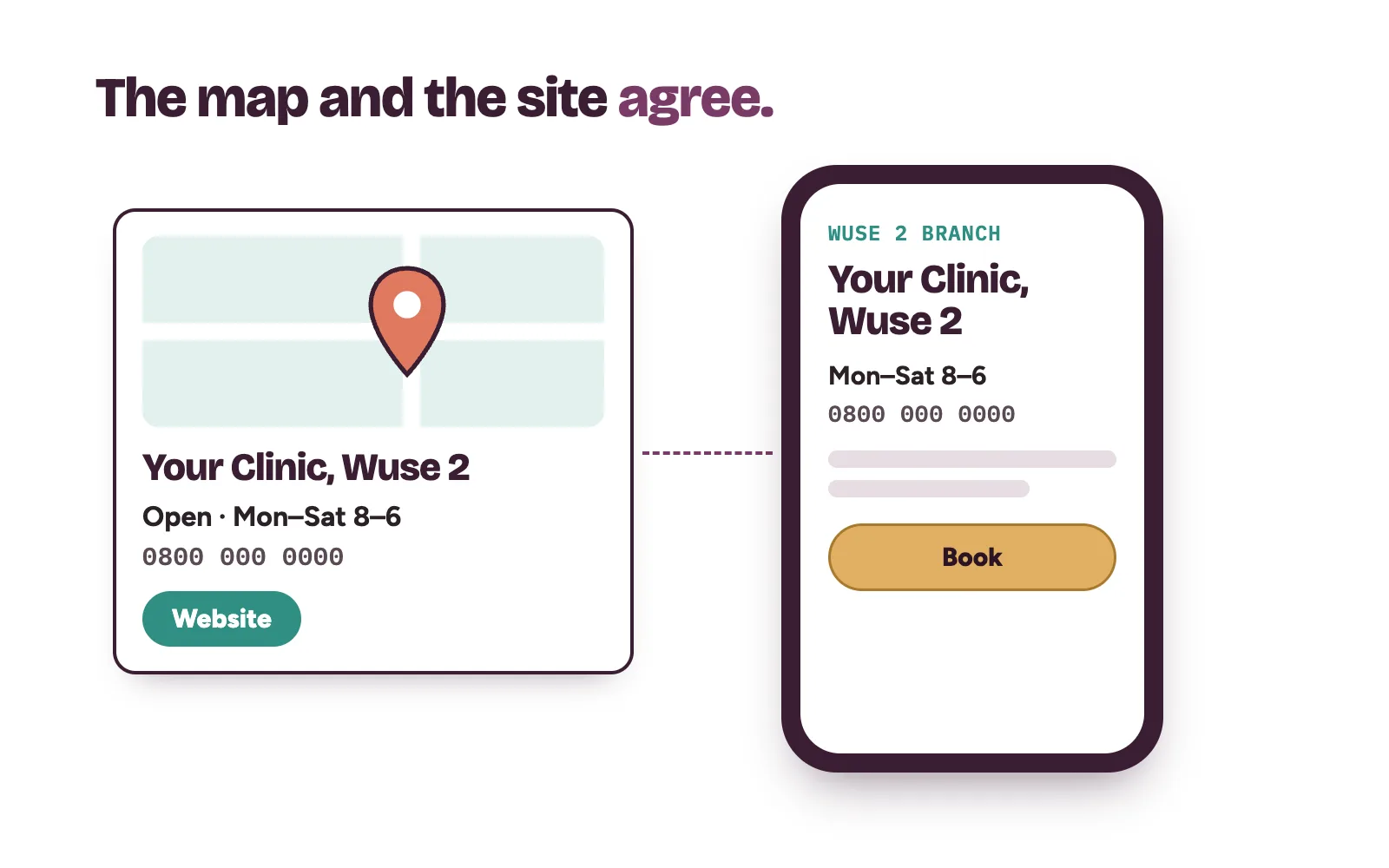
Many patients find you on Google Maps first, then tap through to your website. The two must agree on name, phone number, address and hours. Google's own rules ask businesses to provide a website that represents their individual business location, and not URLs that redirect to other pages (Google Business Profile guidelines).
For a clinic with more than one branch, that means one page per location, and each Google profile links to its own page. Our post on Google Business Profile for clinics covers the profile side.
7. Tracking every booking request
We track which pages bring booking requests and which lose people. In Google Analytics, a business marks the actions that matter to it as key events (Google Analytics Help: key events). For a clinic, those are form requests, call taps and booking clicks.
Every month we show you what came in and from which page, then fix the weak pages first.
8. Follow-up hooks that hand over to your team
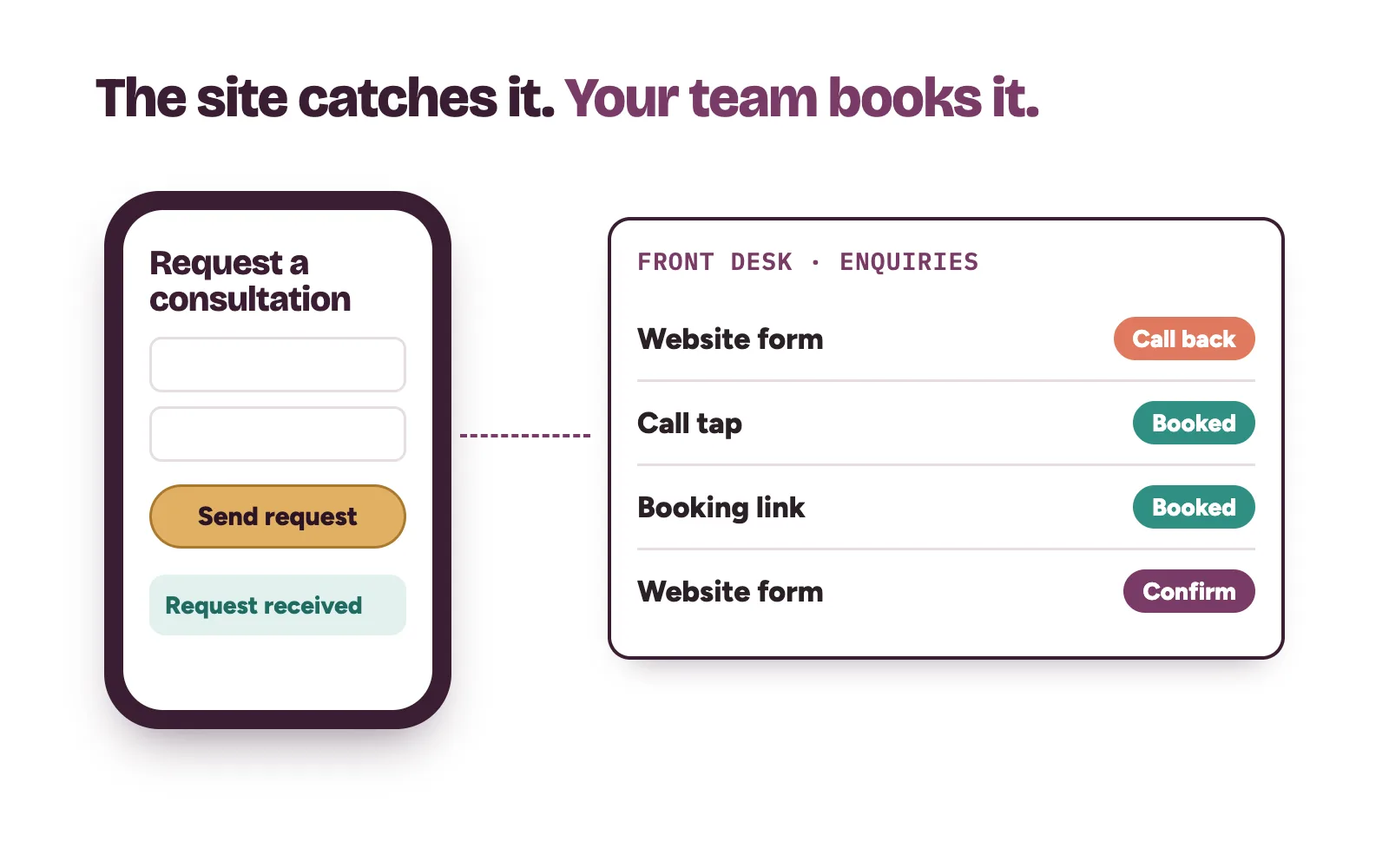
A booking request is not yet a patient. So we connect every form, call and message the site creates to one list your front desk sees. We set up an instant confirmation so the patient knows the request landed.
Then your own team calls back, answers questions and books the patient. We set up the automations; your team does the final follow-up and booking. For the reply side, read how to stop losing patients in your DMs.
How each type of clinic changes the build
The eight parts stay the same. What goes inside them changes by clinic type. We go deeper in our posts on dental clinic websites, aesthetic clinic websites, fertility clinic websites, diagnostic centre websites, physiotherapy clinic websites and private hospital websites. The full scope is on our Website Conversion Fix page.
Questions clinic owners ask about a clinic website
Do we need a whole new clinic website?
Not always. Sometimes the fix is a few treatment pages, a clearer booking path and proper tracking on the site you already have. On the strategy call we look at yours live and tell you which it is.
Can you promise a number of bookings?
No, and nobody honest can. What we can do is track every booking request, so you see exactly what the site brings in and which pages need work.
Who answers the patients who book through the site?
Your own team. We set up the forms, confirmations and the enquiry list. Your front desk does the final follow-up and books the patient.
Does the website have to follow medical advertising rules?
Yes. Your website counts as advertising under your profession's rules, so we write every page with no promised results and no exaggerated claims. You approve every page before it goes live.