Blog · Enquiries · 5 min read
WhatsApp Business API for clinics: when you actually need it
When the WhatsApp Business app is enough for a clinic, when the API earns its cost, and the template, opt-in and pricing rules to know first.
By the Kren Agency team ·
The WhatsApp Business API is the version of WhatsApp Business that connects to a clinic’s other tools, such as a shared inbox, a CRM or a bookings calendar. A clinic needs it when several staff answer one number, when reminders should go out automatically, or when every enquiry must be recorded with its source. If one front desk keeps up with chats on a phone, the WhatsApp Business app is still enough.
WhatsApp Business app or API: what’s the difference for a clinic?
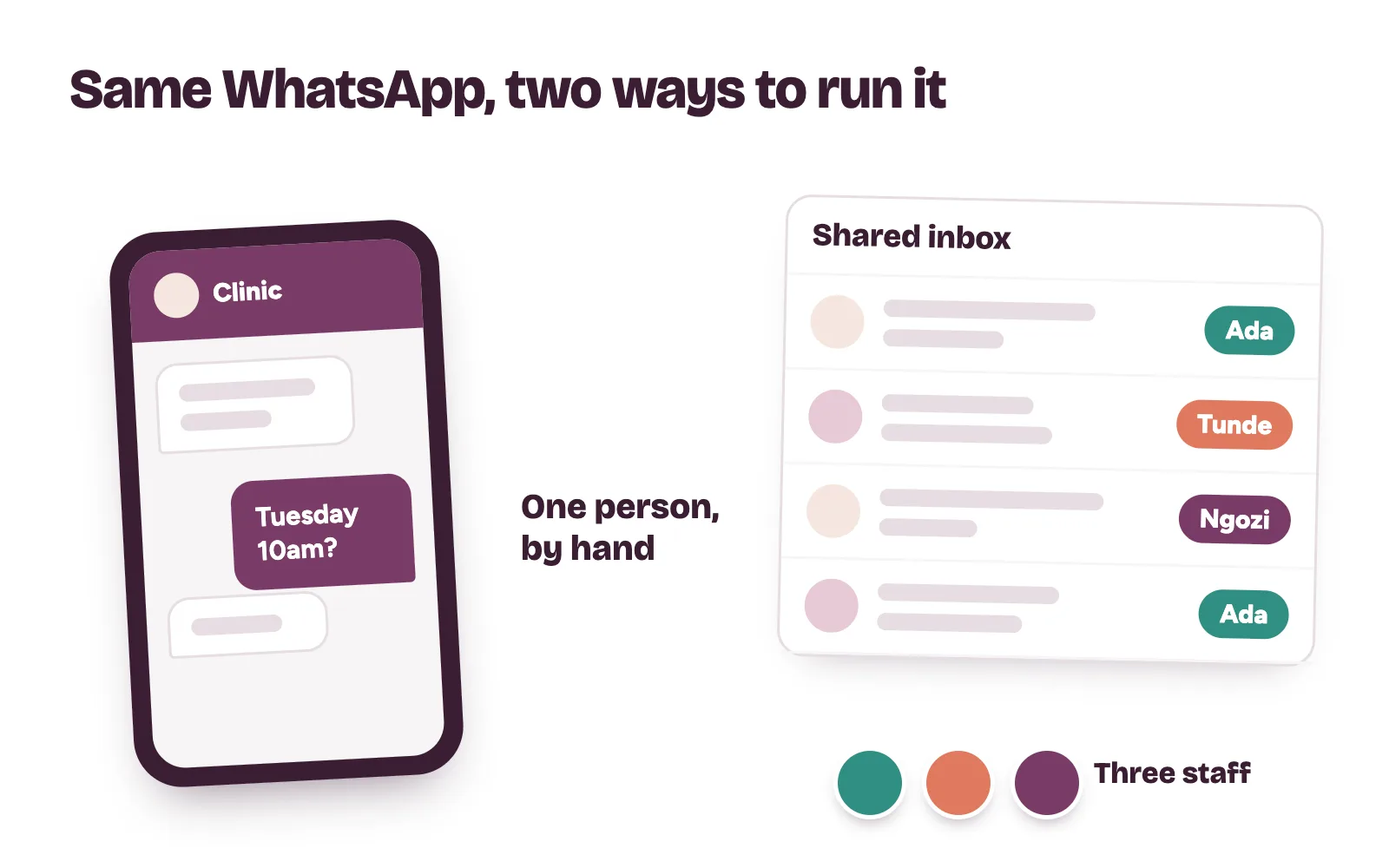
WhatsApp describes the app as “built with the small business owner in mind.” Your team uses it on a phone and does everything by hand. Our WhatsApp Business set-up for clinics covers the app step by step.
The API works differently:
- No app of its own. It links WhatsApp to the tools your clinic already uses, including CRM and marketing automation tools.
- Many people, one number. Several staff can work the same chats through a shared inbox.
Signs your clinic has outgrown the app
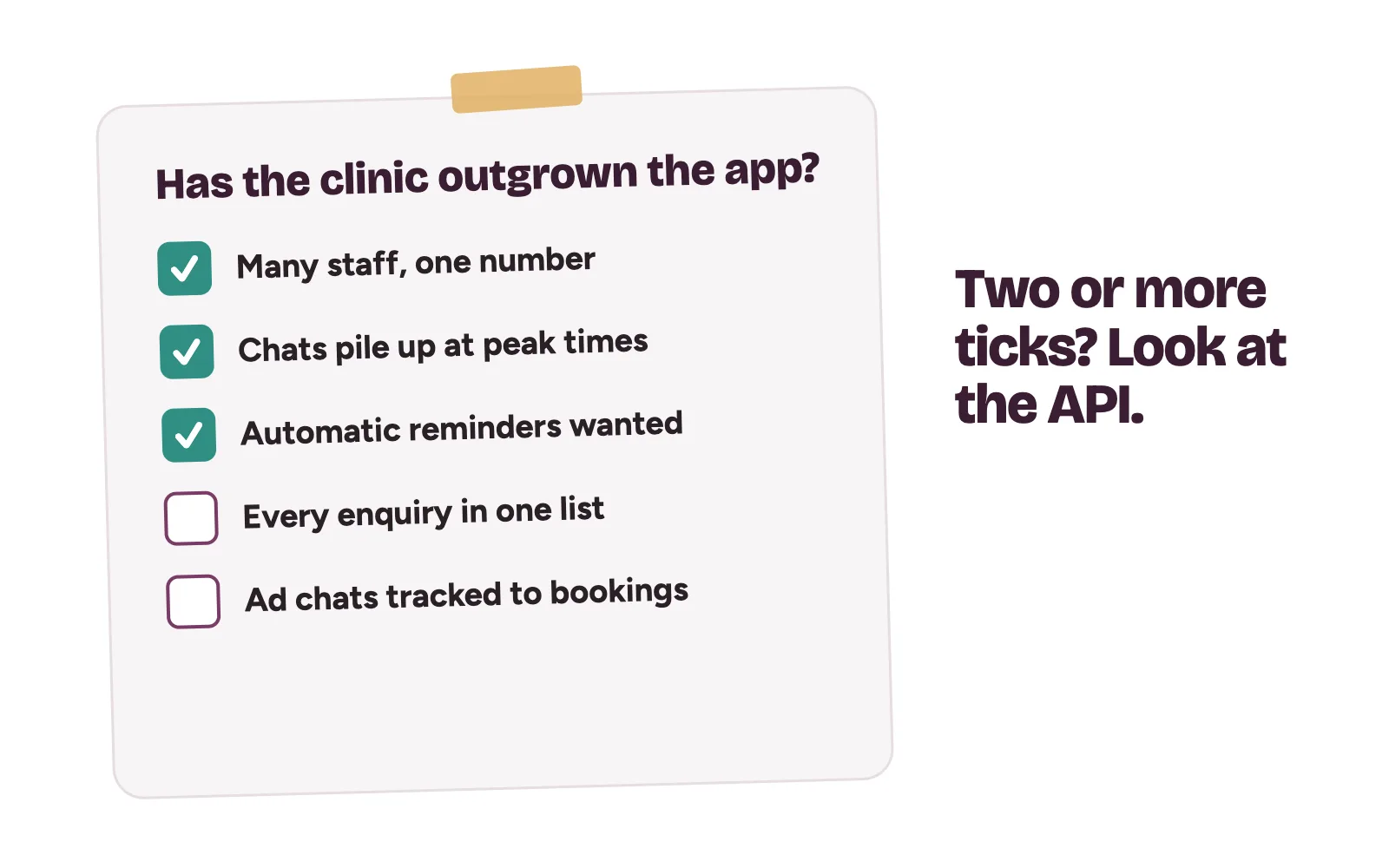
- Several staff answer the same number and nobody can see who replied to whom.
- Chats pile up at peak times, such as Monday mornings or the day a new ad goes live.
- You want reminders and confirmations sent automatically from your bookings.
- You want every enquiry recorded in one list, with where it came from.
- You run Click to WhatsApp ads and want to know which chats became bookings.
When the app is still enough
If none of these apply, stay on the app. The API adds cost and set-up work. It won’t fix slow replies on its own.
WhatsApp is also one door of several. Patients call, send Instagram DMs and find you on Google too.
How does a clinic get WhatsApp Business API access?
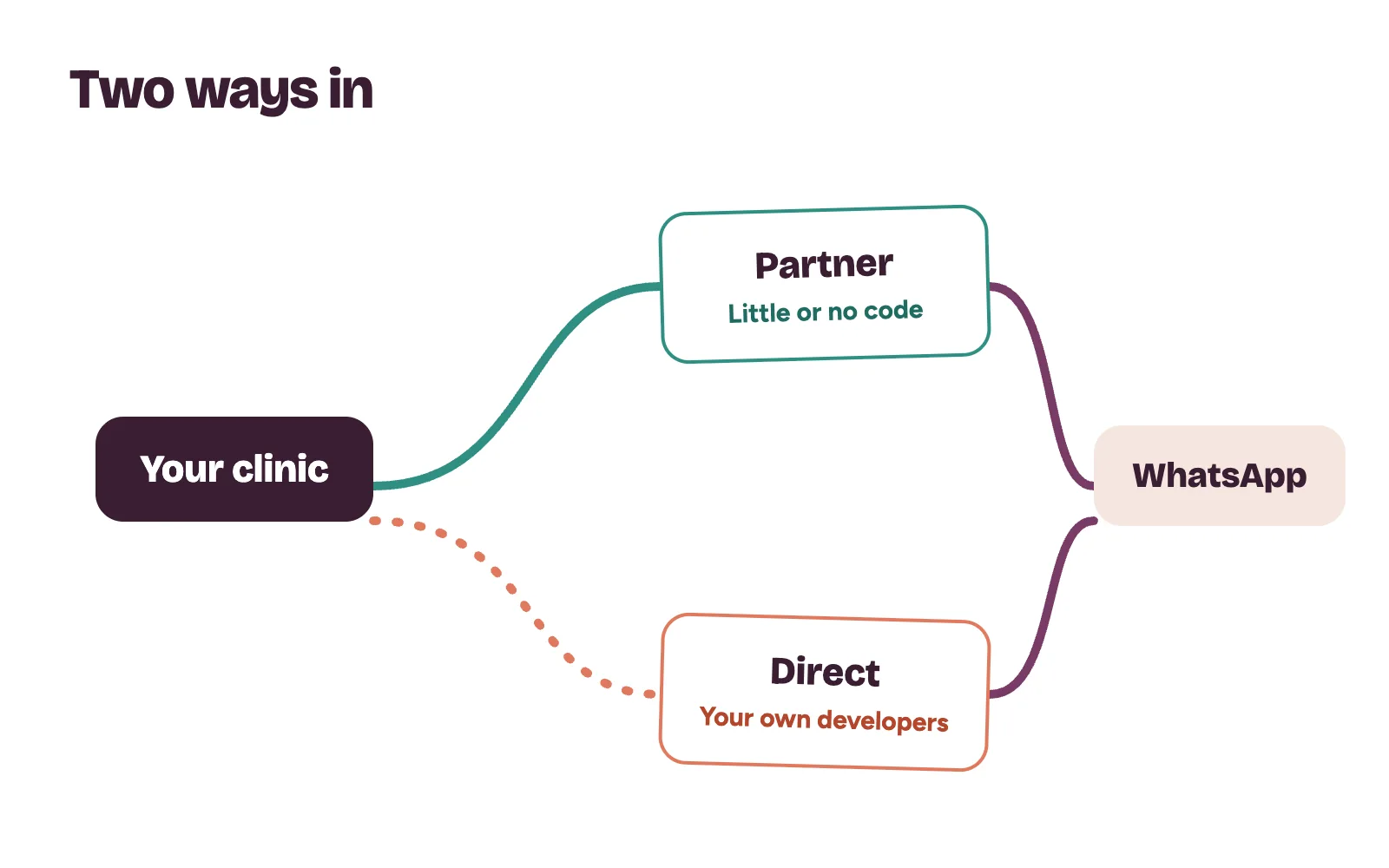
WhatsApp offers two routes:
- Through a partner. You pick a WhatsApp partner and sign up through their onboarding screens. WhatsApp says the partner handles the technical set-up, with little or no code required.
- Directly. Your own developers connect to WhatsApp and send from your own phone number.
Either way, Meta’s developer documentation lists what you need:
- A Meta business portfolio. Verifying it can unlock features such as higher sending capacity.
- A WhatsApp account linked to that portfolio.
- A business phone number, real or virtual, with a display name patients see.
Keep the business portfolio in the clinic’s name, with the owner as an admin. If a partner or agency leaves, the number and its history stay with you.
Templates, the 24-hour window and patient opt-in
Three rules, set out in WhatsApp’s Business Messaging Policy and developer documentation, shape what a clinic can send.
The 24-hour customer service window
Each patient message opens or resets a 24-hour window. Inside it, your team can reply in their own words. Automated replies are allowed in the window, but patients must have a clear way to reach a person, such as a hand-over to a staff member in the chat.
Message templates
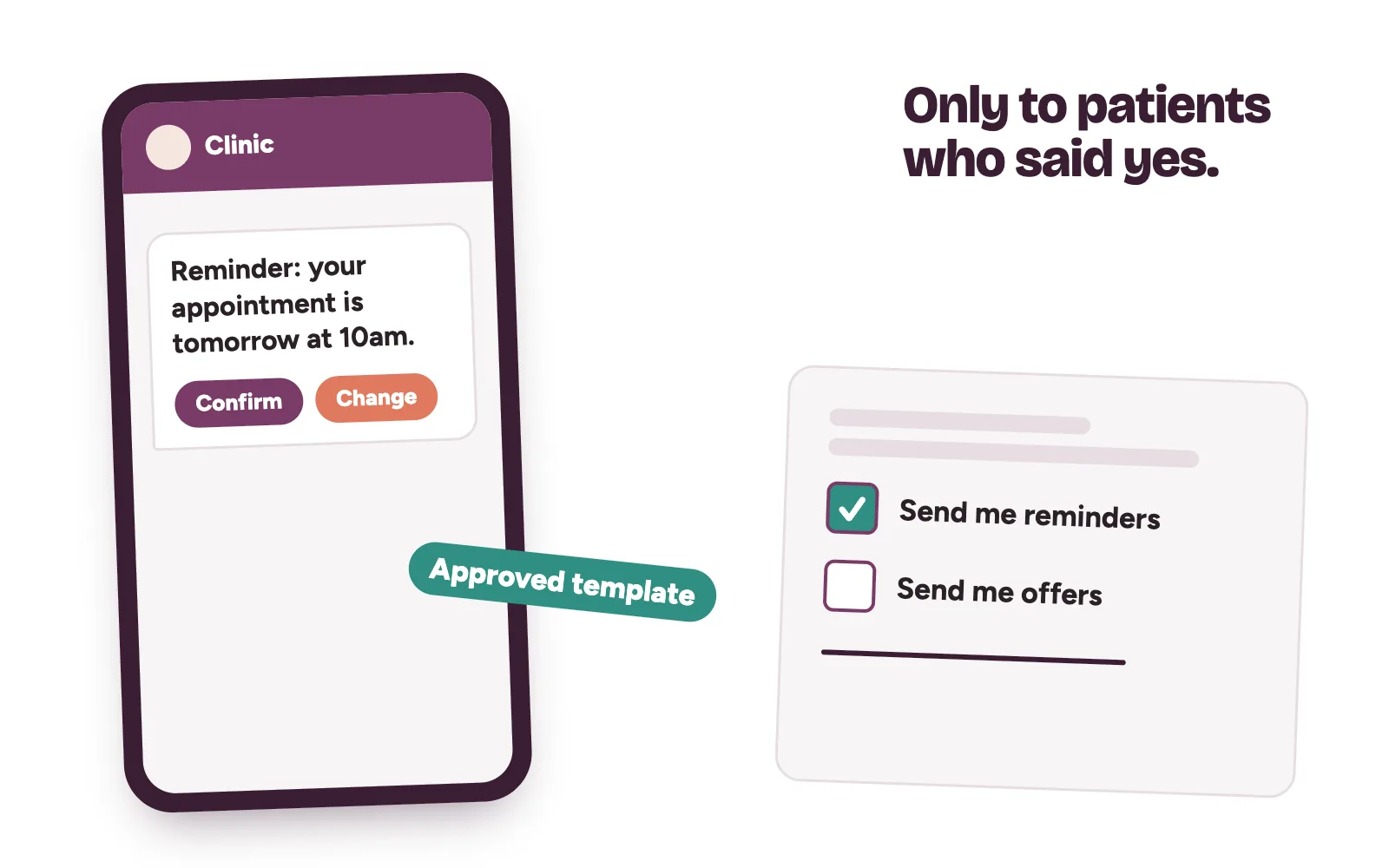
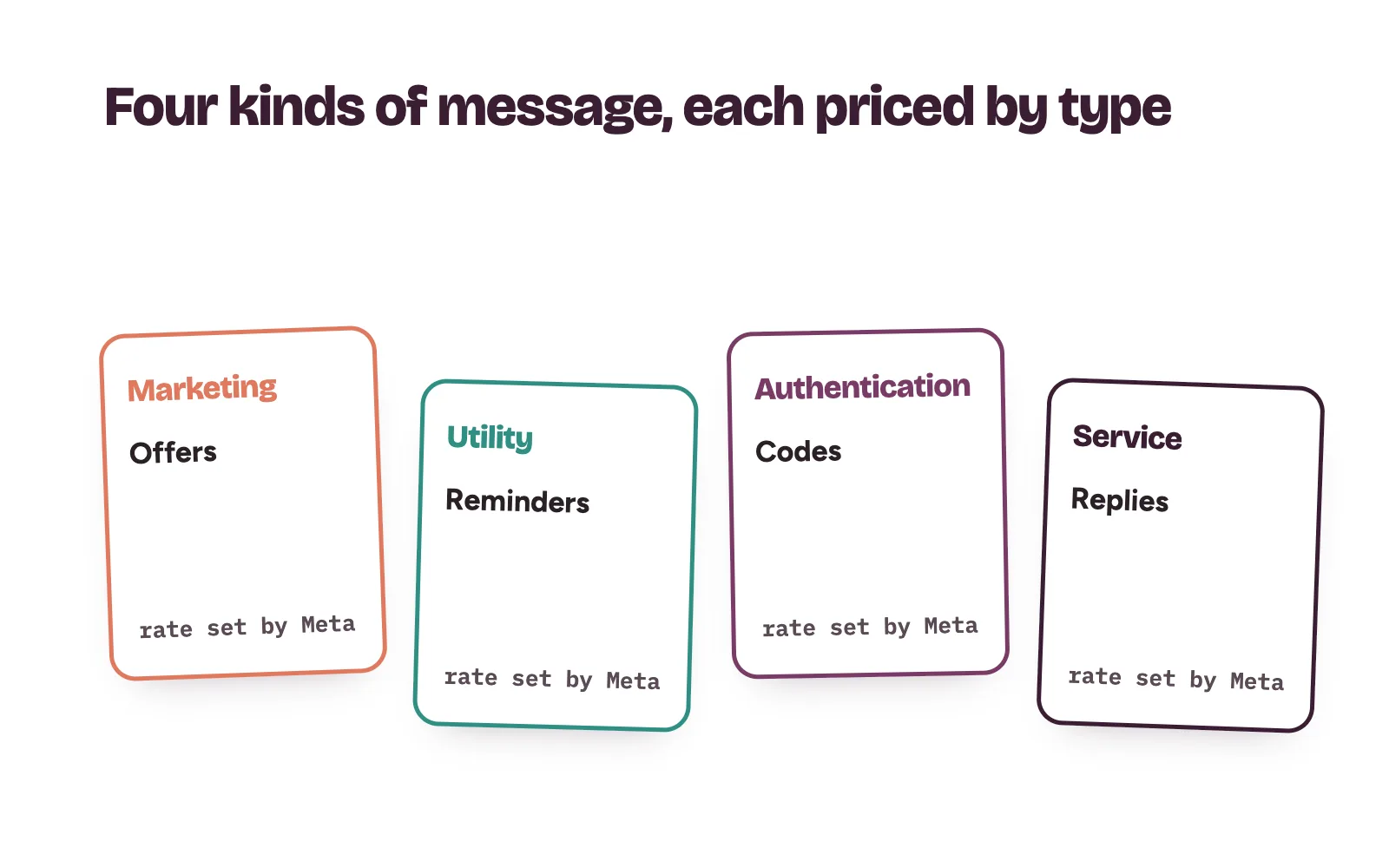
Outside the window, you can only send approved message templates. Each template is marked marketing, utility or authentication. A reminder about a booked appointment is a transactional, utility message; a teeth-whitening offer is marketing. Only approved templates send.
Opt-in
You may message patients only after they have given their number and agreed to receive messages from your clinic. The opt-in must clearly say they are opting in and name your clinic. You can collect it on your website, by SMS, by phone or on a paper form at registration. Meta recommends separate opt-in for each type of message. Honour every request to stop, whether it comes in the chat or at the front desk.
What does the WhatsApp Business API cost?
Meta lists current rates on its WhatsApp pricing page. How charging works:
- Meta charges per message, and only when the message is delivered.
- Rates depend on the message category and the patient’s country calling code. Meta updates them quarterly.
- Each business number gets a monthly free tier of service messages, which resets each month.
- When a patient starts a chat from a Click to WhatsApp ad, a free entry point window applies to most message types.
- From 1 October 2026, Meta resumed charging for service messages beyond the free tier and for utility messages sent inside an open window.
If you use a partner, ask for their own fees in writing, separate from Meta’s charges.
Keep patient health details out of the chat
WhatsApp’s policy says not to use it for telemedicine or to send or request health information where regulations require stronger protection for that data. The same policy bars using WhatsApp for Business to buy, sell or promote medical and healthcare products.
- Use the chat to book, confirm and remind. Ask for a name, the service and a time.
- Keep reminders general: the clinic, the date and the time. Leave out the test or treatment.
- Give each staff member their own login to the shared inbox, and remove leavers the same day.
For patients who haven’t opted in, use bulk SMS reminders.
How Kren sets up the WhatsApp Business API for clinics
Kren is a done-for-you growth partner for private clinics in Lagos and Abuja. When the API makes sense, we set up access in the clinic’s name, write and submit the templates, connect reminders to your bookings and train the front desk. Your team does the final follow-up and books the patient. See our follow-up automations and booking operations.
Want to know where enquiries slip away at your clinic? On a 30-minute strategy call, we go through your enquiry channels with you. Show me where my clinic is losing patients →
Questions clinic owners ask about the WhatsApp Business API
Is the WhatsApp Business API free?
No. Meta charges per delivered message, by category and the patient’s country. Messages patients send you are not charged.
Can we send appointment reminders through the API?
Yes, as approved message templates, to patients who opted in to messages from your clinic. Outside the 24-hour window, templates are the only messages you can send.
How long does template approval take?
Templates are reviewed automatically when you create or edit them. Meta says review can take up to 24 hours.